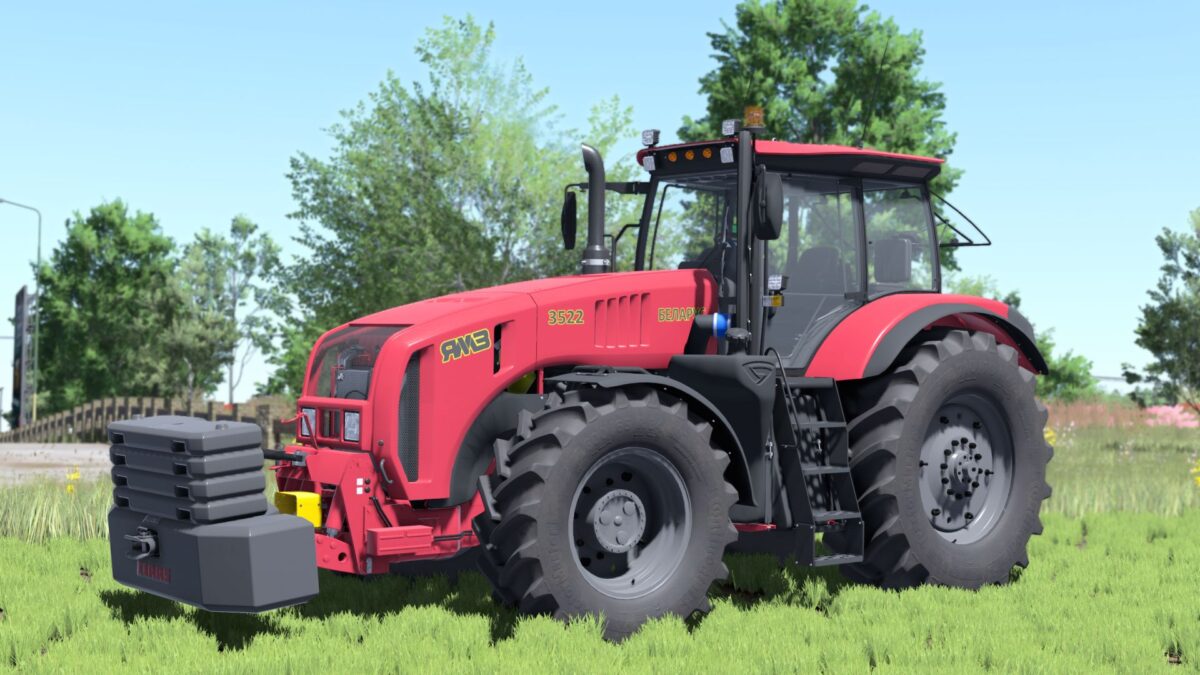
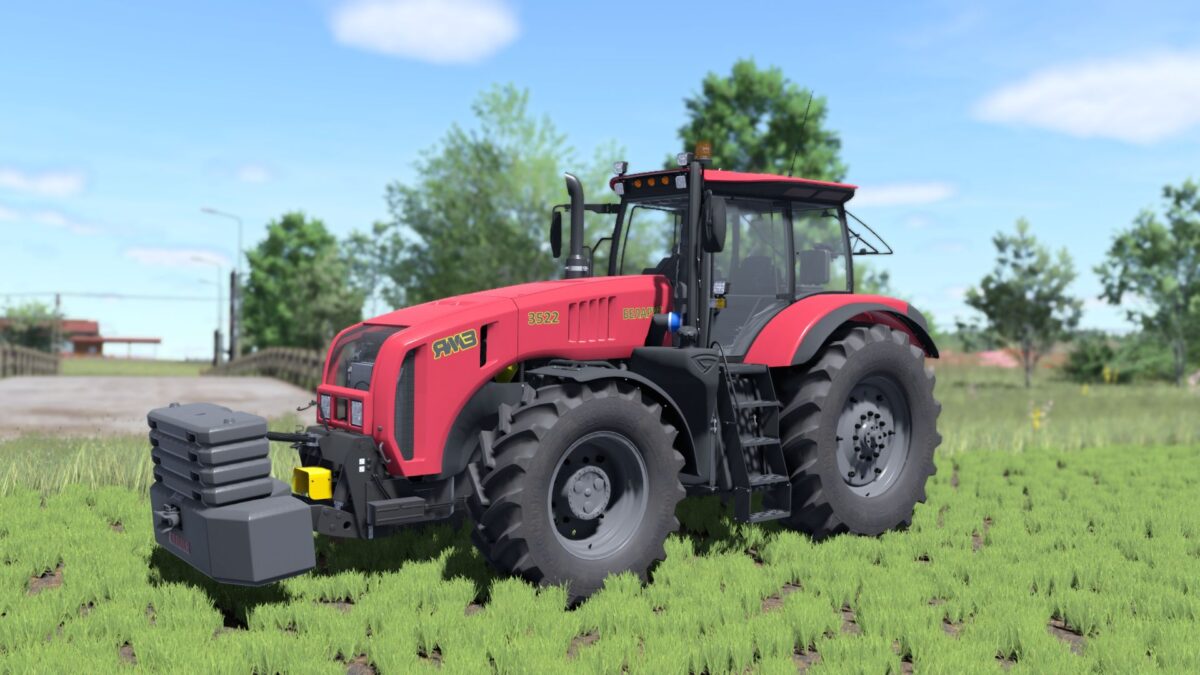
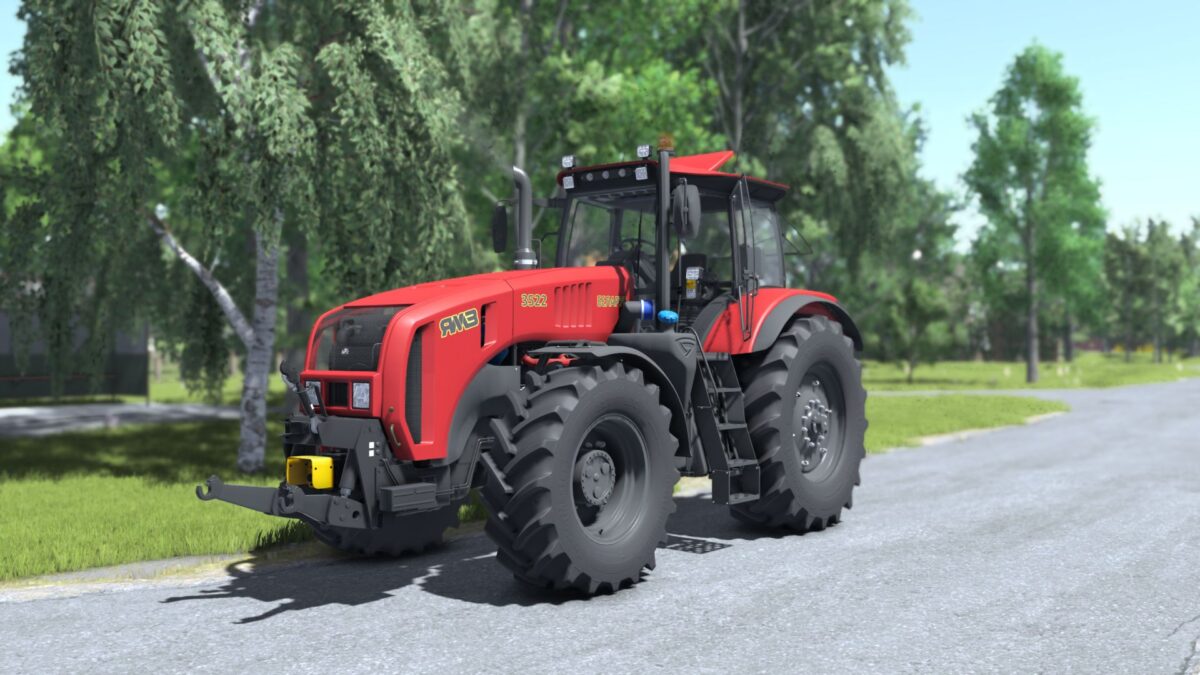
MTZ Belarus 3522 v 1.1


– Power: 287 kW / 390 hp;
– Speed: 40 km/h;
– Volume of a fuel tank: 650 l. ;
– Cost: €156,000;
– Choice of plastic color;
– Choice of frame color;
– Choice of the color of a padding of a seat;
– Choice of rim color;
– Rotating lights configuration;
-Configuration of decals;
– Beacon configuration:
-Wheel configuration;
– License plate configuration;
– Adjustable mirrors;
– Animated instruments, display, pedals, gear lever, keys, indicator lever, ignition key;
– Work lighting equipment;
– Working mirrors;
– Leaves traces;
– Dirty and washable;
– Support for “Interactive Control”
– Minor technical changes;
– Added seed tube holder for seeders of this type;
– Added sound choices: by default, YaMZ.
– Engine color adjustments
– Added some lights
– Added universal passenger support
– Added few more visual details
Version 1.1:
* Version FS25 Shaders
* Added base colors
* ModDesc changes
* DescVersion changed
* Version changed
* Added Variable Tire Pressure mod support
Credits:
BullES, Starlexs, SMods