

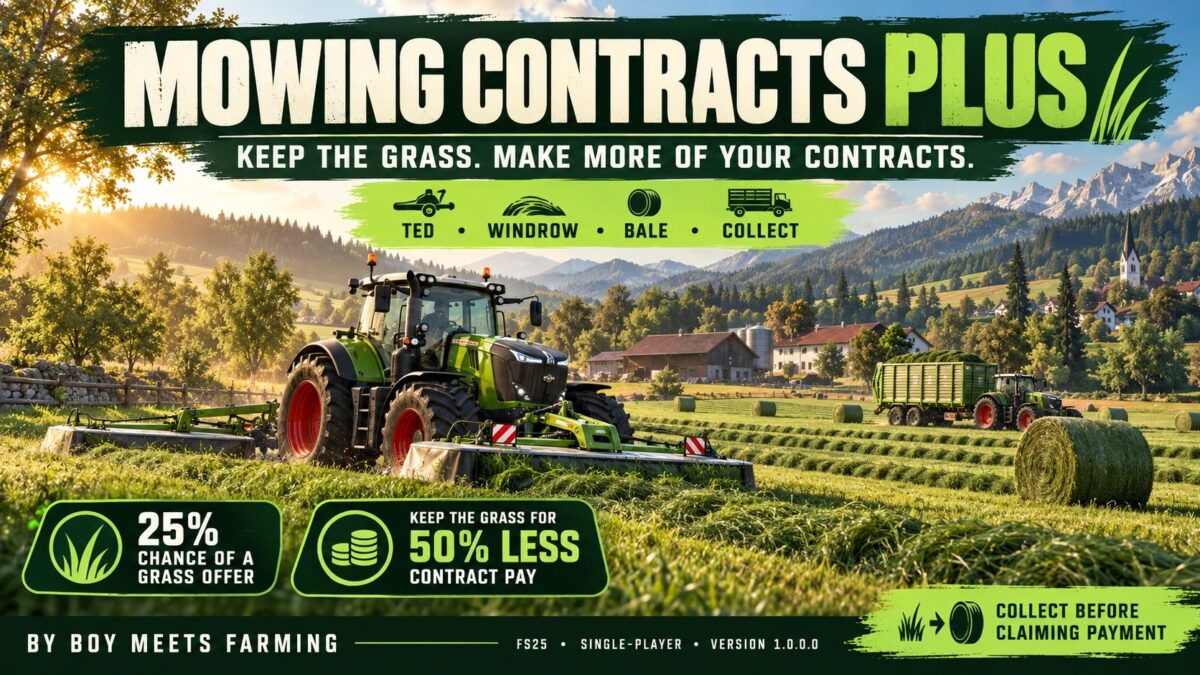
Mowing Contract Plus v 1.0


First public release for Farming Simulator 25.
Mowing contracts have a 25% chance of offering you the grass in exchange for a 50% reduction in the contract reward.
Equipment hire costs still apply.
Accepting the offer allows you to ted the grass into hay, windrow it, bale it, or collect it with a forage wagon on the contract field.
Collection access continues after mowing is completed successfully.
Collect everything you want before collecting payment, as payment, cancellation or failure ends access.
Credits:
Boy Meets Farming


For contractor roleplay, I’d choose the collection plan before accepting the grass offer: keep it as grass or make hay, which machine will collect it, and where it will go. Half the cash reward and the normal equipment hire bill remain part of the deal, so the grass is a different form of payment, rather than a free extra.
The access deadline described here is worth making explicit to the whole crew: finish mowing, collect the material you want, then collect payment. I’d give one player responsibility for closing the contract so another player does not end field access while the baler or wagon is still working. I haven’t tested this mod; this is a session-planning suggestion based on its description.
I’m with Podmon, an English-language fictional FS25 series. Episode 3 uses baling and unfamiliar equipment to establish the work before two completed jobs, $18,000 unpaid and four unanswered calls become the story conflict. Here’s the story example for pacing contractor roleplay: https://www.youtube.com/watch?v=zb27UXftg04 (fiction; AI-assisted voices and images; Polish and Russian CC). It isn’t a demonstration of this mod.
For cooperative contracts, do you nominate one player to collect payment, or make closing the job a shared decision?