FS25 Misc

Move owned Placeables v 1.0.0.1

Move owned Placeables v 1.0.0.1

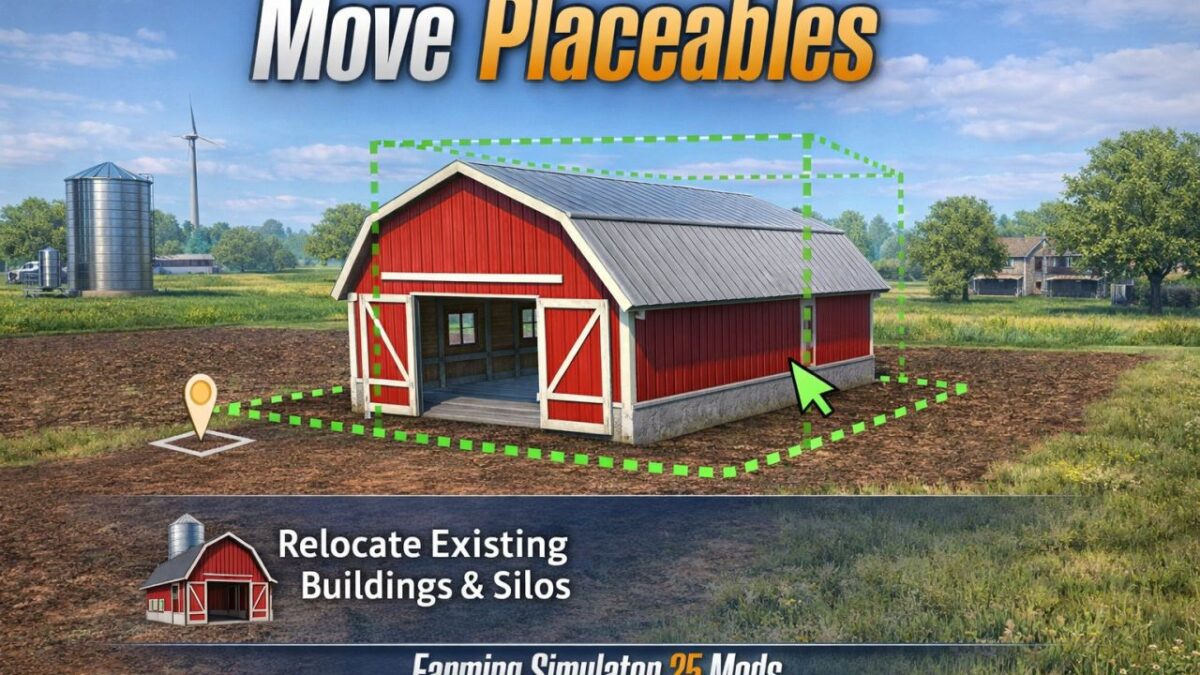
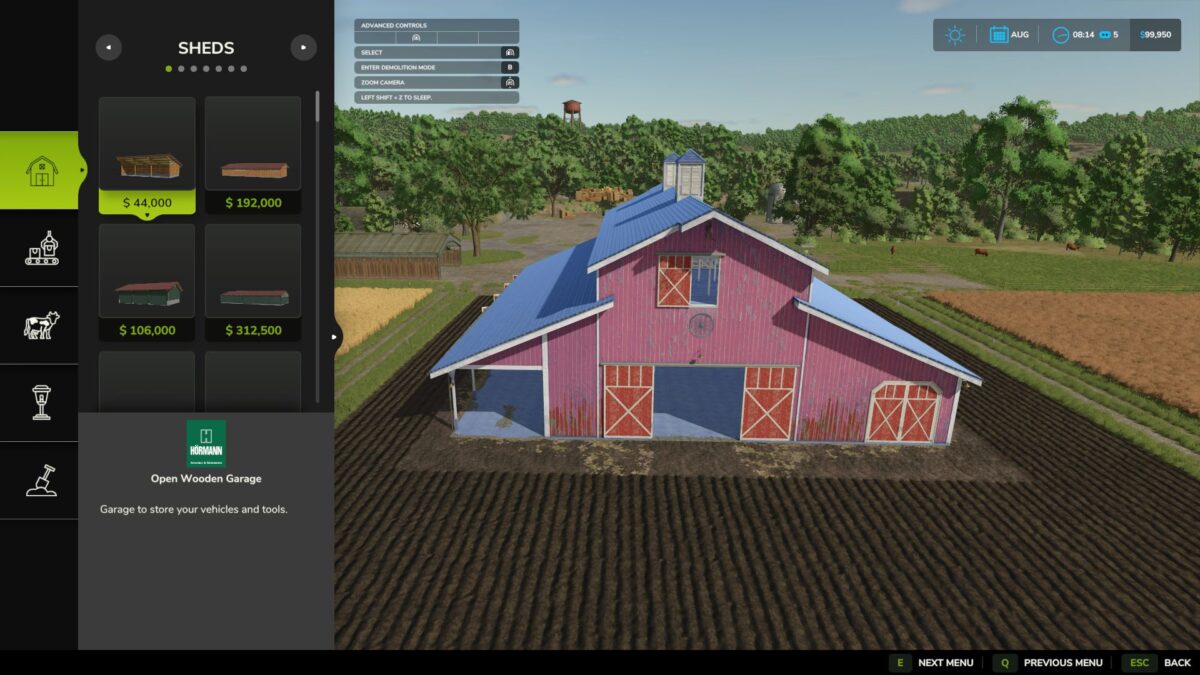
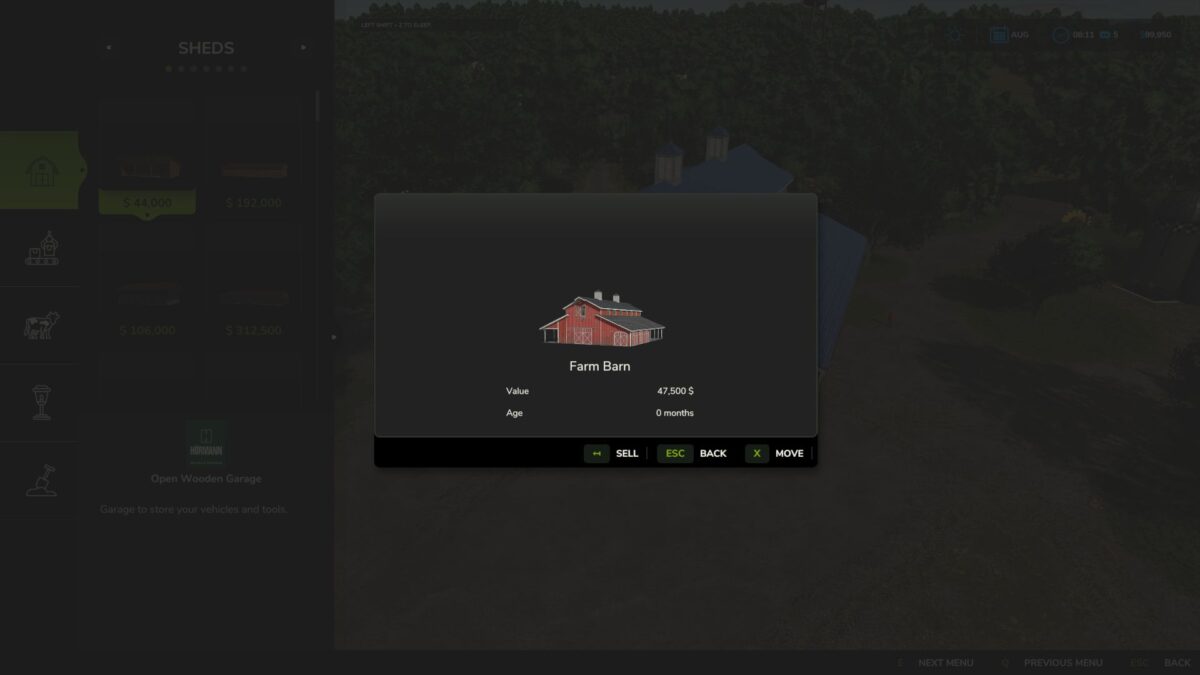
Move owned placeables directly in construction mode instead of selling and replacing them.

Features:
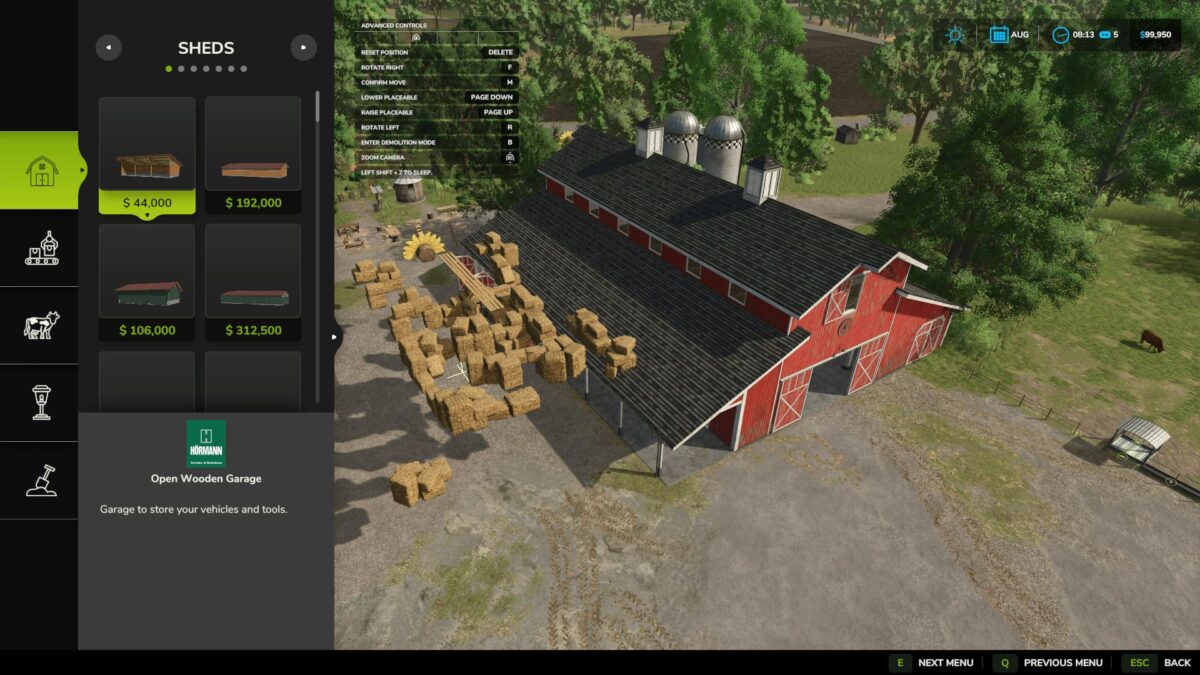
– Move button in the placeable info dialog
– Left-drag movement with height and rotation controls
– Controls shown in the built-in top-left controls menu
– Ground refresh at the new location after confirming
– Best-effort restore of the old ground to reduce leftover muddy patches

Controls:
– Left mouse drag: move
– Page Up / Page Down: height
– R / F: rotate
– Delete: reset
– M: confirm
– Esc / Back: cancel

Limitations:
Animal pens are blocked for now because their fence networks do not move safely with the pen

Please keep a backup of your savegame before moving complex productions, fences, or other advanced placeables.

Version 1.0.0.1:
* Added compatability with the mod Fresh

Credits:

plutogaming91

How to install FS25 Misc?
Firstly find a mod which you like and want to download. Then download a mod to your PC. Mods are usually in .zip format file. But sometimes it can be in .rar. If a mod file is a .zip format no needed additional actions. If a file is in .rar, then you must unarchive mod with software like WinRar or Zip7. Windows 10 users no need to use software for archives, Win10 itself has a feature to unarchive files.
The next step is to find mods folder in your PC. Usually, it is in Documents/My Games/Farming Simulator 25/2025. Open the "mods" folder and put downloaded .zip archive or unarchived .rar file to this folder.
Last step. Enjoy of FS25 mods!

Leave a Reply

Your email address will not be published. Required fields are marked *