More Flours v 1.0.0.1


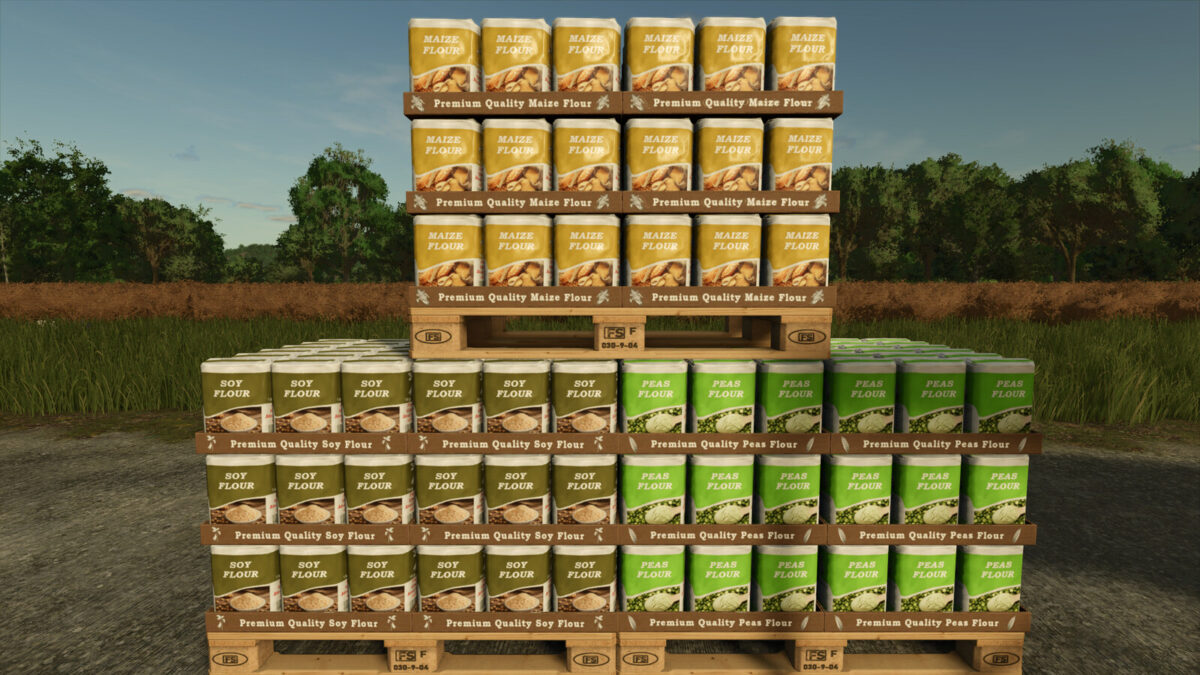
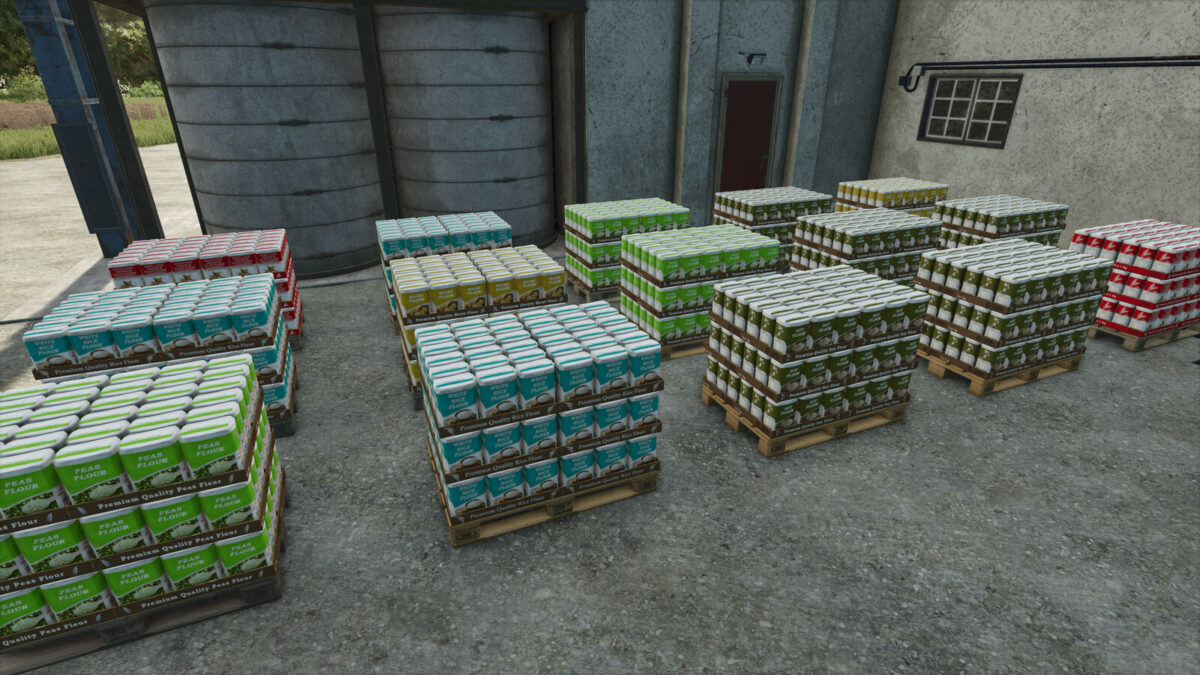
Adds a grain mill to produce maize, soy and peas flour in addition to those already present by default.
Included in the mod you will find:
grain mill:
– Category: placeable – productions
– Price: $288000
– Monthly upkeep: $90
Small grain mill (with faster production cycles):
– Category: placeable – productions
– Price: $36000
– Monthly upkeep: $30
Flour selling station:
– Category: placeable – productions – selling stations
– Price: $1000
– Monthly upkeep: $0
Production recipes (in addition to those already present by default):
Input: maize
Output: maize flour.
Input: soybeans
Output: soy flour.
Input: peas
Output: peas flour.
Version 1.0.0.1:
* Balanced the selling prices of maize, soybean and pea flour
* Revised production cycles to make them more balanced with those of the default flours
* Flour pallets are now manually liftable
* You may have to wait until the next game year to see the price changes in the price menu
* If you think that the prices of flours are not too high and you like them that way, then do not install this update
Credits:
Piersi