

More Dust and Soil Settings v 1.0


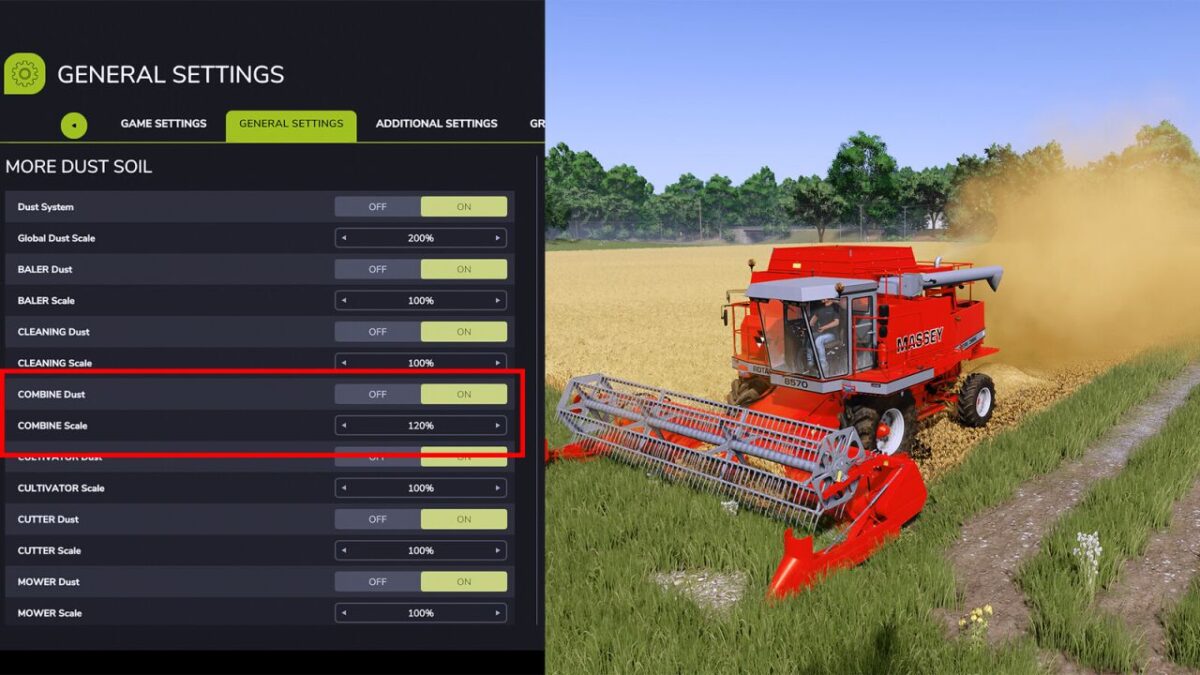
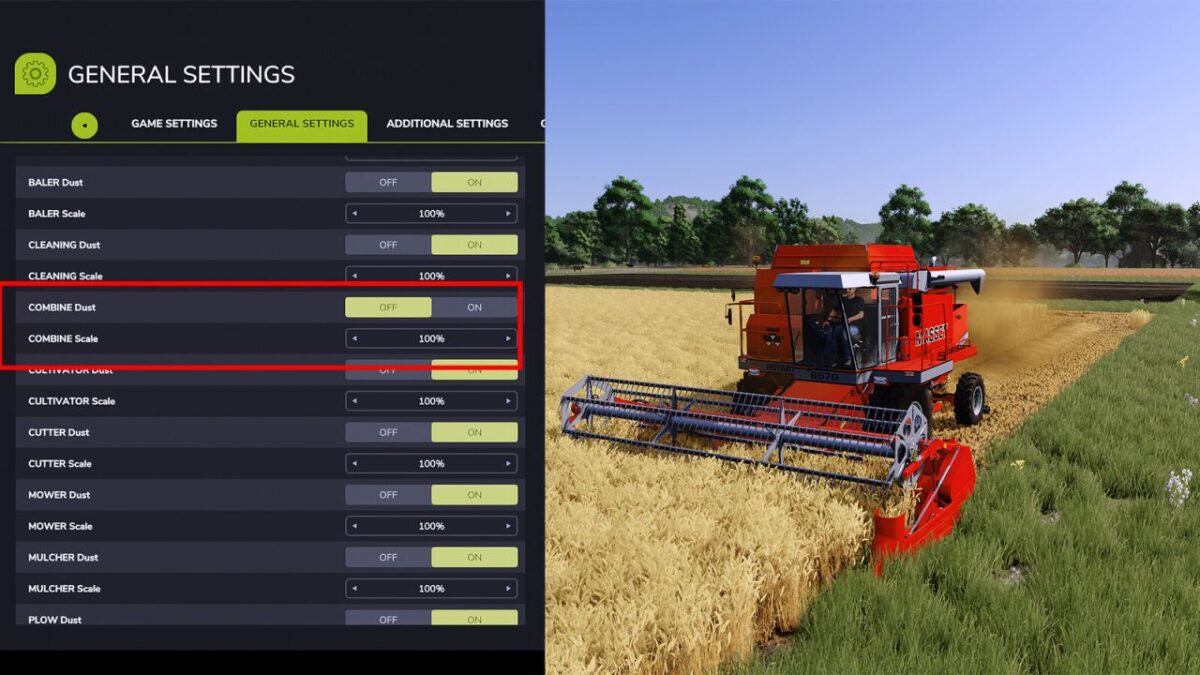
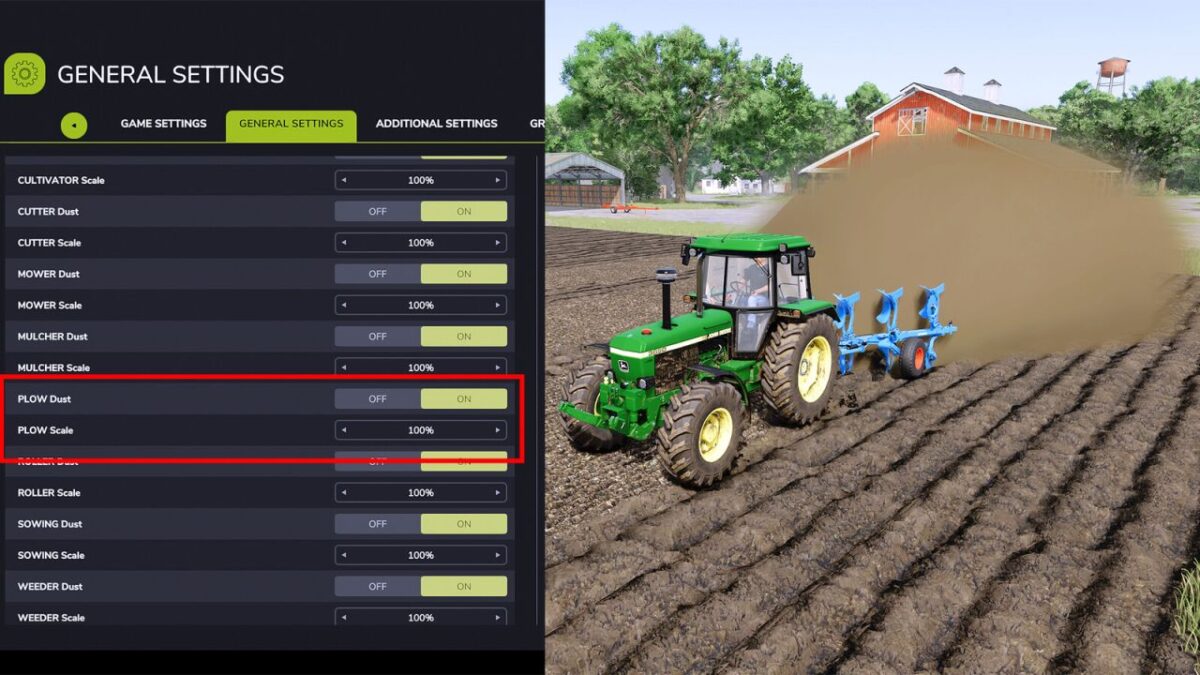
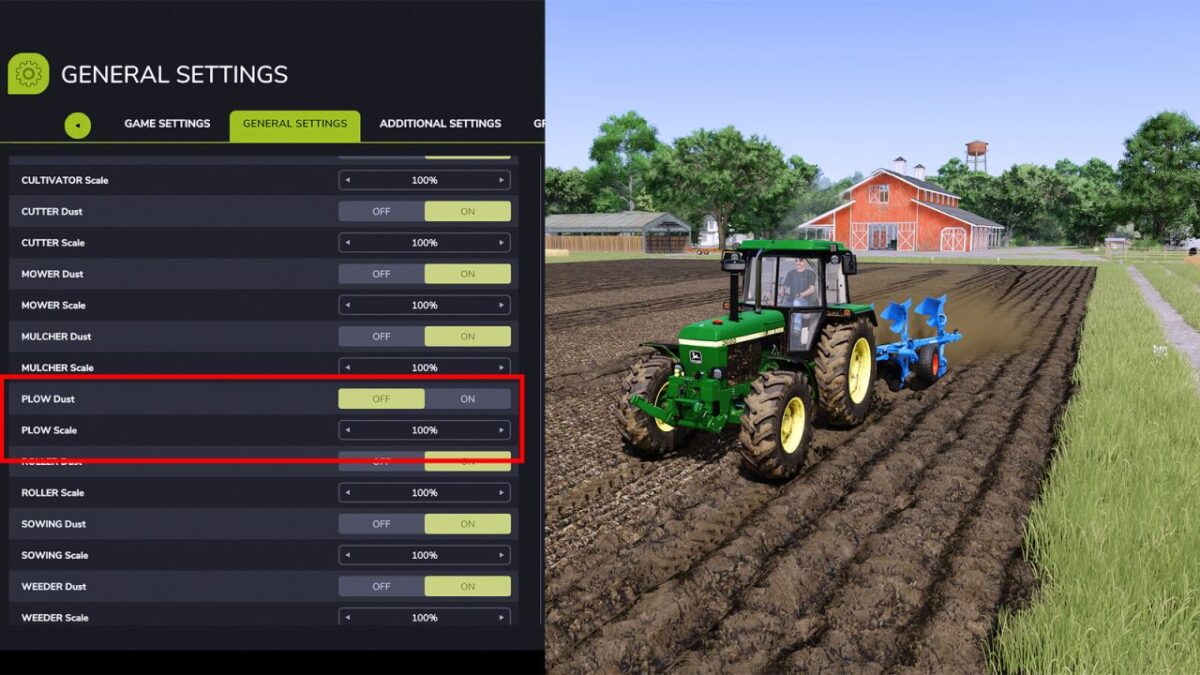
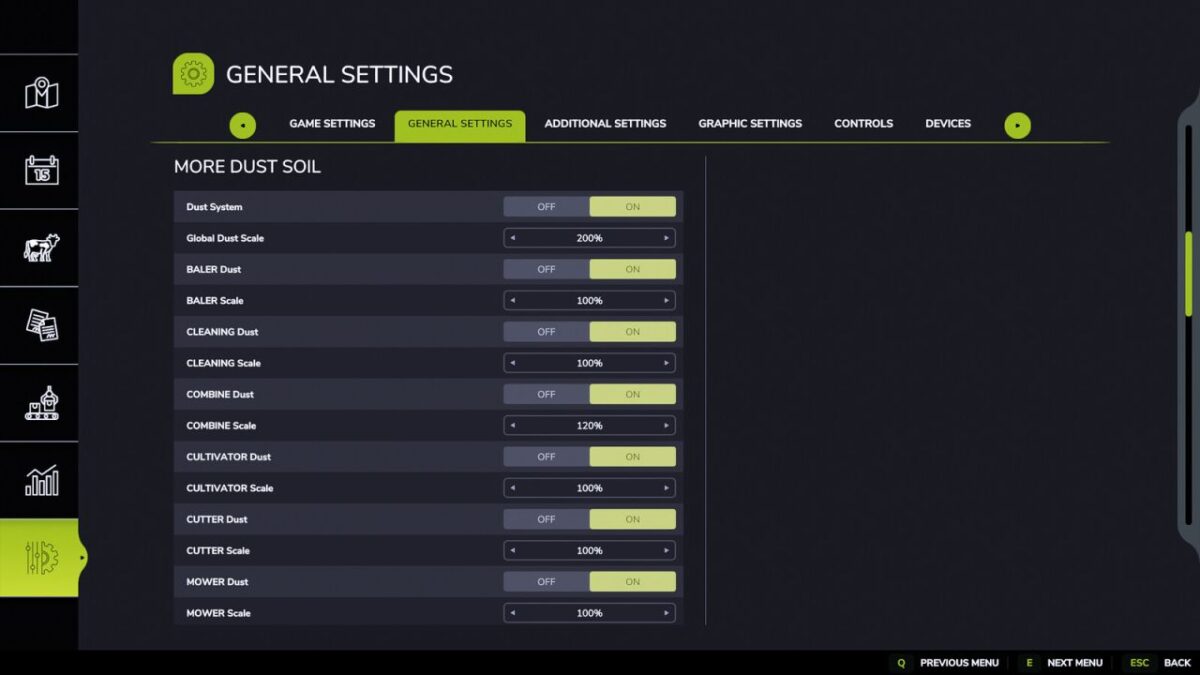
Take your farming experience to the next level with ultimate control over field realism. Whenever your tractor is actively cultivating, this mod allows you to dynamically adjust the amount of dust kicked up behind your machinery. Whether you want a thick, immersive cloud of dust for dry conditions or a minimal trail for optimized performance, you can easily increase or decrease the visual effects to perfectly match your preferred playstyle.
What truly sets this modification apart is its highly customizable, granular control system. It features dedicated settings for every single tool and implement, allowing you to fine-tune the dust levels individually or turn the effect completely off for specific equipment. For maximum convenience, a master toggle is also included, letting you disable the entire mod with a single click whenever necessary. This unparalleled flexibility ensures your equipment behaves exactly the way you want it to, making it a perfect addition to your mod folder.
Credits:
Sumro Gaming


