

Modular Sheds Pack v 1.0


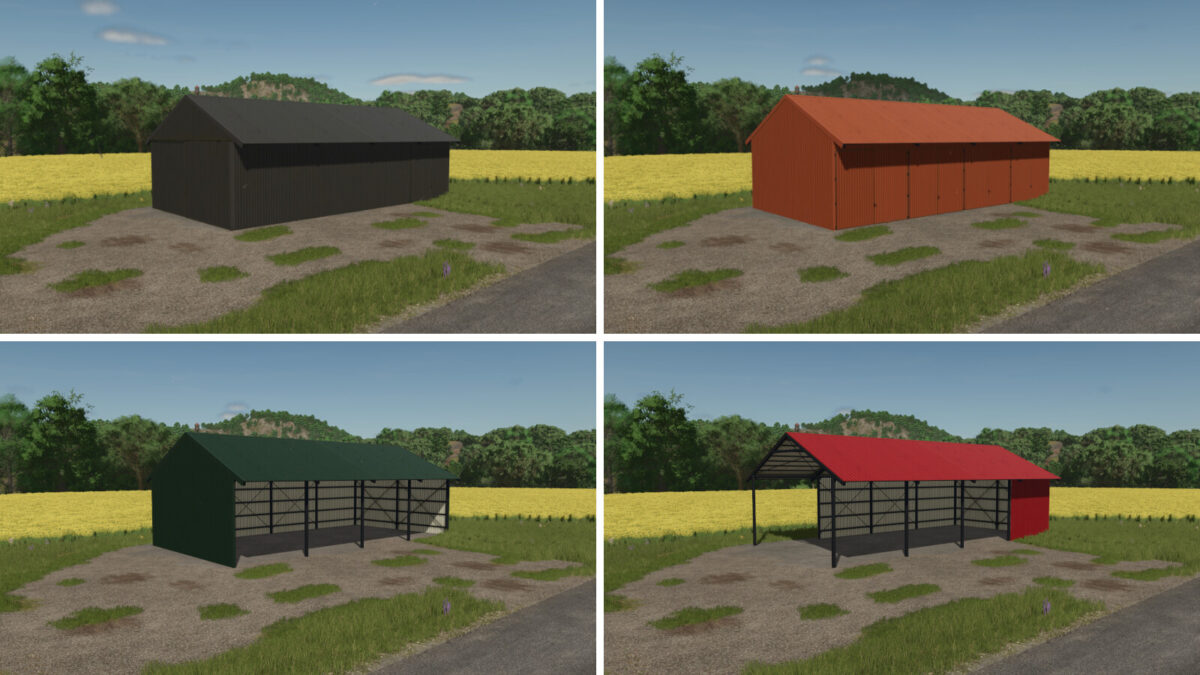
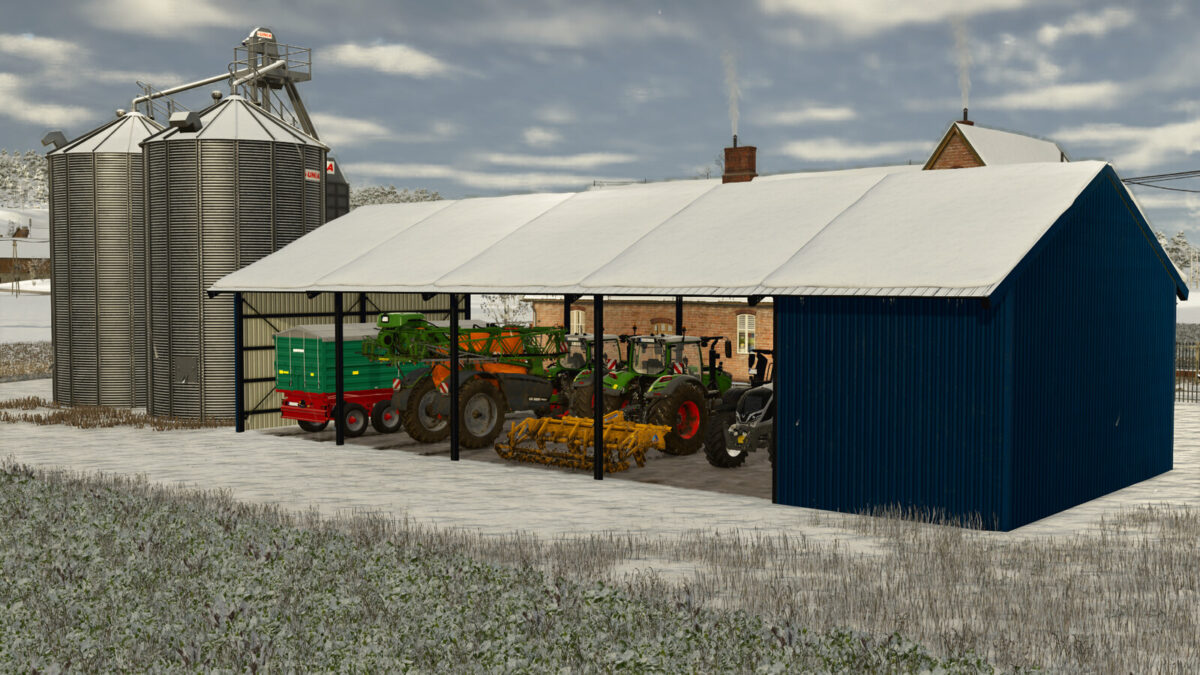
A pack of modules from which you can build your own shed. Pack included 26 modules (6 base and 20 extensions) in diffrent configurations.
All modules have colorable roof and walls.
Size: 5m x 10m with 4.5m height entrance
Category: sheds
Price: 4000$ – 12000$ per modul
HOW TO PLACE IT:
1) Level the terrain where you want to build and ENABLE free-mode, when free-mode is enabled, placing shed will not paint ground under it, so i recommend to paint ground before building shed to avoid problem with restriced area later
2) If you want to place in 90deg rotation, just ENABLE snapping, modules will snap to each other perfectly, and go to step 4)
3) If you want use other rotation, DISABLE snapping and position modules by hand, it`s less accurate, but it`s possible to place modules correctly
4) Start building with 1 base modul and then add extension modules which you like and how many you like
Credits:
Neyluu


