

Modular HUD v 1.1


For anyone who wants to customize the LS25 HUD a bit more.
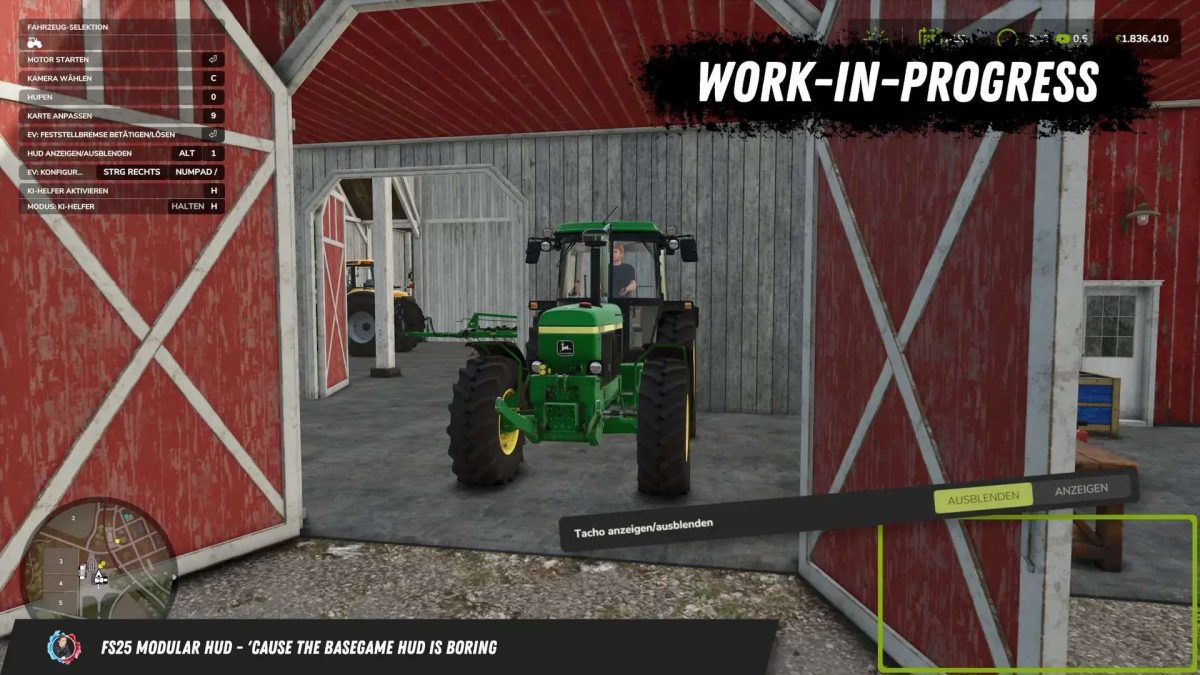
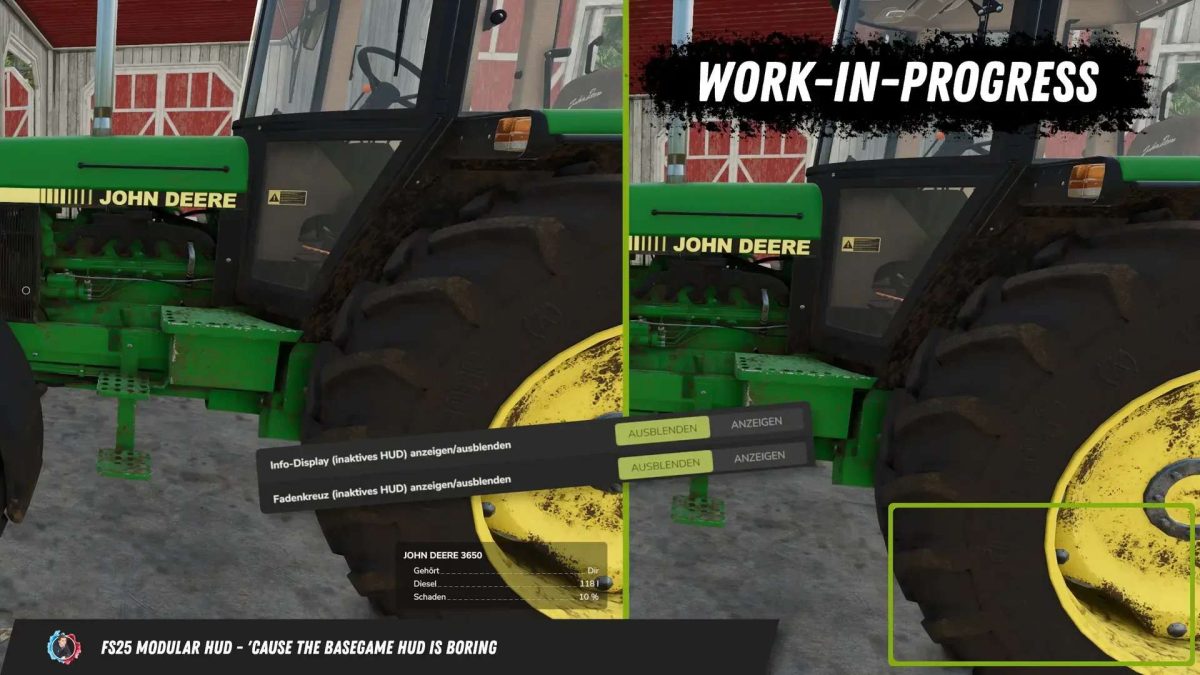
This script allows you to modify the HUD in-game. Individual HUD elements can be shown or hidden.
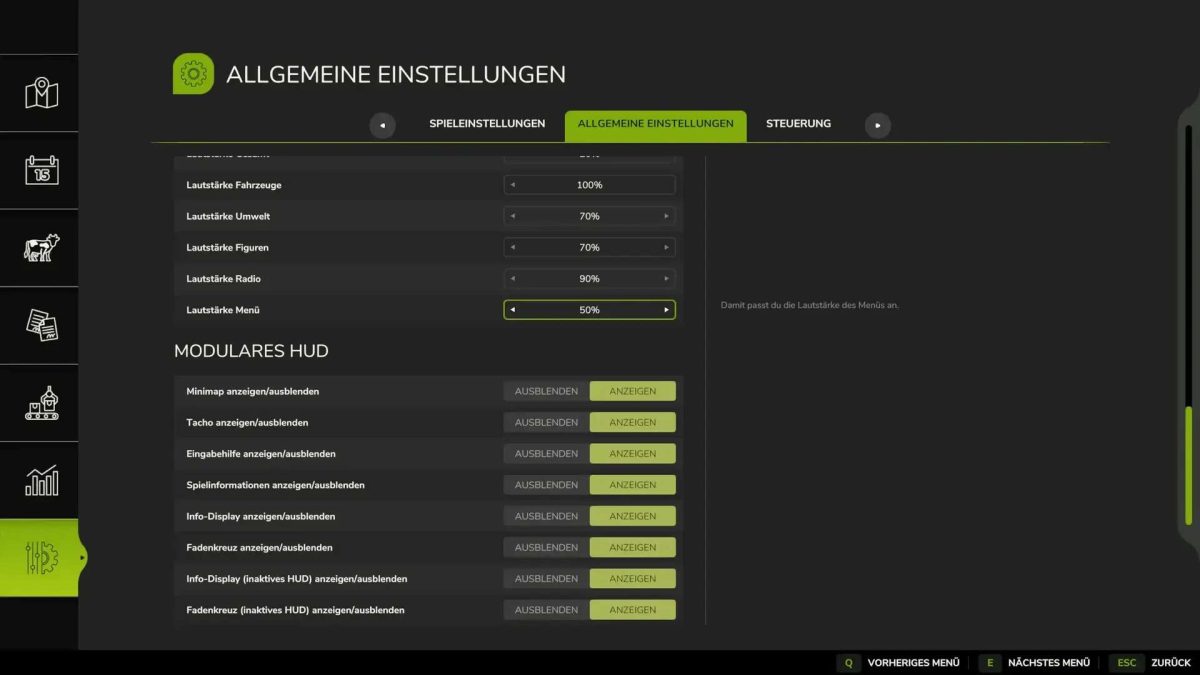
The elements to be hidden can be configured in the game in the General Settings under “Modular HUD.”
It is also possible to show or hide the HUD using the keyboard shortcut “Alt + 1.”
The mod is currently compatible with the following mod HUDs:
– EnhancedVehicle
– Park Vehicle
The AutoDrive and Courseplay HUDs are not hidden, as the mods themselves offer the option to show and hide their own HUDs.
For modders who want to add their own elements to the HUD, the ModularHUDInterface has been added. This allows you to add and manage your own elements to the HUD.
Version 1.1:
* Added support for the following mods:
– Tool Inclination Helper
– Fill Type Amount Price Display
– Vehicle Manager
– Missions Display
– Heap Preview
– Bunker Silo HUD
– AllRound Extension
– Vehicle Inspector
– Vehicle Manager
– Production Info HUD
– Simple Inspector
– Advanced Damage System
Credits:
BayernGamers


