

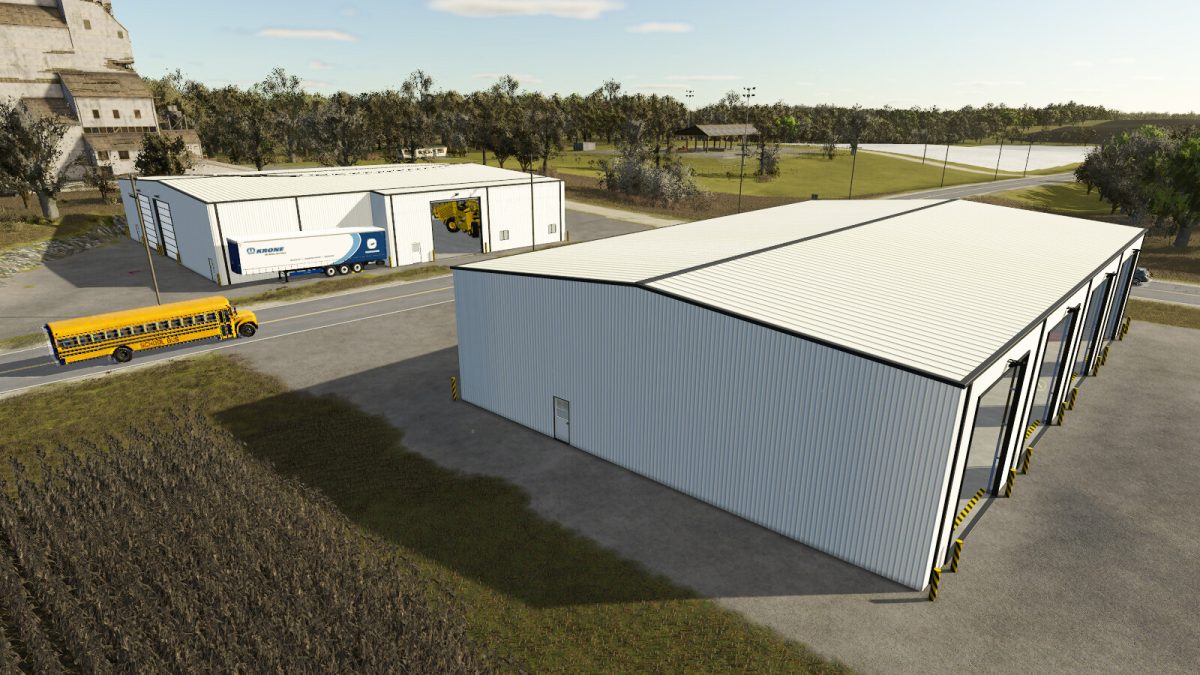
Modern Shop Pack v 1.0


Elevate your farm with this ultimate garage pack, metal siding and wooden roof.
The Medium Heavy Equipment Workshop offers a modern, pull-through design with 8 garage doors and 2 personnel doors.
Featuring the Hide-Roof option, you can place additional items inside and easily maneuver equipment by hiding the roof.
The XL Shed is built for the biggest vehicles, with 4 large automatic garage doors, 4 personnel doors
All sheds have the following features:
Automatic doors.
Interior light switch.
Automatic blinds.
Color choices.
Shed placeable build tab.
Modern Medium Workshop:
90,000$
50$ monthly maintenance.
Toggle Roof visibility.
Automatic Exterior lighting.
Modern XL Shed:
Price: 120,000 $
Maintenance: 60 $/day
Toggle Roof visibility.
Automatic Exterior lighting.
Credits:
Superfly1842


