Modern House Pack v 1.0


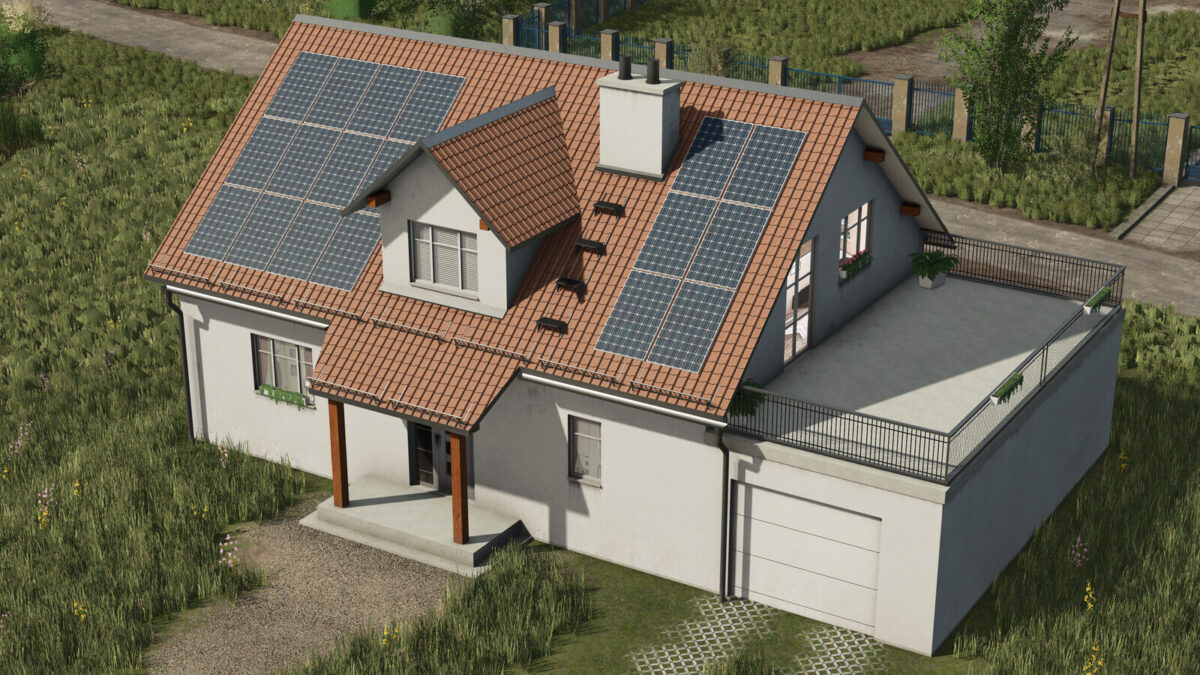
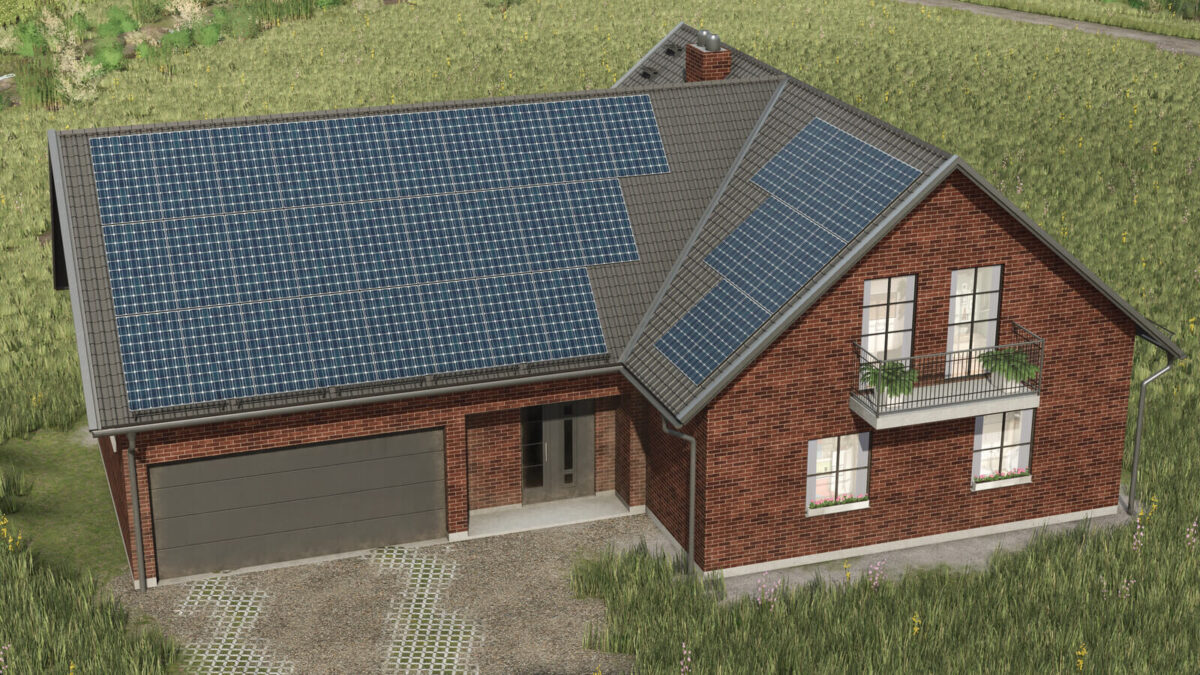
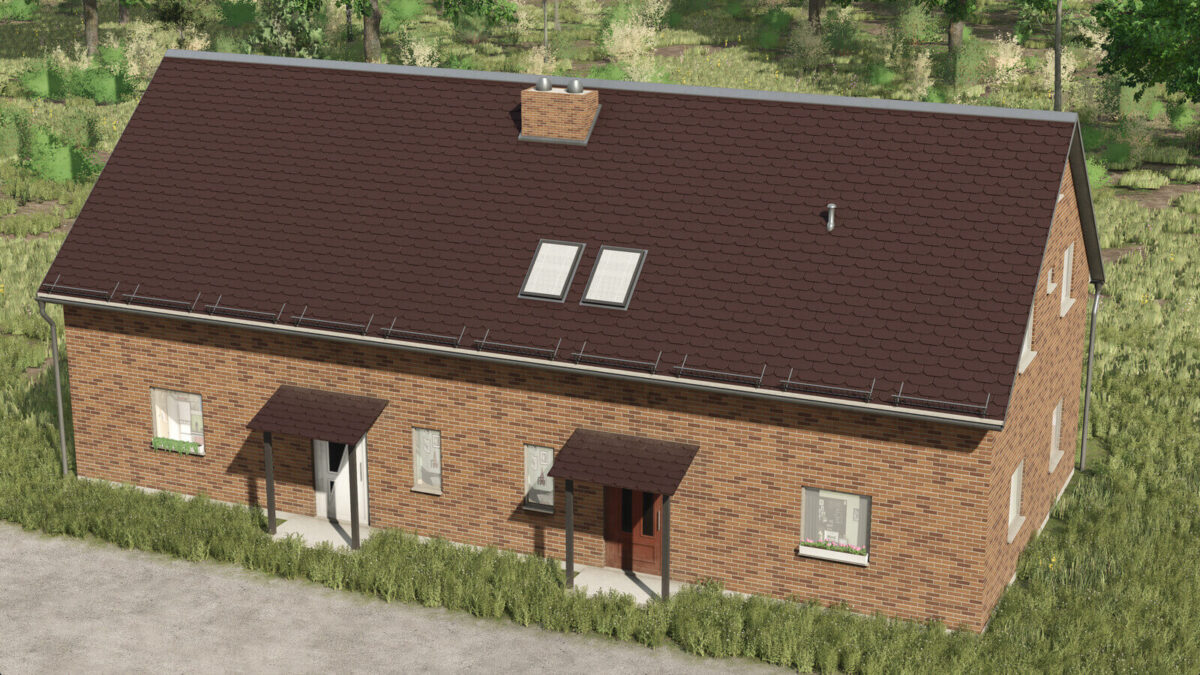
The Modern House Pack v 1.0 introduces a diverse selection of contemporary European single and multi-family housing options to the Farming Simulator 25 environment.
With a total of 13 unique house types, players can enjoy a great variety of architectural styles, each featuring several variations, resulting in a staggering 468 different house configurations.
This extensive pack ensures that your virtual farming landscape can reflect a richly populated community filled with highly detailed structures.
Each house within this pack is crafted with attention to detail, showcasing a blend of aesthetic appeal and functionality.
The houses are designed to bring life to your game, featuring seasonal plants that bloom in the summer and realistic interior lighting that subtly turns on and off during different times of the day.
This attention to environmental detail contributes to a more immersive experience as you manage your farm.
For additional customization, the pack includes several texture sets that allow you to modify the appearance of your houses to suit your preference.
Players can also configure solar panels, aligning the housing options with modern sustainable practices.
– 13 house types (mirrored and non-mirrored)
– 9 texture sets
– Configurable solar panels
– Highly detailed designs
– Seasonal plant life
– Dynamic room lighting
Credits:
Redphoenix