
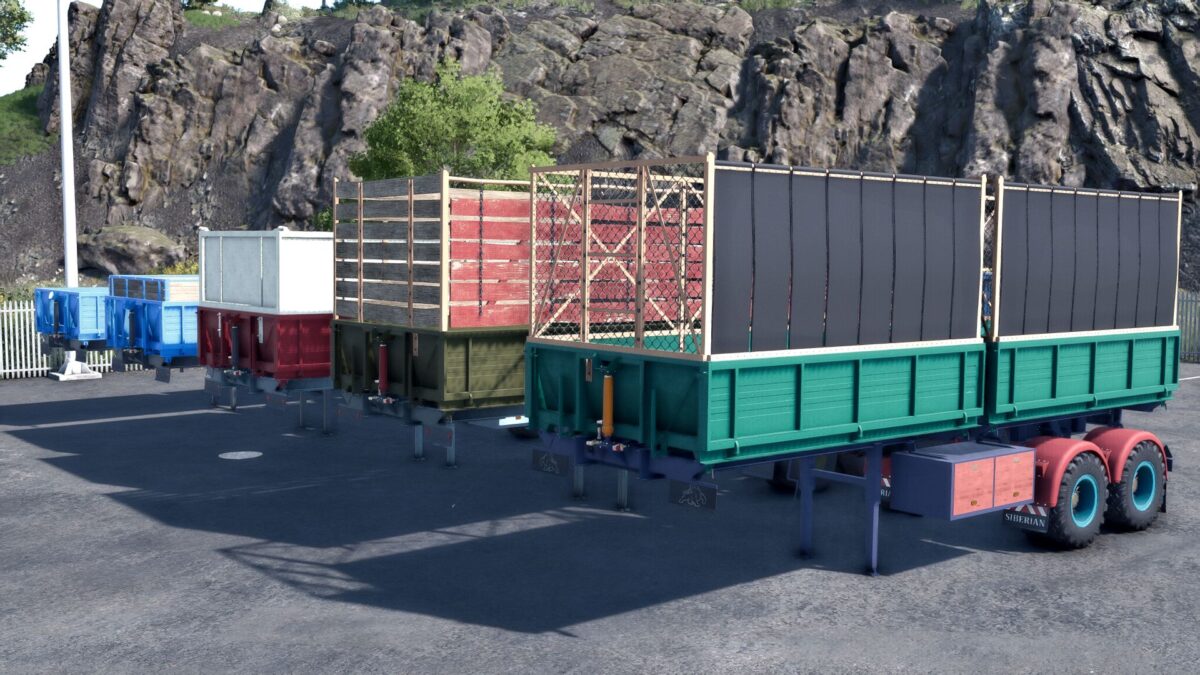
FS25 Semi-trailers

MMZ Semi Trailer v 1.1

MMZ Semi Trailer v 1.1

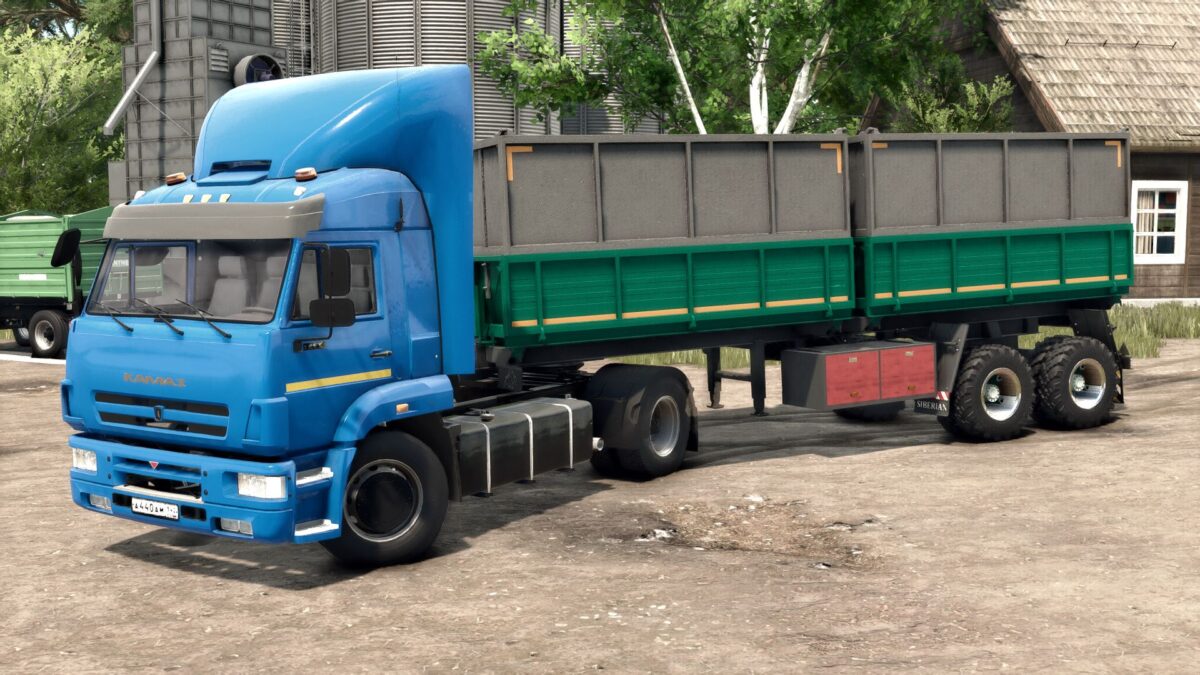
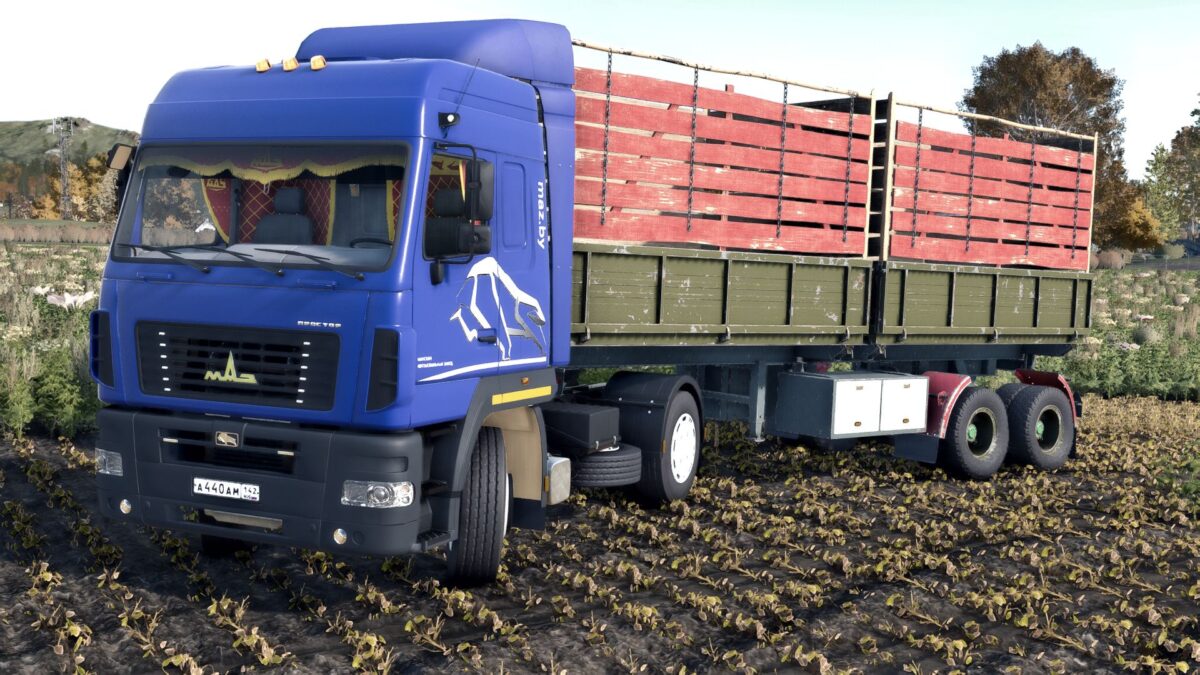
The MMZ semi trailer is designed for transporting agricultural goods
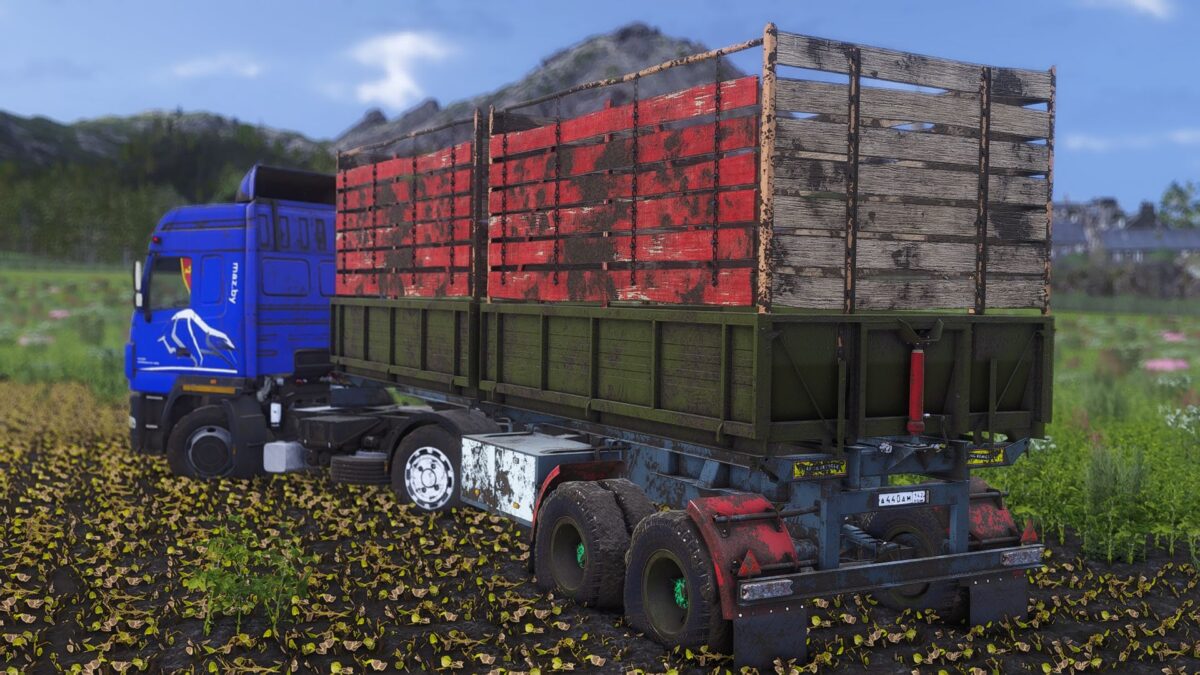
Animated chassis, good physics. It gets dirty, it gets old, it gets wet.
In general, it is made according to all fs 25 standards.
Separate unloading of bodies, as well as separate loading of crops.

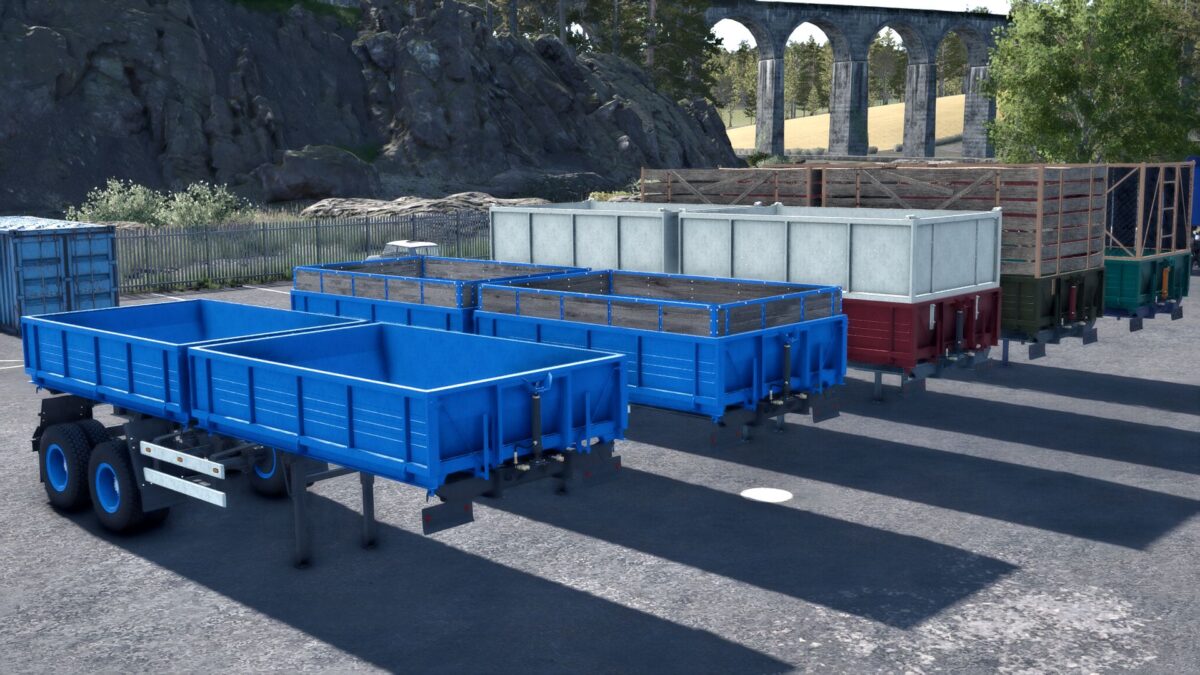
Selection in store
Stripes
Wings
Mudguards
Wheels
Various tuning

Painting in the store
Body
Stripes
Krylyev
Cylinders
Discs, hubs, wedges
Important: the trailer is in a separate category in the Yasnaya Polyana store

Version 1.1:
* Added selection through the reflective tape store
* Installed reversible headlights and lights
* Adding more tuning
* Minor fixes and improvements

Credits:

Siberian, TYOMATY
How to install FS25 Semi-trailers?
Firstly find a mod which you like and want to download. Then download a mod to your PC. Mods are usually in .zip format file. But sometimes it can be in .rar. If a mod file is a .zip format no needed additional actions. If a file is in .rar, then you must unarchive mod with software like WinRar or Zip7. Windows 10 users no need to use software for archives, Win10 itself has a feature to unarchive files.
The next step is to find mods folder in your PC. Usually, it is in Documents/My Games/Farming Simulator 25/2025. Open the "mods" folder and put downloaded .zip archive or unarchived .rar file to this folder.
Last step. Enjoy of FS25 mods!

Leave a Reply

Your email address will not be published. Required fields are marked *