

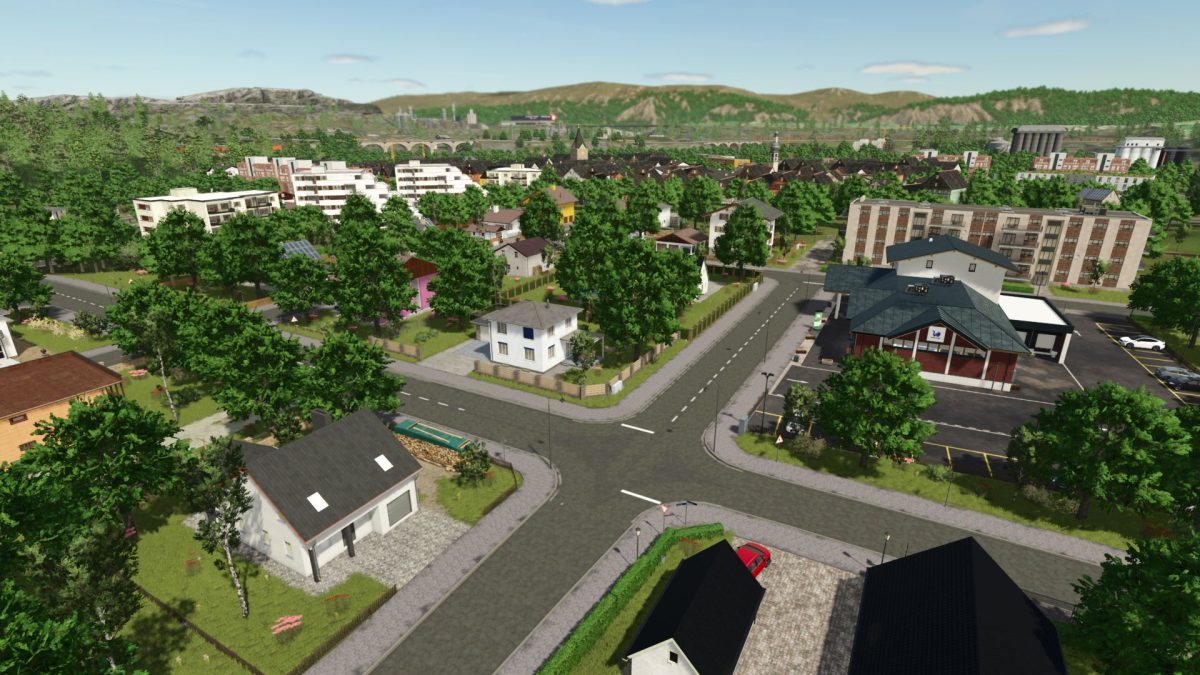
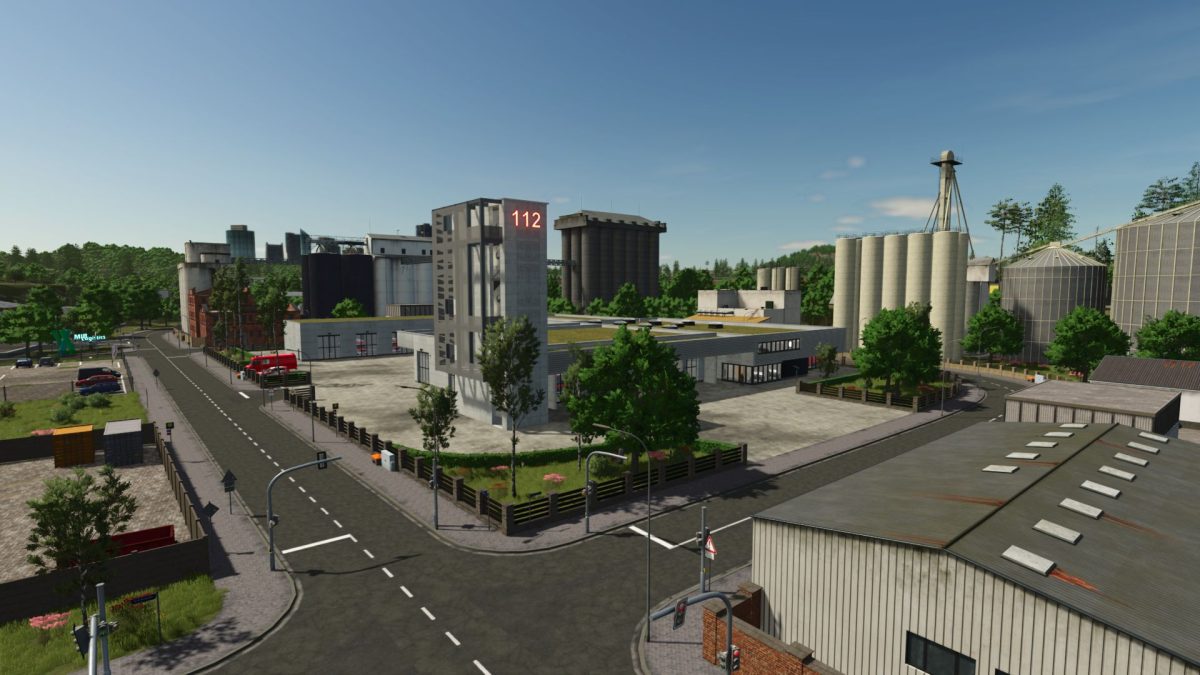
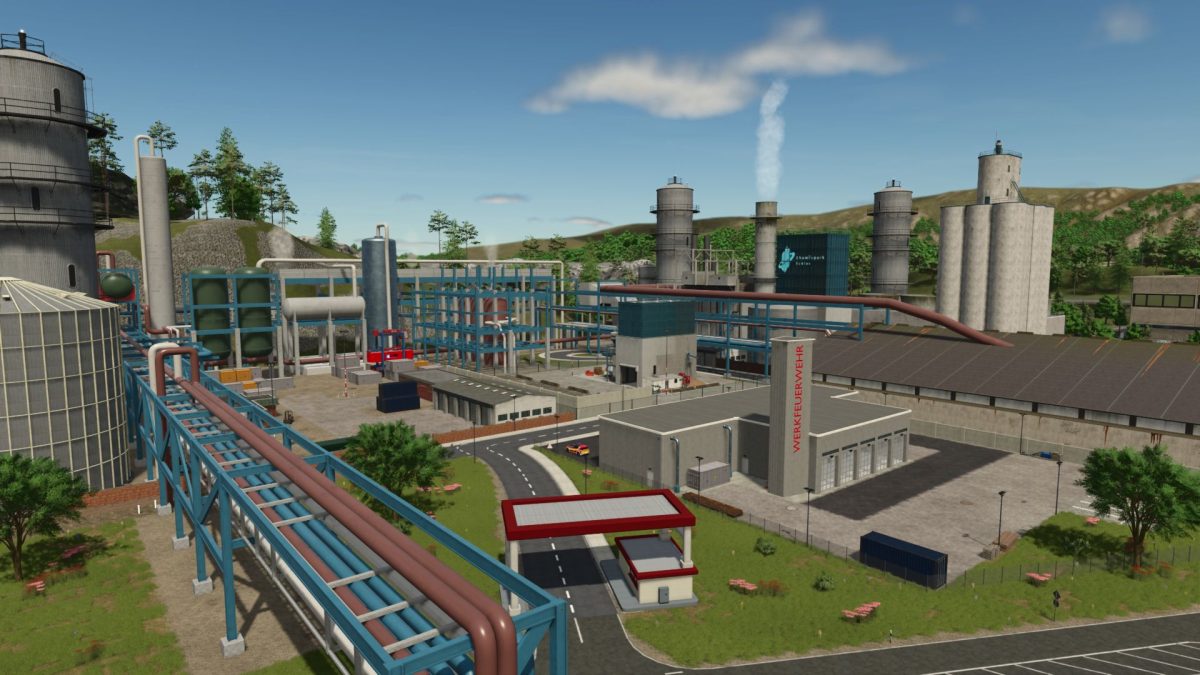
Mittelberg Map v 1.0.0.1


– Operating system, which generates random operations for the fire brigade (Roleplay, not as detailed as in the FS22 Emergency Pack – Multiplayer support & more missions Coming Soon)
– Settings for this under “Game Settings”
– Manual operations can be triggered via the “Alt + E” key combination
– Own NPCs that lead you through the map (with audio synchronization in German and English)
– Janni on the market square in Mittelberg
– Firefighter at the professional fire brigade
– Construction worker at the road maintenance department
– Enterable buildings with doors, lights, fire alarm systems and gates (e.g. town halls, clinic, fire, police guards, …)
– Many individual productions (e.g. fish farm & brewery, etc…)
– More soil angles
– Operations & construction sites
– traffic light systems
– German license plates
– Precision Farming Support
– Separate PDA for RealGPS
– 29 fields + 4 meadows
– Court site
– Biogas plant
– Gravel pit
– 3 fire guards
– 2 town halls
– 2 police guards
– 2 emergency services
– Clinic
– Towing service
– Sewage treatment plant
– Vehicle dealer
– Soccer field
– Water watch
– Relief organization
– Road maintenance department
– Kart track
– Autobahn with tunnels, bridges, crosses, resting yards
– Shopping shops and sales stations
– Recycling center
– Car cinema
– Industrial areas
– Traffic training area
– Controllable sirens for the fire brigade (when activating a siren, everyone else is activated)
Version 1.0.0.1:
* MaptaTel is now correctly recognized in the dedicated server dashboard
* AI traffic no longer sinks on motorway bridges
* Tipping into BGA driving silos now works
* Collision added to the motorway tunnel emergency outputs
* Collision added to some fence elements at bus depot
* Mass of construction site baks increases (fly no longer when touched)
* A lack of terrain added to motorway tunnel entrance (new savegame required)
* Grass at various points from street (new savegame required)
* Tree on the street near Mapenden industrial area
* Obeasing mountain fiction removed from motorway escape tunnel
* Various flying signs fixed
* Bus stop signs can now be changed
* Some forest traffic freely changed against agricultural traffic signs changed
* Floating gulli lid in Floken Lake
* Road height in relation to curb in Mittelberg residential area adapted to the giant (new savegame required)
* BMZ hand detector Decals fixed in all buildings
* Player Teleport position at Firecall04 adapted
Credits:
SoSi-Modding, Janni1101, Neroxc|Ecki


