

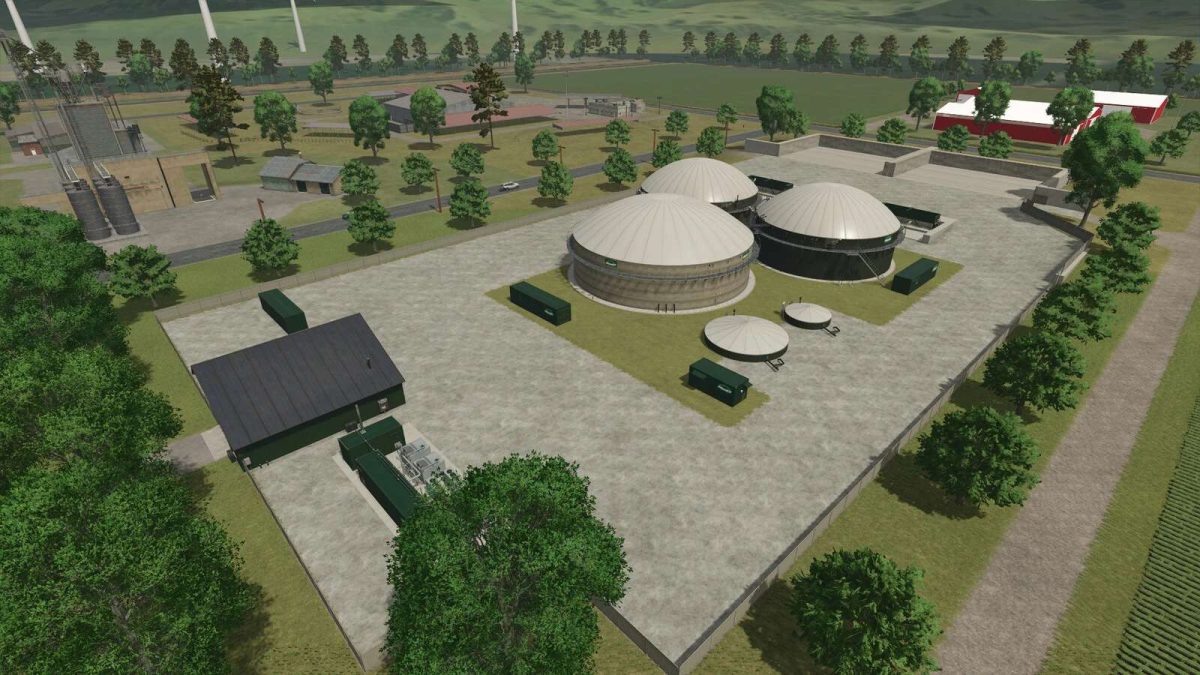
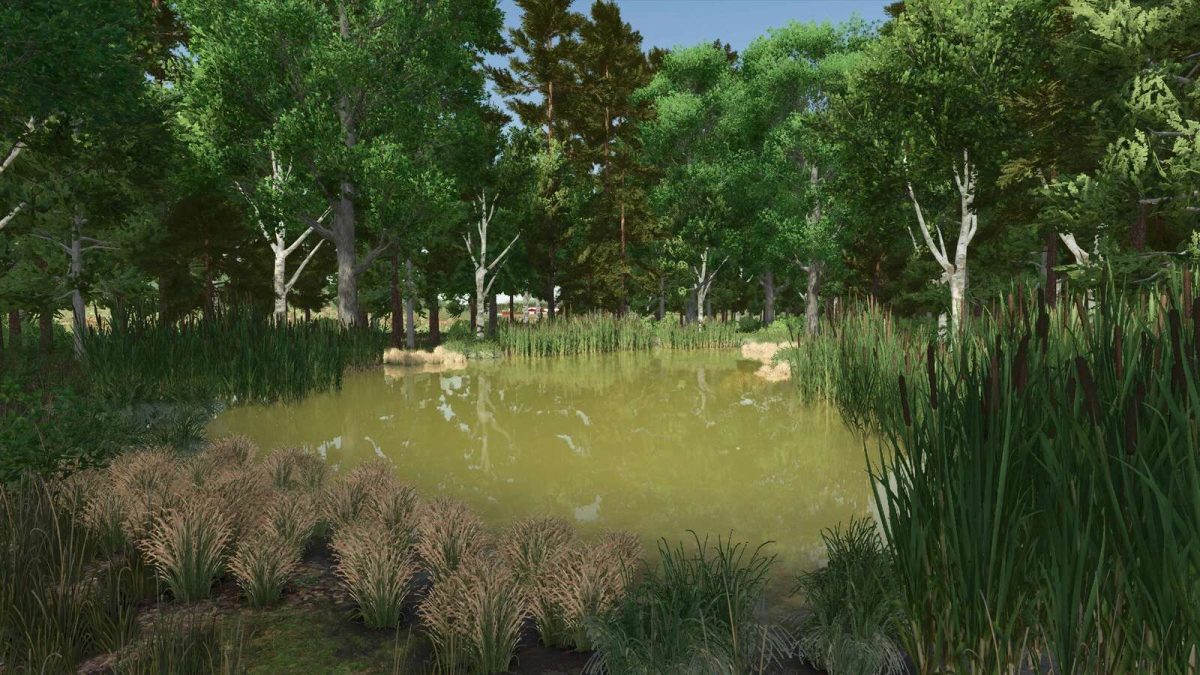
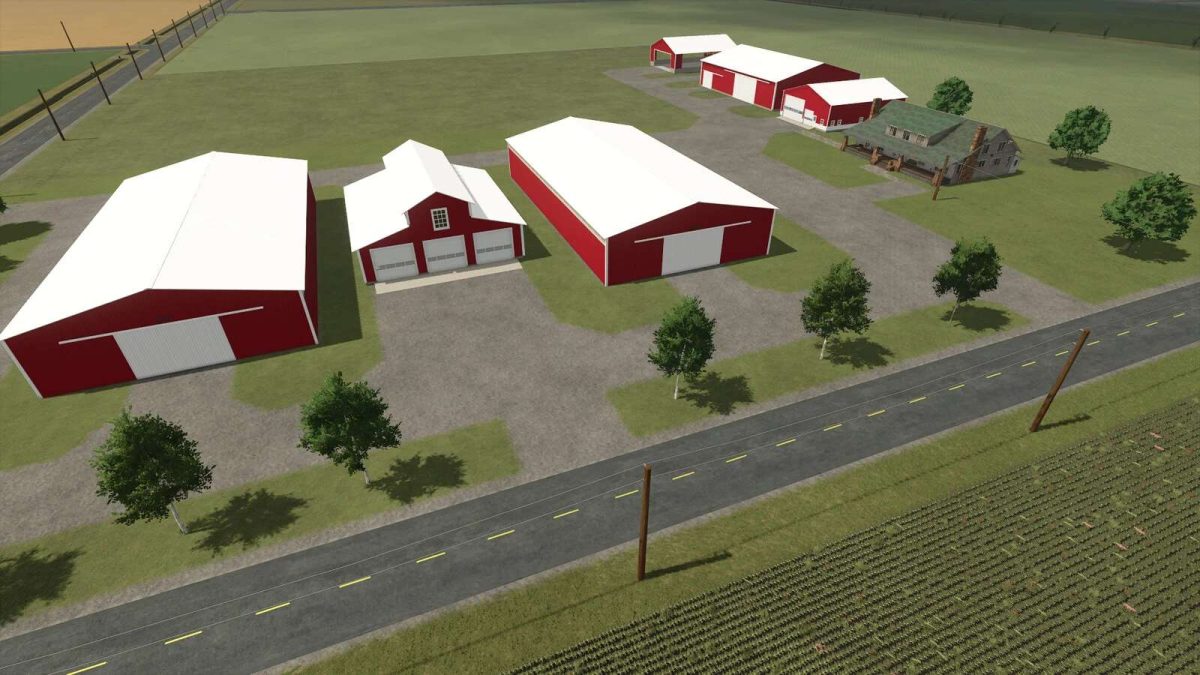
Michigan Map v 1.1


– Number of purchasable fields: 34
– Average acre size: 19.86
– Number of purchasable forestry land: 5
– Water retrieval sources: Water tower in town
– Alfalfa crop added and implemented with the animals. You can feed alfalfa hay to animals
– Riverbend Collectables, Toy Tractors, and Sugar Beets are scattered around map for collecting
Version 1.1:
* Corn harvest texture and yield increased
* Soybean harvest texture, row spacing, and yield increased
* Sugarbeet row spacing to match Amity equipment and yield increased
* More paintable ground textures
* Sheds have gutter and downspouts with water affect when raining
* No longer able to drive off the map with the train
* Flat Rolling texture
* After collecting 10 collectables the rest will show on the mini map. 20 total on this map
* Chopped Alfalfa & Alfalfa Haylage filltypes added for full Alfalfa Integration
* 4 base game modded bunk silos added to the map for making Alfalfa Haylage. You must use these bunkers. You cannot use any other modded ones or the base game bunkers to make Alfalfa Haylage
* Alfalfa Haylage bales can be made by wrapping wet alfalfa bales
Credits:
TaylorFarms, SaltyShorty


