Metal Garage v 1.0


The Metal Garage mod provides a functional storage solution for your farming needs in Farming Simulator 25.
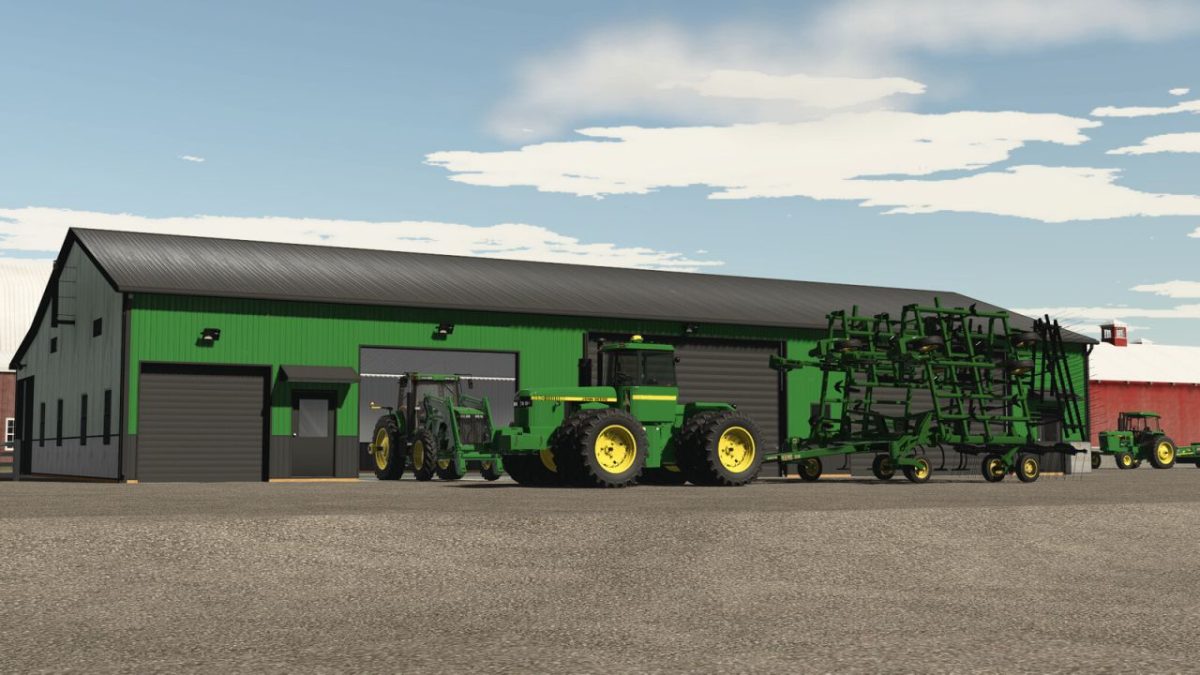
It allows players to securely store crops, vehicles, and various equipment within a spacious structure designed for efficiency and practicality.
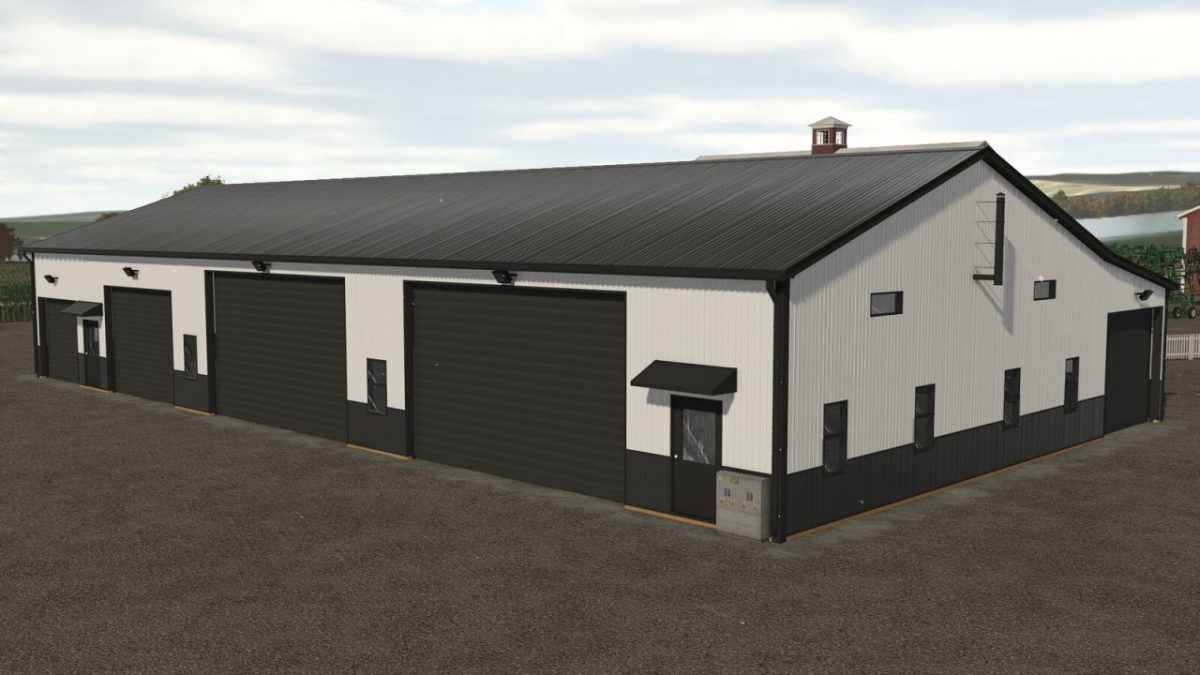
The garage features two large roller doors for easy access, complemented by four smaller doors of varying sizes and two man doors to facilitate quick entry and exit.
For enhanced convenience, the garage includes automatic lighting on the exterior, ensuring proper visibility during nighttime operations, while the interior lights can be operated manually.
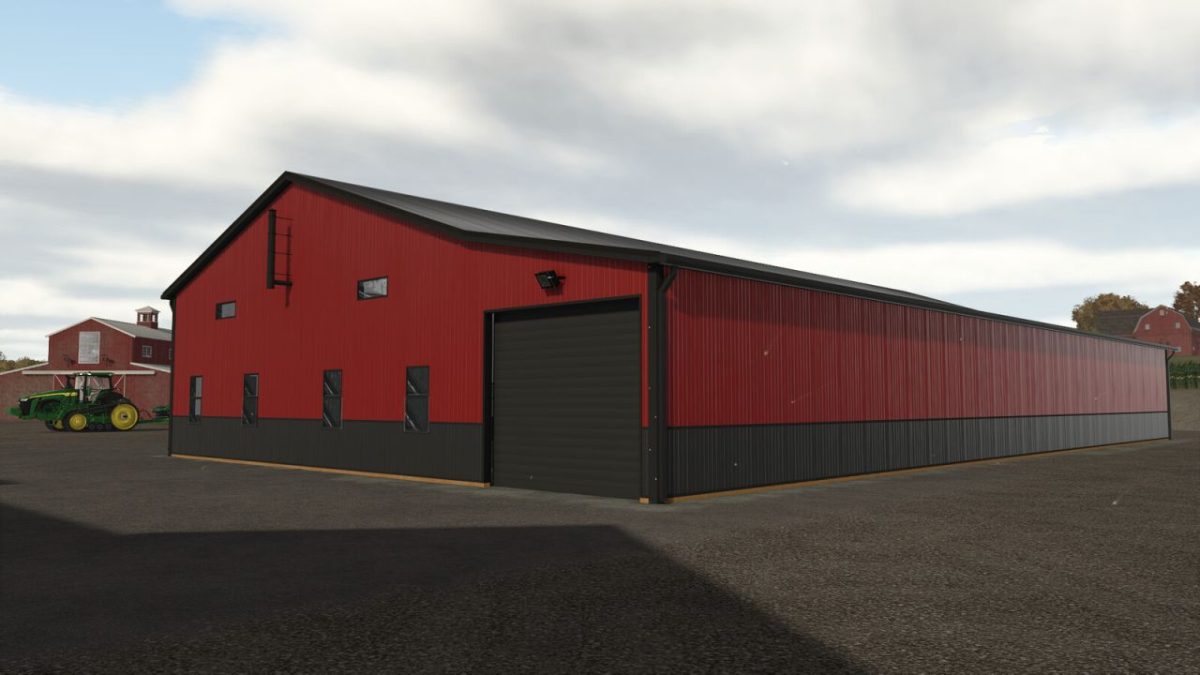
The mod also supports color customization, allowing you to personalize the appearance of the structure.
This storage facility is categorized under Sheds and Storages in the game.
It is priced at $60,000, with daily maintenance costs of just $1, making it a cost-effective addition to your farming fleet.
– Spacious storage for crops and vehicles
– Features two large roller doors and four smaller doors
– Two man doors for quick access
– Automatic outdoor lighting and manual indoor lighting
– Color customization options available
– Category: Sheds, Storages
– Price: $60,000
– Daily maintenance costs: $1
Credits:
ikas