FS25 Trucks

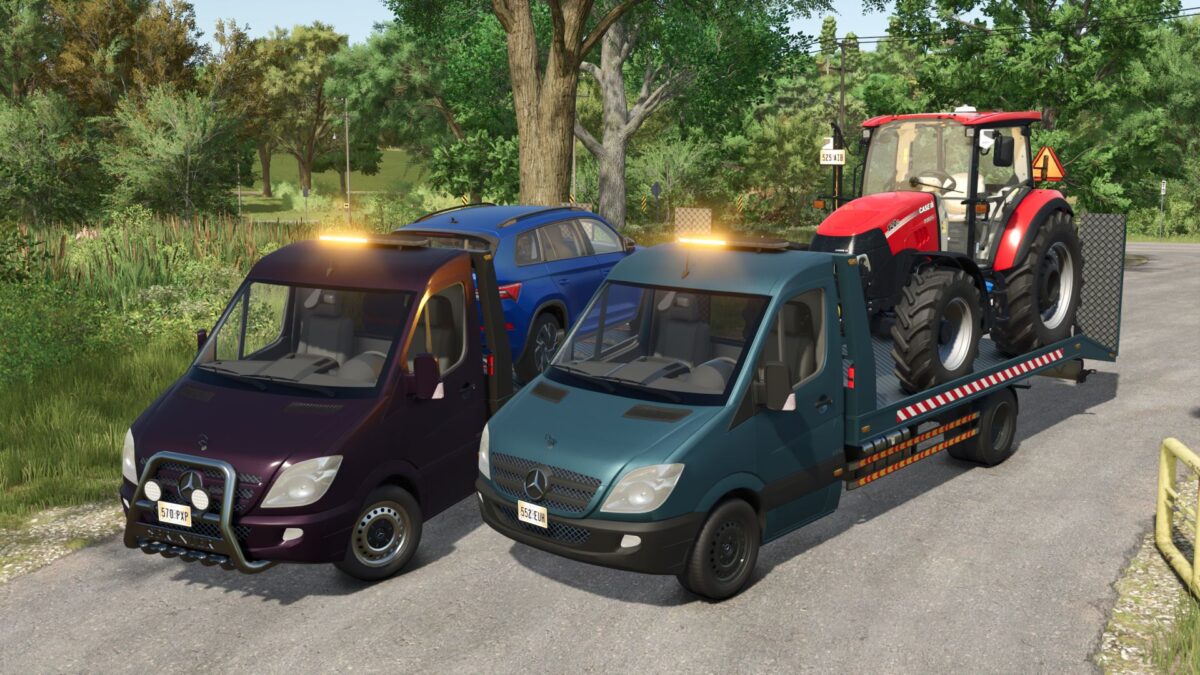
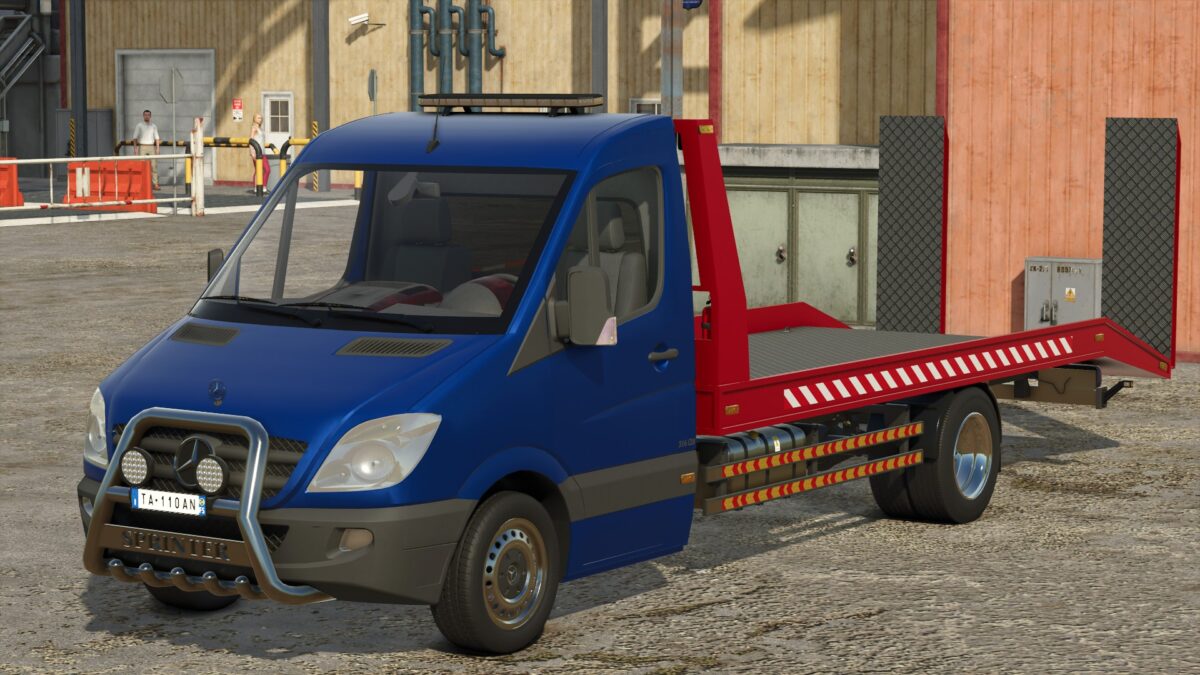
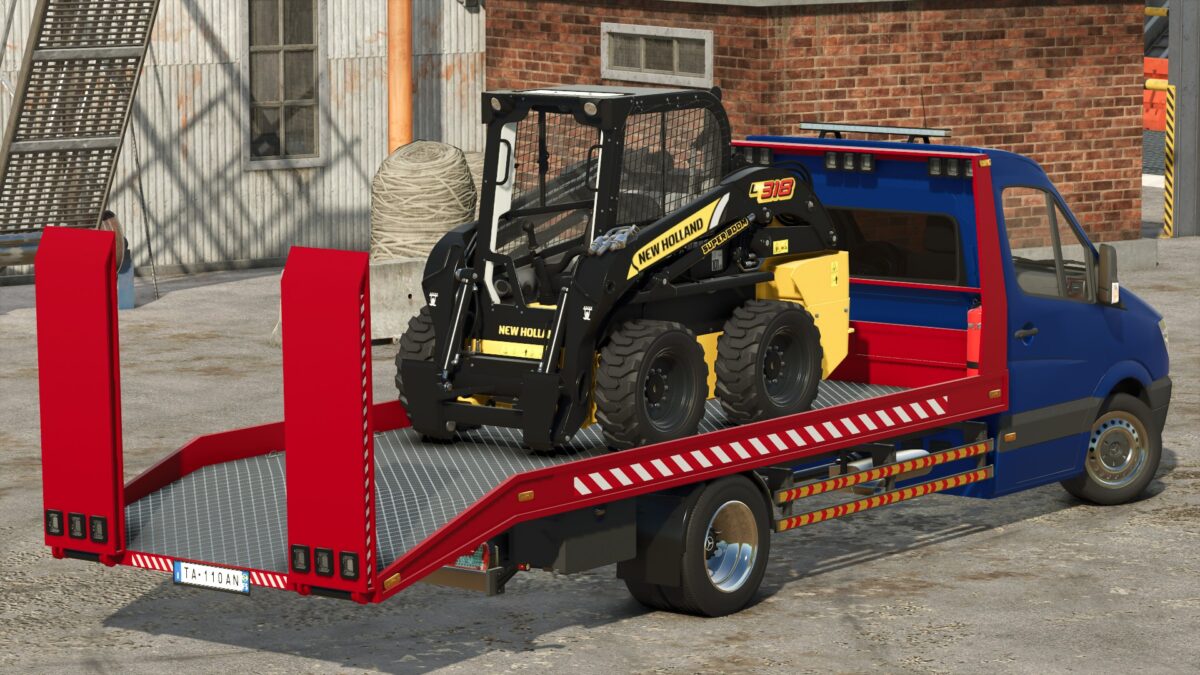
Mercedes Benz Sprinter Tow Truck v 1.1

Mercedes Benz Sprinter Tow Truck v 1.1

Speed 180 km/h
Selectable main, bumper, rim and bed olor
Selectable engine
Selectable design
Selectable dashboard
Passenger support
Animated suspension, drive shafts, dashboard, wiper, pedals, ignition key and turn signal switches.

Version 1.1:
* Improved wheels: added deformation and mud effects. Added the ability to paint wheel rims. Added rear single wheels
* Added dynamic rear suspension
* Added the ability to paint plastic parts (bumper, mirrors)
* Added the ability to paint the radiator grille
* Various minor improvements and optimizations

Credits:

Canada FS, Edwards Modding

How to install FS25 Trucks?
Firstly find a mod which you like and want to download. Then download a mod to your PC. Mods are usually in .zip format file. But sometimes it can be in .rar. If a mod file is a .zip format no needed additional actions. If a file is in .rar, then you must unarchive mod with software like WinRar or Zip7. Windows 10 users no need to use software for archives, Win10 itself has a feature to unarchive files.
The next step is to find mods folder in your PC. Usually, it is in Documents/My Games/Farming Simulator 25/2025. Open the "mods" folder and put downloaded .zip archive or unarchived .rar file to this folder.
Last step. Enjoy of FS25 mods!

Leave a Reply

Your email address will not be published. Required fields are marked *