

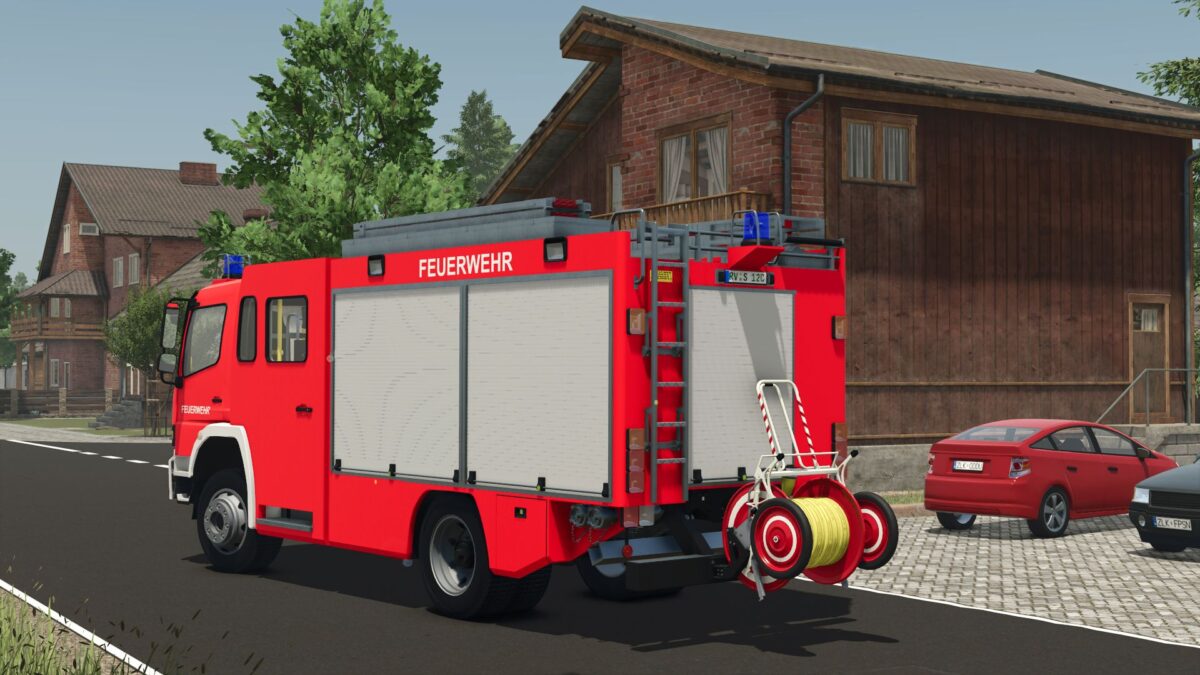
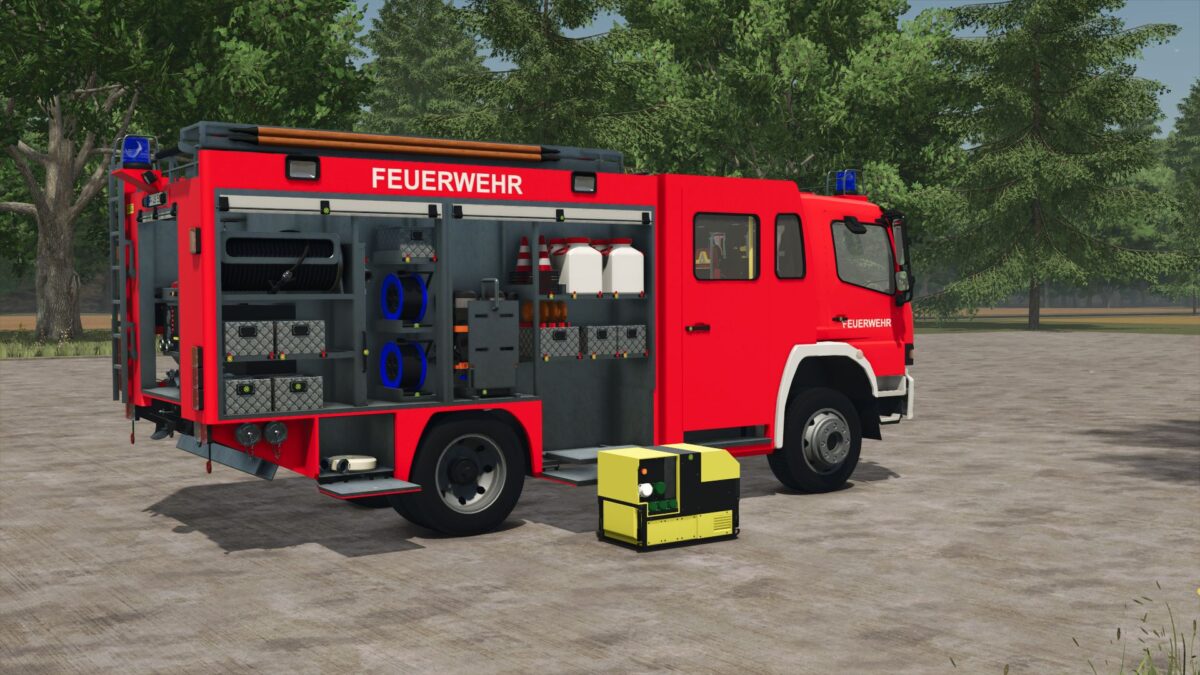
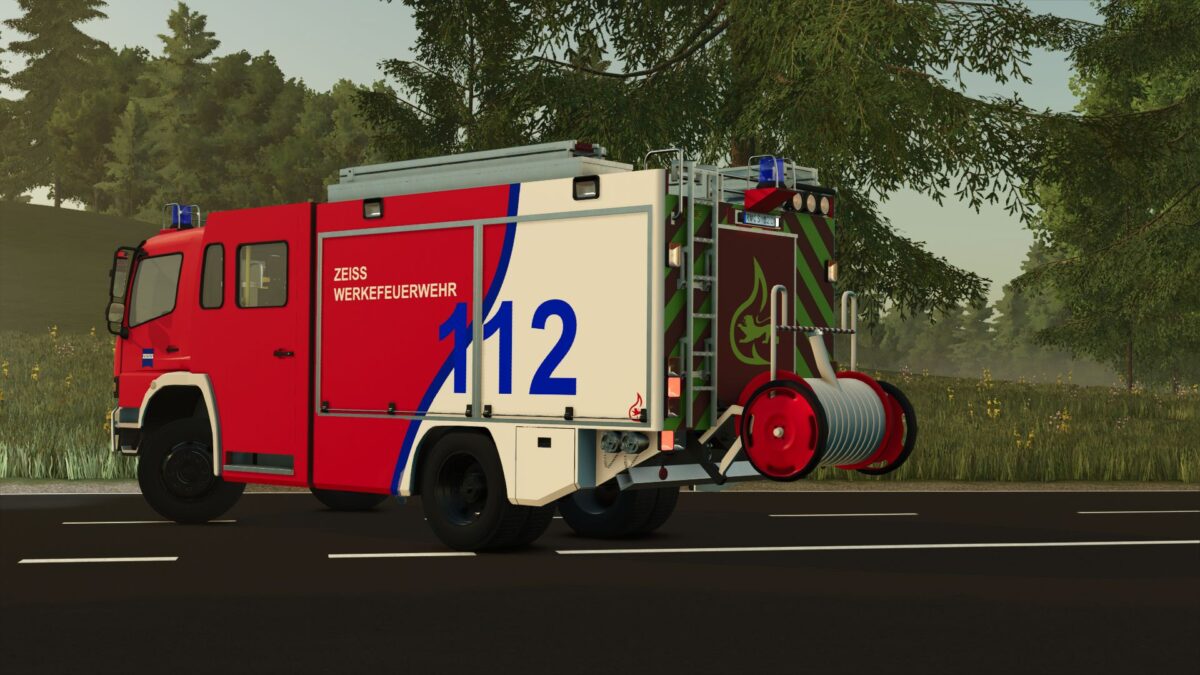
Mercedes Benz Metz FGL LF16 v 2.0


Features
– Fully animated roller doors
– animated running boards
– Working rear ladder
– Animated hose reel
– Animated speedometer
– Windshield wiper animation
Configuration options
Designs:
– Neutral
– Volunteer fire department
– Mittelberg fire department
– Flokensee fire department
– Schonstett fire department
– Wertheim fire department
– Your design
Customize your vehicle with different fire department designs.
Blue light options
Choose between different blue light variants:
Rotating mirror
LED
Xenon
Bumper color
Individual adjustment of the bumper color possible.
Reel hose color
Configurable hose colors for the tail reel.
Special features
The Mercedes Benz Metz LF16 is based on classic LF16 bodies with a typical crew cab, rear reel and the characteristic Metz equipment rooms,
as they were often found, especially on older Mercedes chassis.
Whether historical fire department, modern modification or collector’s vehicle – this LF16 combines nostalgia with extensive functionality.
Version 2.0:
* Fully animated 3D expansion
* Jet pipe script (jet pipe can be removed from compartment GR3 using the key)
* Chainsaw script (LS chainsaw can now be stored in compartment GR1)
* Added winch configuration
* Added configuration for single and double hose reel mount
* Added 2 new designs for the LF16
* Adjusted neutral fire department skin on the door
* Vehicle can now be refueled
* Added water tank
* Added passenger mode for multiplayer
* Fixed mesh errors
* Added new siren
* Major LOG errors fixed
* Response time for doors, roof boxes and running boards have been adjusted
Credits:
SP Modding


