

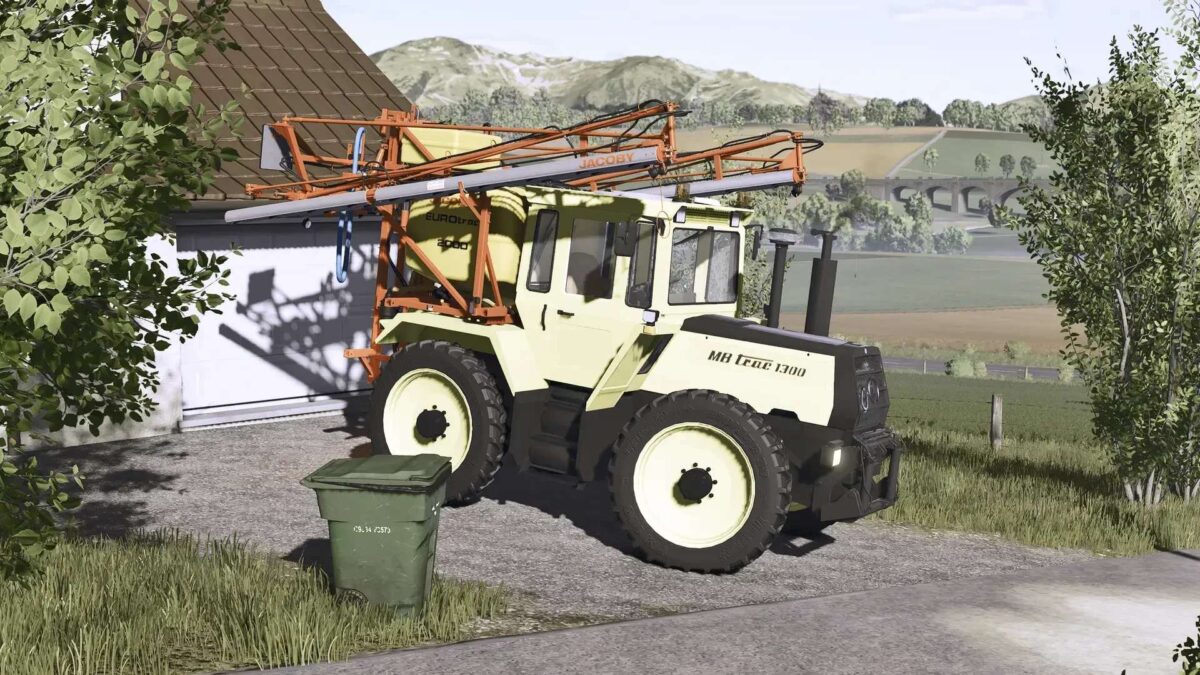
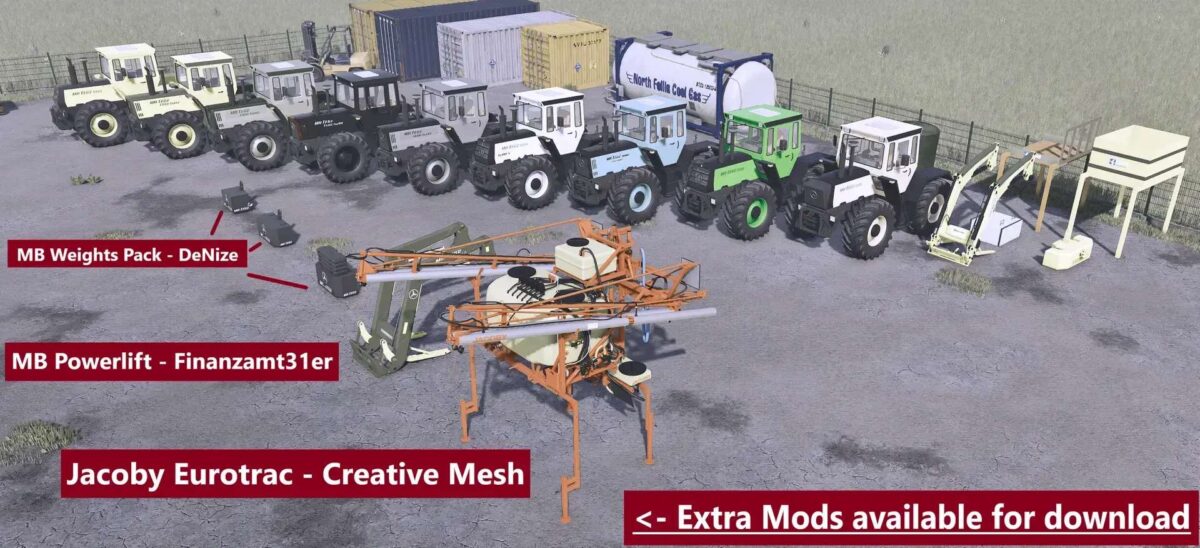
Mercedes Benz MB Trac 1000/1800 v 1.0.0.5


The Mercedes Benz MB Trac 1000/1800 offers an array of features tailored for a versatile farming experience. This mod provides both functionality and aesthetic enhancements, catering to a variety of farming needs. With a maximum speed of 53 km/h for the 1000 model and 63 km/h for the 1800, it ensures efficient movement across your fields.
The tractor comes equipped with a robust horsepower range, starting from 100 HP and going up to 180 HP, with the option for three additional tuning configurations that allow it to reach a maximum of 500 HP. This adaptability makes it suitable for different farming tasks, from light to heavy-duty applications.
Several customization options are available, including beacons, air filters, mirrors, and a forestry cage, which enhance both functionality and safety. The mod also includes various decorative elements such as Michelin figures, air conditioning units, GPS systems, and practical additions like warning stickers and fire extinguishers.
The MB Trac 1000/1800 is designed to support both front and rear loader attachments, providing versatility in handling farm operations.
– Max speed: 53 km/h (1000), 63 km/h (1800)
– Horsepower: 100 hp
Version 1.0.0.5:
* MB Trac rim color fixed
* Stotz variant added
* Hauer consoles added
* Black Beauty variant selection for hood color added
* Engine configuration names changed
* Carpet configuration added
* Engine volume reduced
* A few fixes here and there
Credits:
DeNize


