

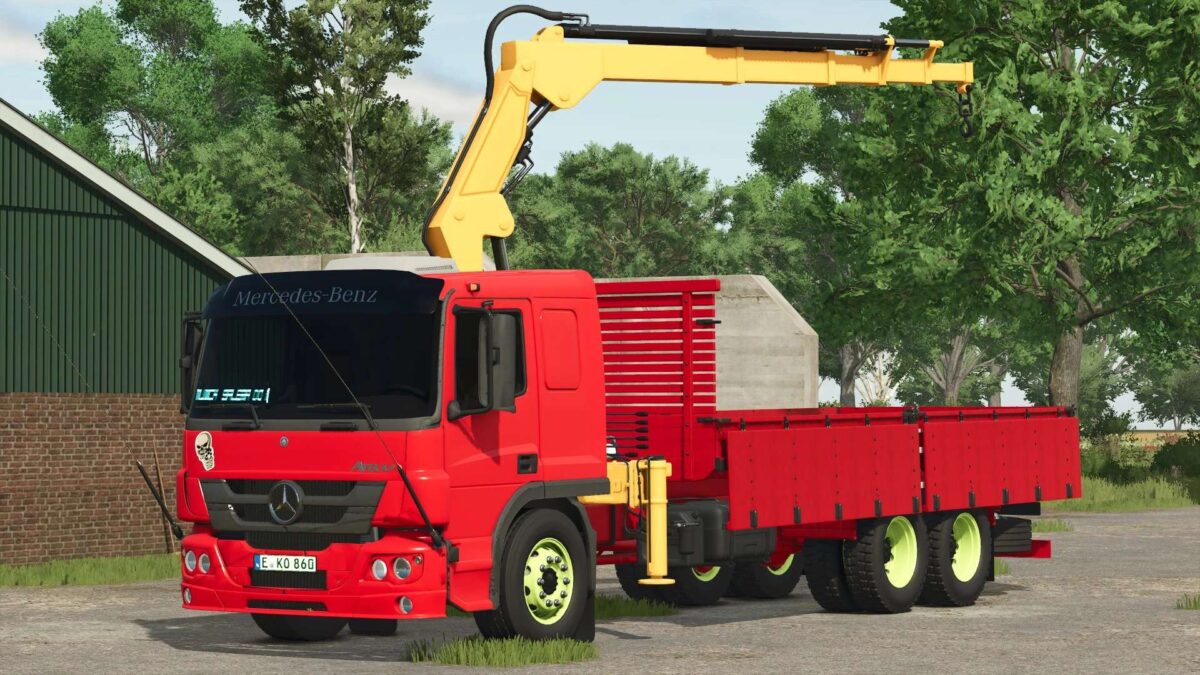
Mercedes Benz Atego Munck v 1.0


The Mercedes Benz Atego Munck is a versatile truck designed for both on-road and off-road applications. With a robust engine output of 115 kW (156 HP), it provides ample power for transporting goods across various terrains. The truck comes equipped with a manual transmission, allowing for precise control during operations.
Featuring a substantial fuel tank capacity of 180 liters, the Atego Munck is capable of long-distance travel without frequent refueling stops, making it efficient for extended work sessions. It can reach speeds of up to 90 km/h, ensuring swift transportation when needed.
Weighing in at 6.5 tons, this vehicle balances durability and maneuverability, making it suitable for a variety of farming and logistical tasks. Additionally, the availability of high-quality tire options such as CrossTrac HS3 and Offroad HDO Conti enhances its performance across different surfaces, ensuring reliable traction
– Model: Mercedes Benz Atego Munck
– Power: 115 kW (156 HP)
– Transmission: Manual
– Fuel Tank Capacity: 180 liters
– Maximum Speed: 90 km/h
– Weight: 6.5 tons
– Tire Options: CrossTrac HS3 / Offroad HDO Conti
Credits:
ZERO01


