Menu Shortcut Keys v 1.0


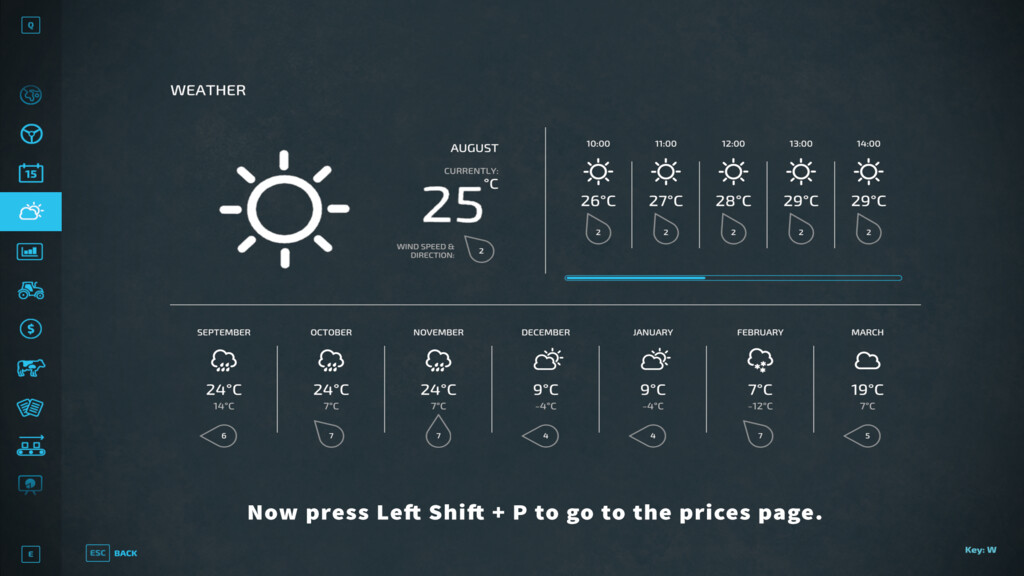
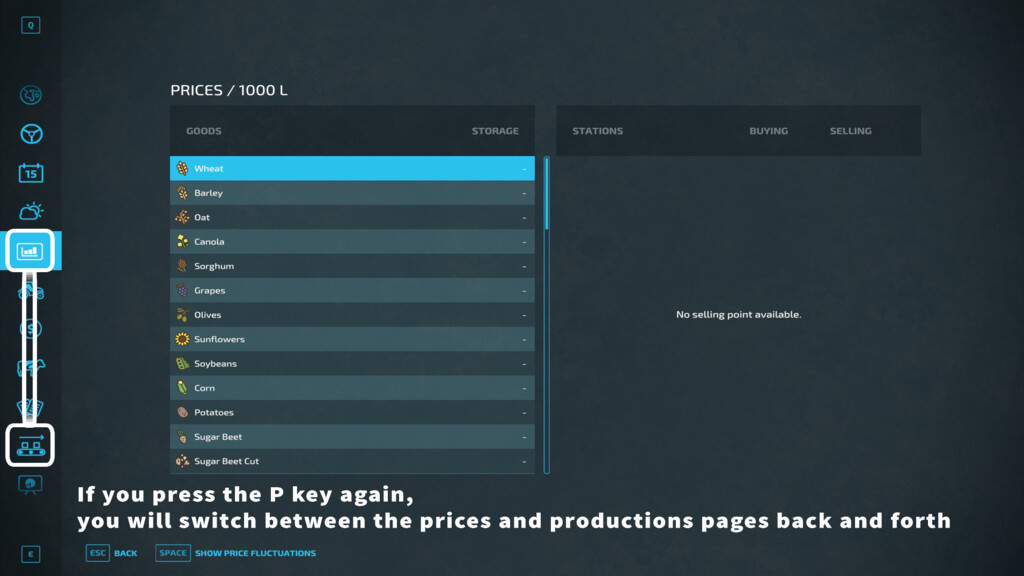
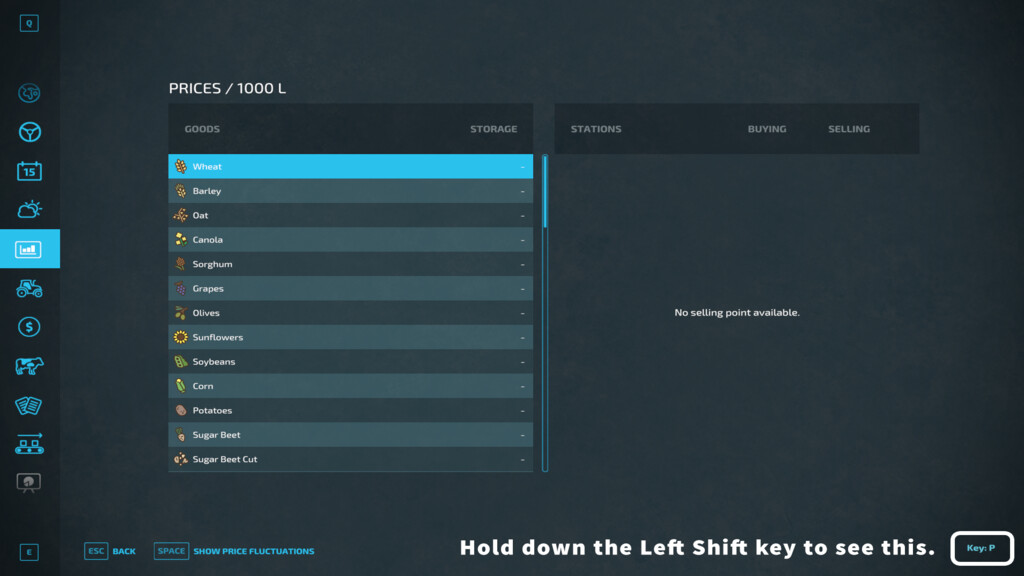
This mod adds the ability to use shortcut keys in the game menu. Access the menu by pressing the Escape key. While in the menu, press Left Shift to see key annotations in the bottom right corner of the screen. The displayed key is a shortcut to access that menu page. For example, ‘C’ for Calendar and ‘M’ for Map. Sometimes there are multiple pages per single key. For example, ‘C’ can switch between Calendar and Crops pages. Press the same key twice to toggle between these pages. Shortcuts depend on the game language, using the first letter of the page name for that specific language. If you don’t know what key to use for a page, you can manually go to the page and hold Left Shift as mentioned earlier to see the shortcut. To use a shortcut, open the menu by pressing the Escape key and, on any page, press Shift plus the desired shortcut key.
Credits:
olaf.tnt