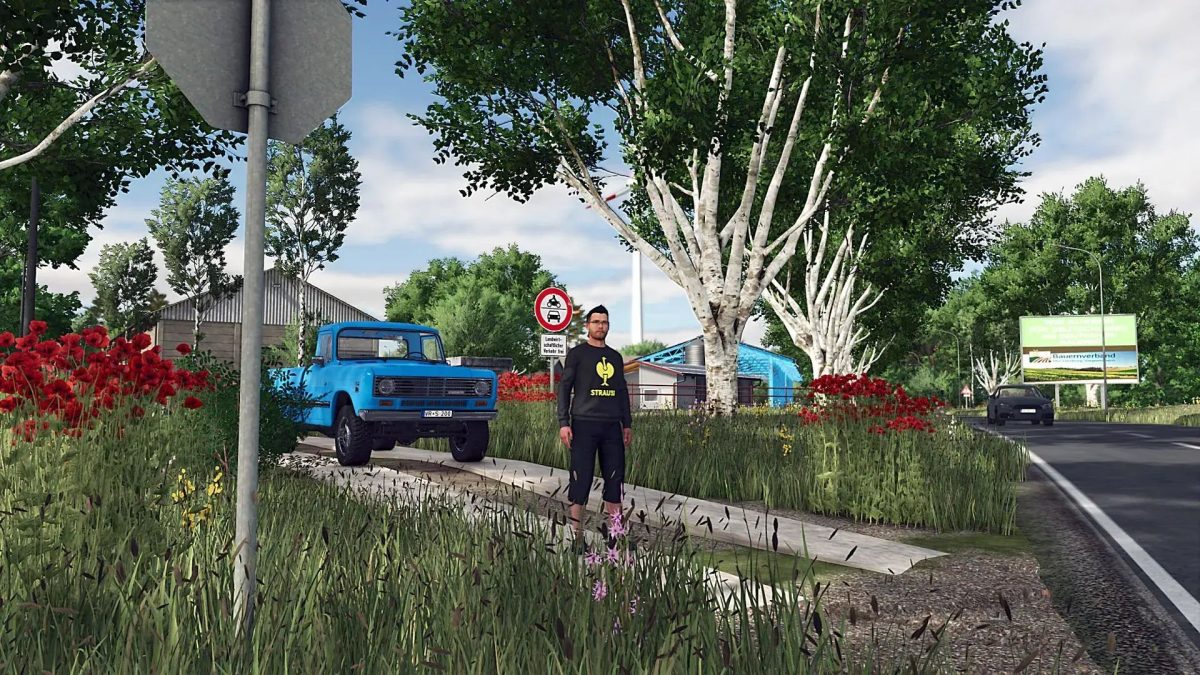
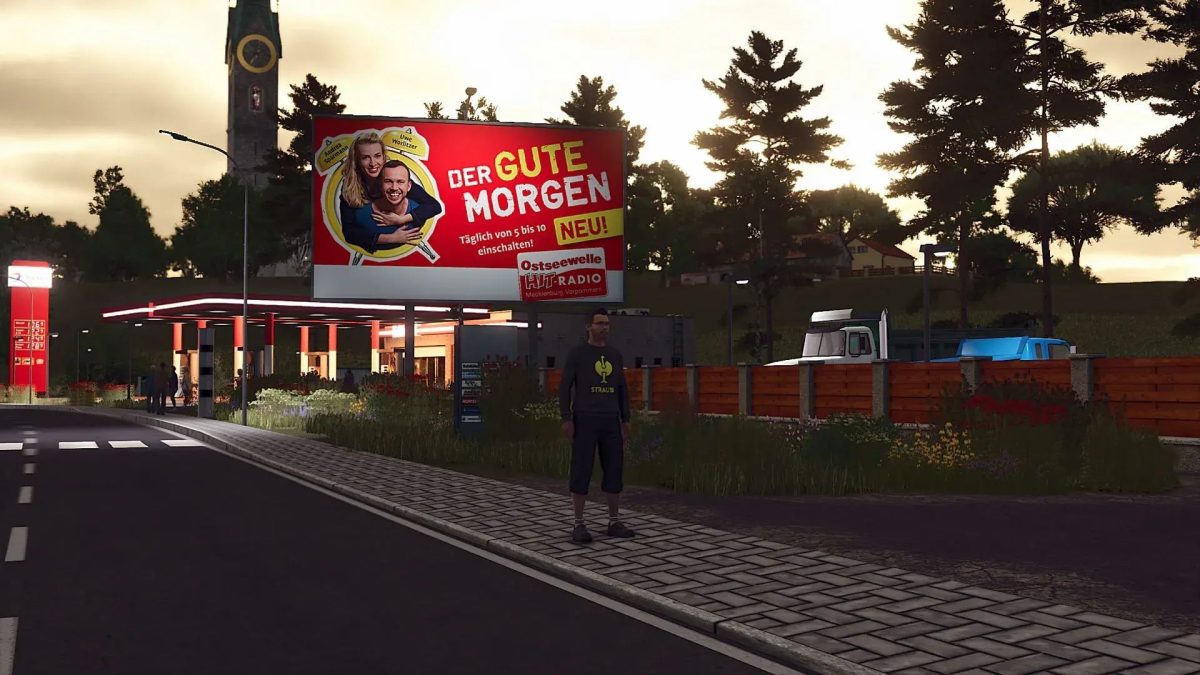
Mecklenburg Vorpommern Map v 1.0.0.6


– At Greise AG you can start a “test maker” that has no impact on play (only serves to realism)
– On the main courtyard you have to fold down the gallows so that you can fill your field injection
– In all the scuff pits and lagoons, the tarpaulins are visibly with the level
– The speed camera works on the map (be careful, costs money quickly)
– The bottom angles were increased to 32
– The gates in the main courtyard have received all round lights that rotate when opening and closing or closing the gates
– Overall hectare: 1026.60 ha
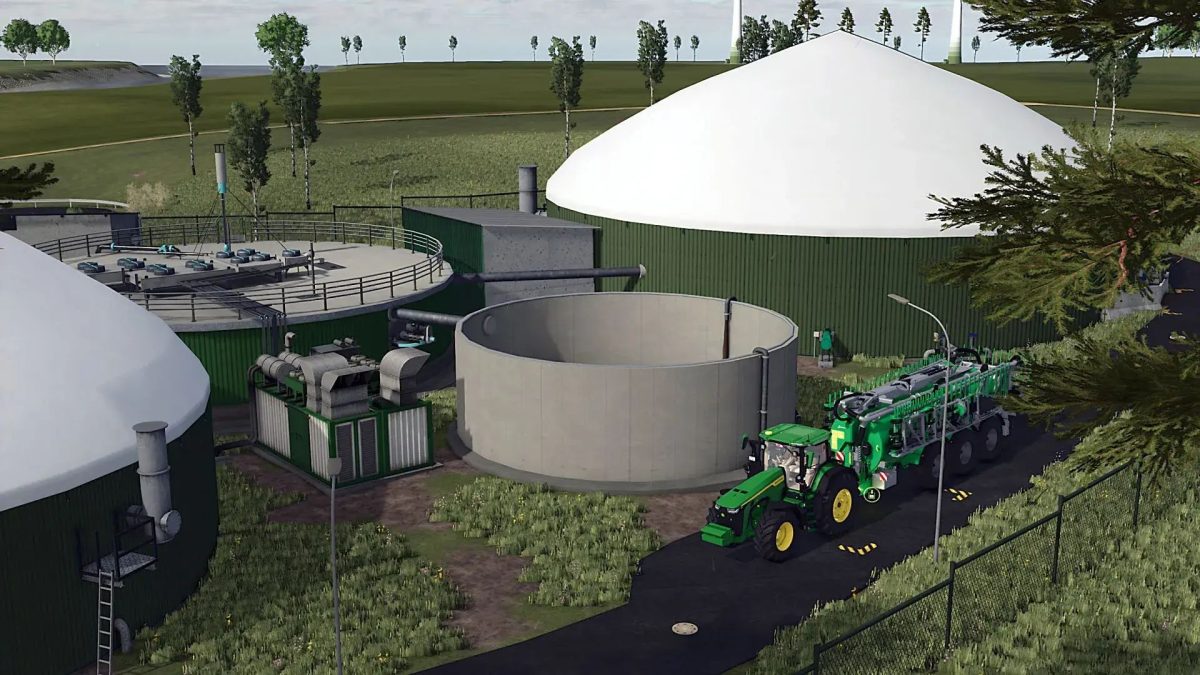
– BGA
– BGA driving silos
– Cow yard
– Chicken
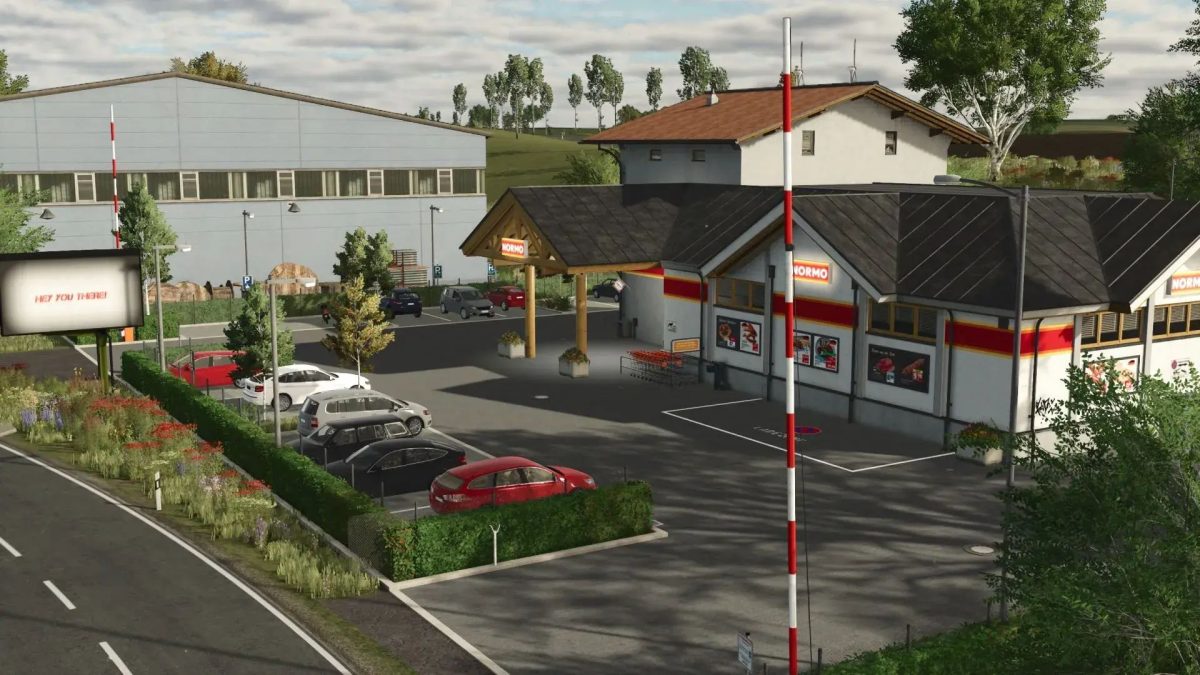
– Petrol stations
– Workshops
– Pig farming
– Food silo with pig feed
– Court silo
– Sheep
– Horses
– BGA Libra
– Lumper
– Sales stations
– Greide AG
– Bale sale
– Lila baking production and sale
– Raiffeisen
– Northern sugar
– Harbor
– Stralsund brewery
– Eggs Putthoff
– Water filling stations (hydrants)
– Dairy
– Grain mill
– Sawmill
– Old spinning
– Seed production
Version 1.0.0.6:
* DescVersion increased to “101”, Game Version: 1.11.0.1
* Crop limit increased from 32 to 64
* New crops added (spelt, triticale, rye, green rye, silage, corn, mustard, Humusactive)
* HighTypes increased from 64 to 256 (tippable heaps)
* In field 56, the birch trees were too close to the field edge
* Biogas plant adjusted (manure is now registered as input)
* Manure pit near the cows adjusted, capacity increased from 4,000,000 to 800,000
* Cow feed amount adjusted, capacity increased from 1,000,000 to 100,000
Credits:
DtP Mario