
FS25 Maps

Mecklenburg Lake District Map v 1.1

Mecklenburg Lake District Map v 1.1

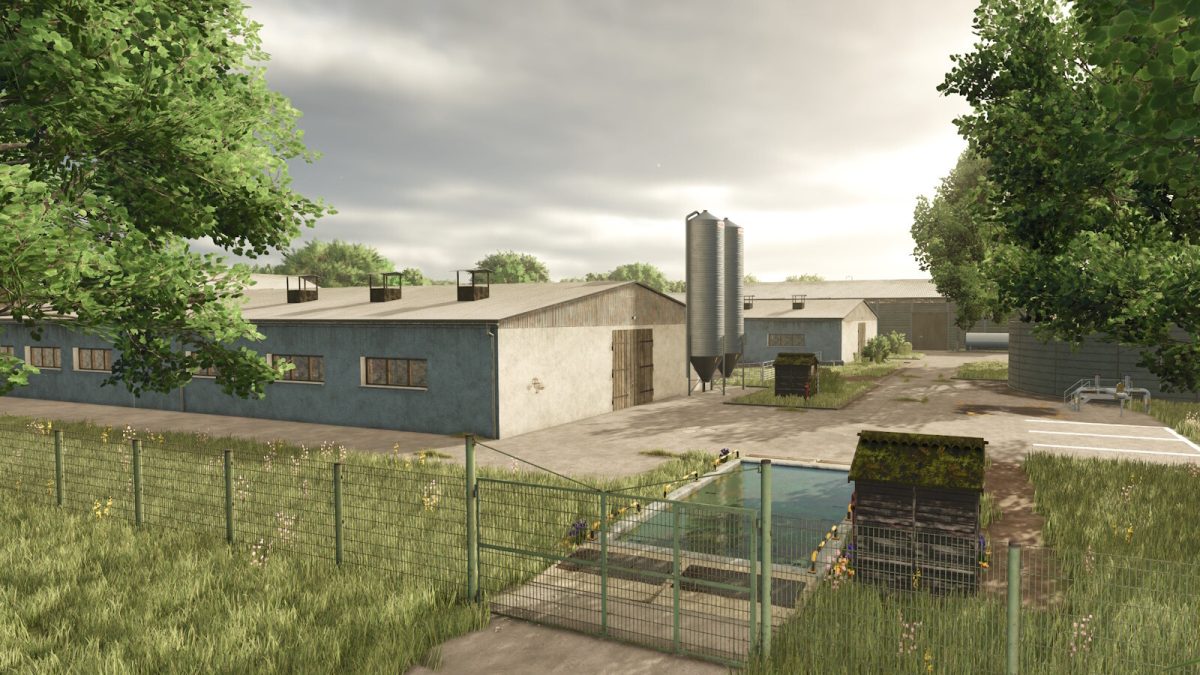
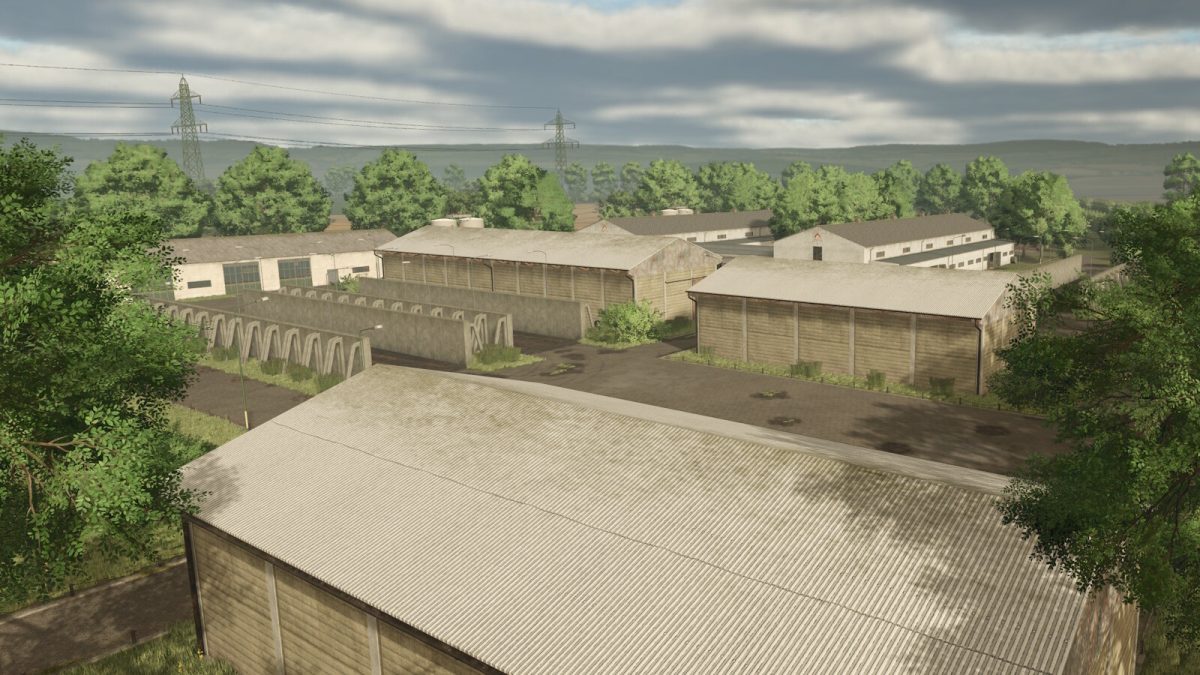
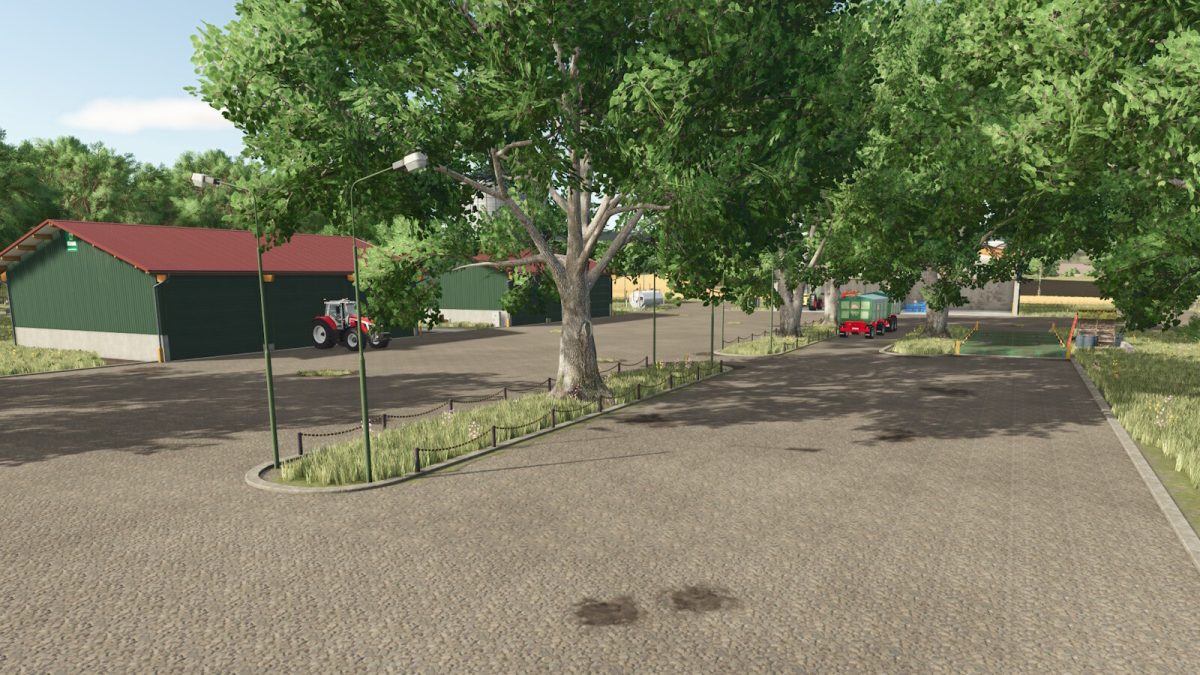
– 1 main farm with silo, shelters, vehicle fleet areas
– 1 cow farm with barn, slurry pit and outdoor pasture
– 1 pig farm for fattening and breeding
– 1 efficient biogas plant (BGA) for energy production
– 36 fields of various sizes for grain, rapeseed, maize and much more
– 5 meadows for grass, hay and silage
– New fruits from PfalzAgrar
– Points of sale: AG Sarow, AG Hohenmocker
– Sugar factory
– Potato hall
– Dairy
– Seed and fertilizer station
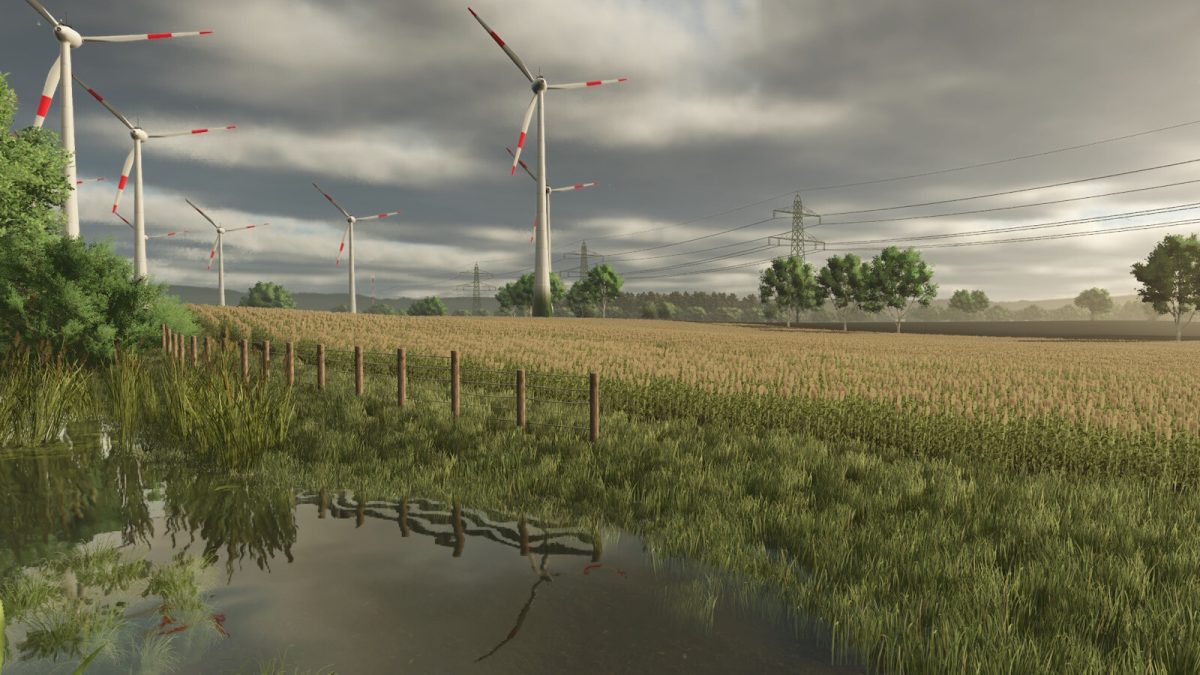
– Typical northern German landscape with rolling hills, small forests, country lanes and lakes

Version 1.1:
* Asphalt texture bug fixed for console
* Fruit destruction fixed
* Customized animal feeding system installed for additional crops
* Dealer spawn point for mission enlarged
* Map background swapped
* Maprand trees revised

Credits:

Holden

How to install FS25 Maps?
Firstly find a mod which you like and want to download. Then download a mod to your PC. Mods are usually in .zip format file. But sometimes it can be in .rar. If a mod file is a .zip format no needed additional actions. If a file is in .rar, then you must unarchive mod with software like WinRar or Zip7. Windows 10 users no need to use software for archives, Win10 itself has a feature to unarchive files.
The next step is to find mods folder in your PC. Usually, it is in Documents/My Games/Farming Simulator 25/2025. Open the "mods" folder and put downloaded .zip archive or unarchived .rar file to this folder.
Last step. Enjoy of FS25 mods!

Leave a Reply

Your email address will not be published. Required fields are marked *