

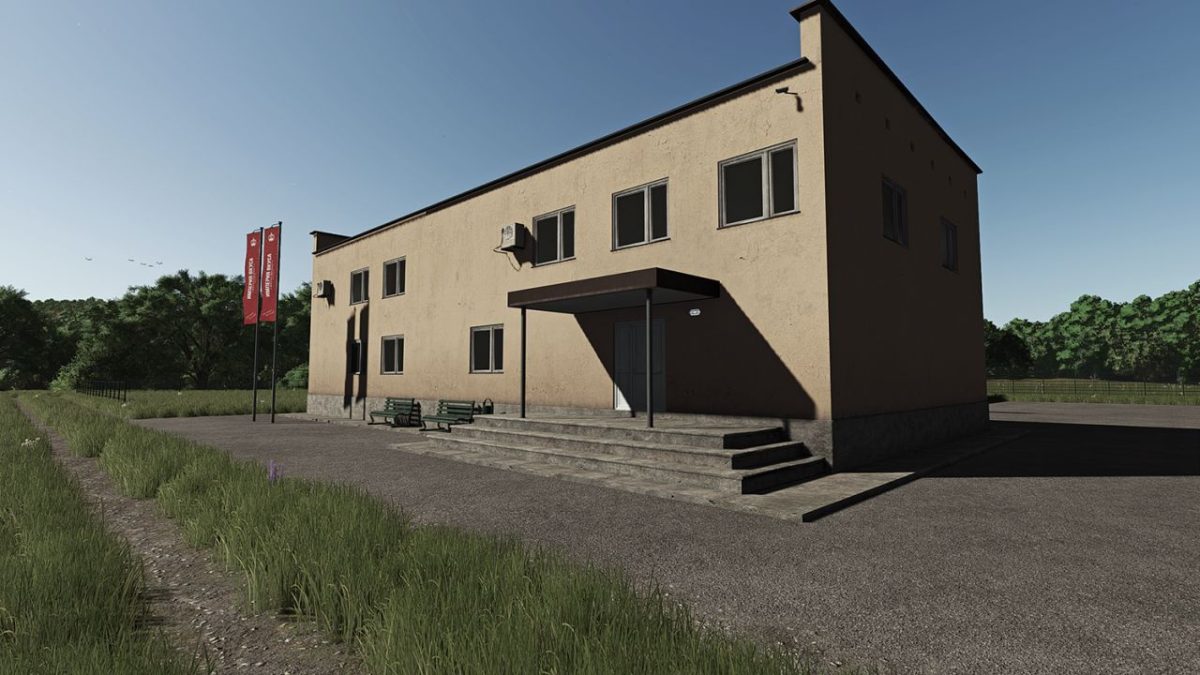
Meat Processing Plant v 1.0.0.1


The meat processing plant contains five workshops, each of which produces various products. The buildings are made in the same style and color scheme. You can sell finished products in a company store, which was also developed for this mod. Brand your buildings with the help of advertising signs and a banner.
A little about production:
– The primary processing workshop, on which the following types of animals are accepted: cattle, pigs, sheep, hens! A special trailer is built into the mod for transporting birds
– Sausage workshop: 4 types of products
– Small workshop: 4 types of products
– Workshop of delicacies: 5 premium products
– Waste processing
Version 1.0.0.1:
* The capacity of the trailer for the transportation of birds has been increased
* Some prices are adjusted
* Correction of translation files
* Not significant changes in production chains
Credits:
Steem, Antarh


