McCormick MTX v 1.0


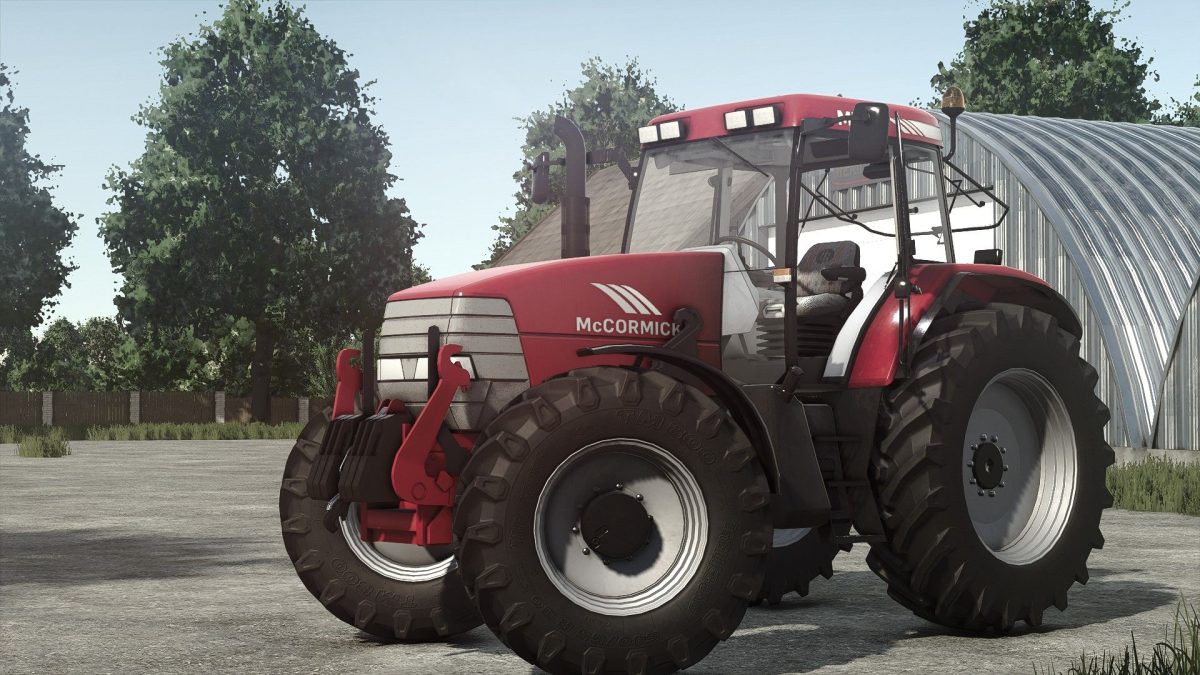
The McCormick MTX v 1.0 offers players a versatile tractor option for their farming simulation experience.
Priced at 71,000, this model comes with several engine options ranging from 135 horsepower to 200 horsepower, encompassing the MTX 135, MTX 150, MTX 175, and MTX 200 variants. This diversity in power allows players to select the right fit for their particular farming needs, whether that’s handling lighter tasks or more demanding operations.
The mod also provides extensive customization options, including different wheel configurations, rim colors, and design choices to tailor the appearance of the tractor to personal preferences.
Additionally, a front loader option is available, enhancing its functionality for a variety of farming tasks.
– Price: 71,000
– Engine options: 135hp to 200hp (MTX 135, MTX 150, MTX 175, MTX 200)
– Customizable wheel configurations
– Various rim color options
– Design variations available
– Front loader compatibility
Credits:
Starlexs, Kariboux Modding, HGModel, Nico Du 55, TMP