

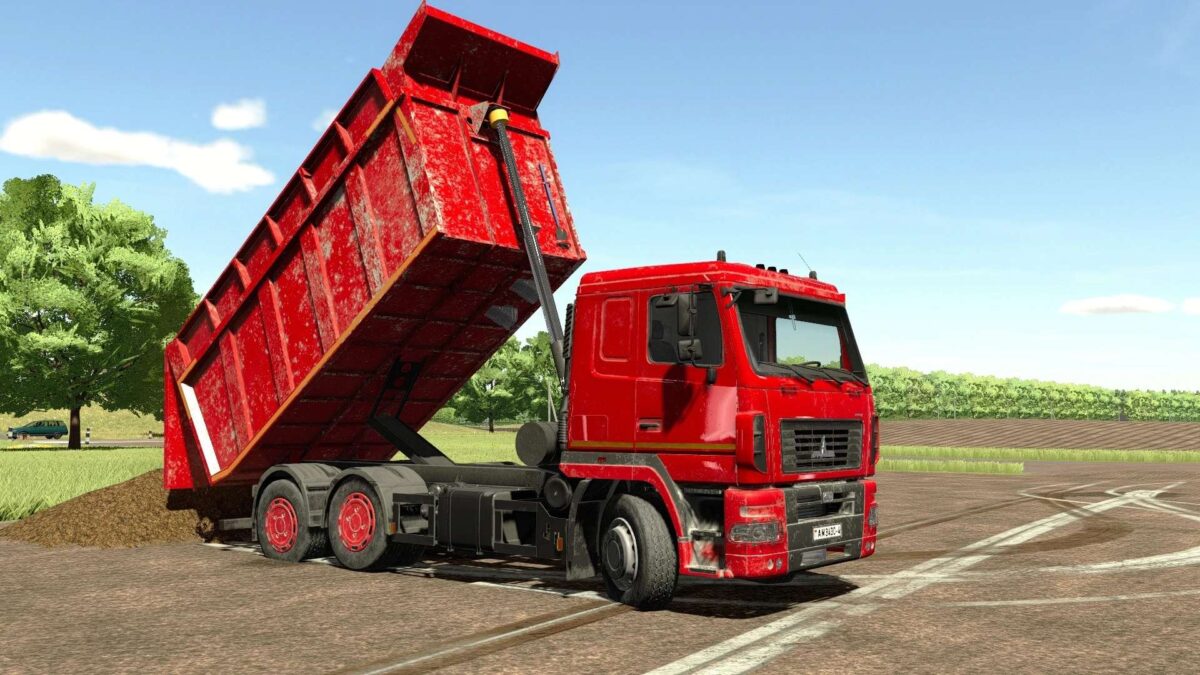
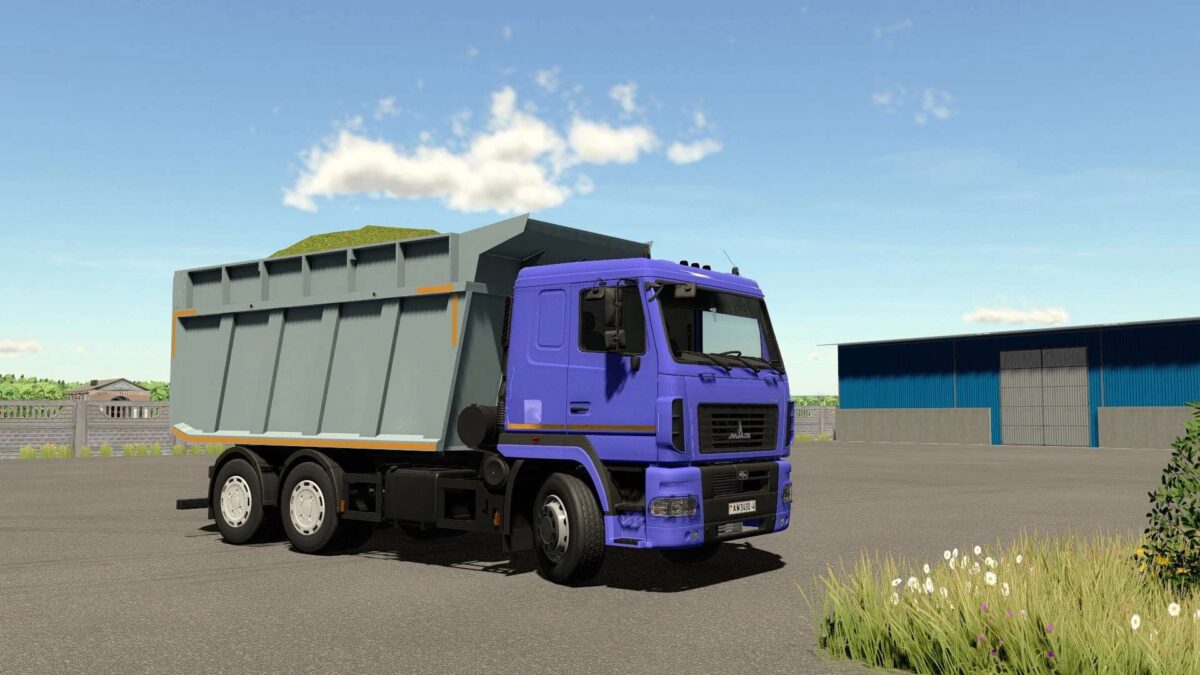
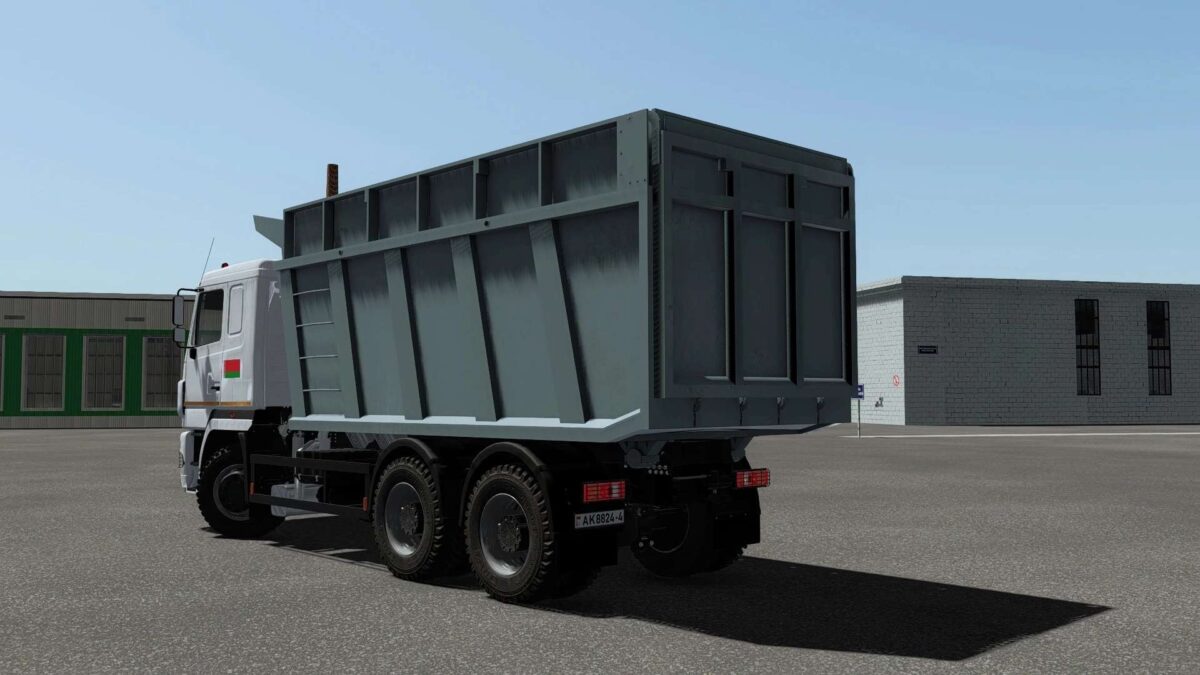
MAZ 6501 Dump Truck v 1.0


– Engine Setup: 420 hp, 423 hp
– Speed 83 km/h
– Selectable Capacity: 20000, 25000 liters
– Choice of cabin color
– Choice of bumper and fender color
– Choice of body color
– Choice of rear caps color
– Choice of tire options (highway and agro)
– Choice of disk options (2 options)
– Choice of caps (2 options)
– Choice of instrument panel (2 options)
– Choice of logo or livery
– Choice of bumper and fender painting options (2 options)
– Installation or removal of rear bumper
– Installation of reflectors on the body
– Installation of headlight protection front and rear
– Interactive Control support: opening the driver’s door, hood, glass, raising the cabin, turning on the light in the cabin, installing the “Harvest” sign, installing a flag on the driver’s mirror on the door
Credits:
Sania96, Trigada, Cheb, Esound


