

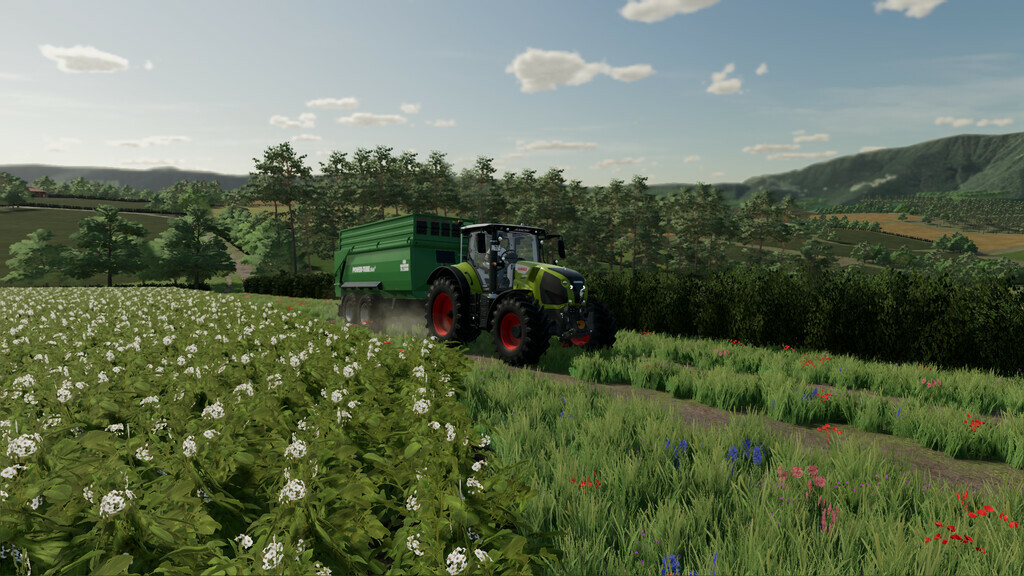
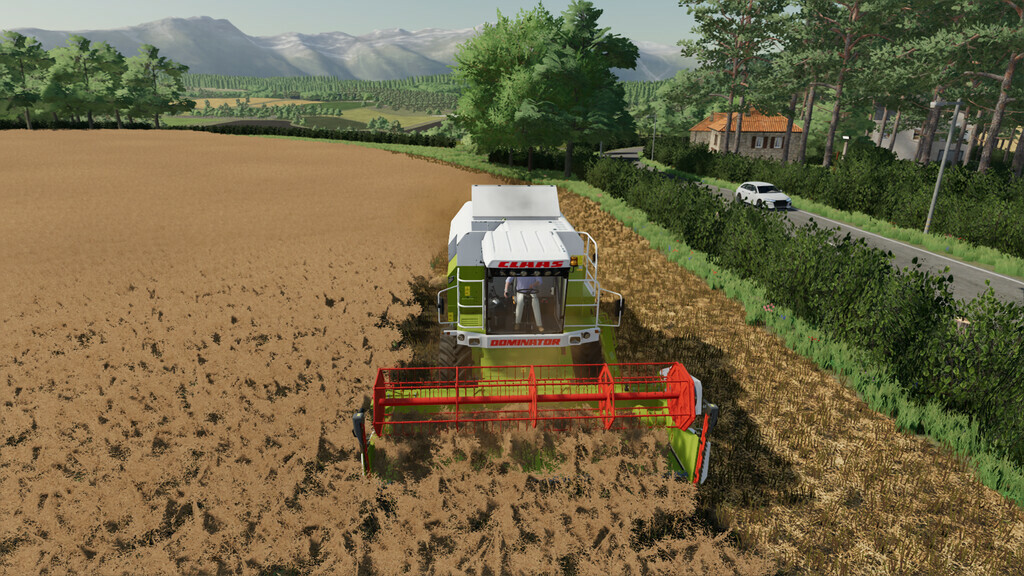
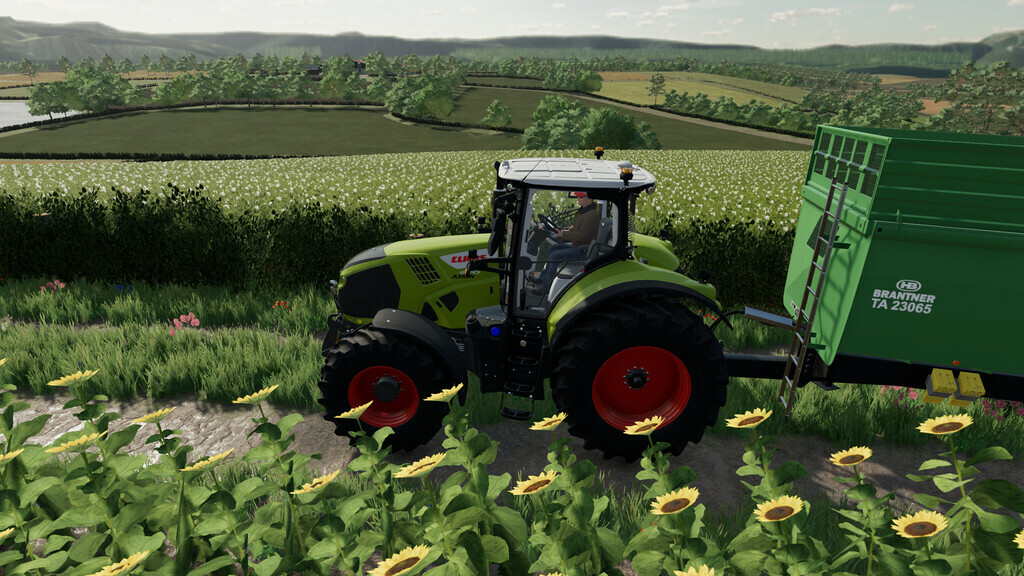
Maypole Farm Map v 1.6


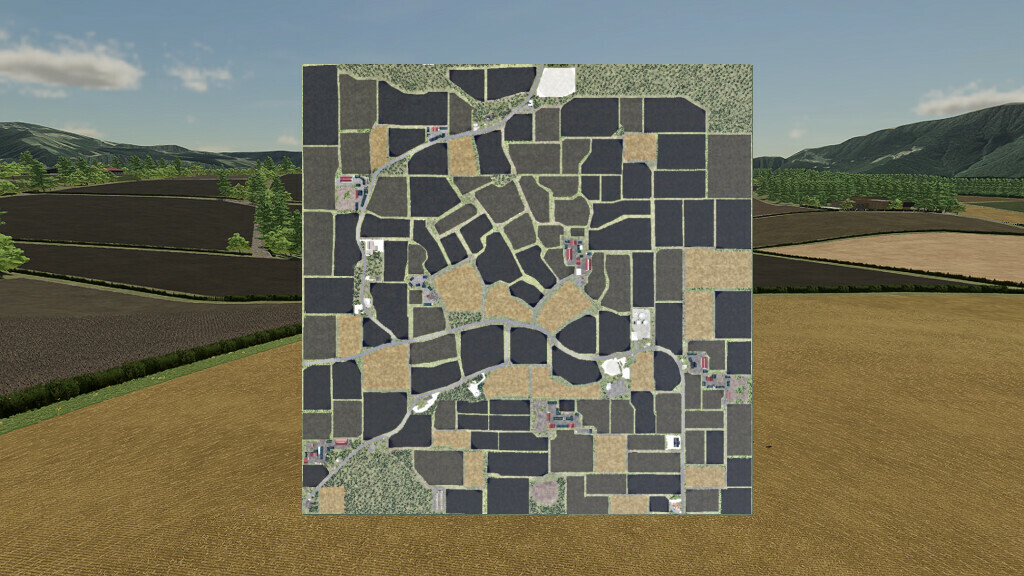
– 128 fields of all shapes and sizes
– Small spotlights near barns point to the barn wall and / or fence, which are removed when you cut the light
– Cutable hedges to expand or connect fields, or cut to open up the land
– All the production chains of the base game are spread across the map
– 7 farms, 6 farms have livestock and the seventh is an arable farm. All farms are spread across the map
– Fully customizable farm facility in a modular environment, also known as farm is separated from barns, gives you the opportunity to expand your farm when you are ready to work with these animals (note that you need to buy the pasture for each barn before the triggers appear)
– 20 cartridges are scattered around the map for you to find
– The map is Presicion Farming ready and uses a custom soil map
– There are some large forest areas on the map as well as some much smaller plots
– Free water can be found at the lake in the south of the map
– All base game products can be sold at multiple outlets
– AI splines can be found on the map to make it easier for hired helpers to move around
Version 1.6:
* Road network completly revamped
* Multiple fields modified
* Terrain modified around the map
* Many changes to buyable plots of land
* Sell points updated to work with the new Farm productions DLC
* Buyable plots added for both Grapes and Olives
* PDA updated
Credits:
CavalierRoy


