

Maypole Farm Map v 1.1


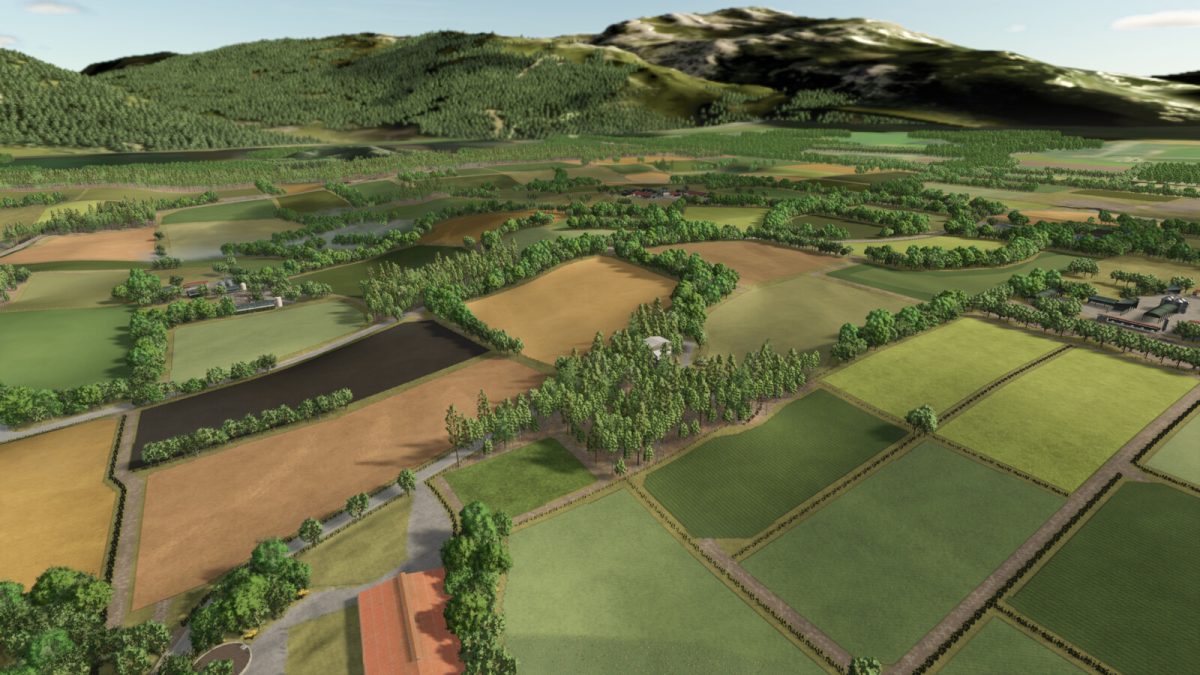
– 117 fields of all shapes and sizes
– Apple tree’s when cut will remove objects to help free up plots for your needs
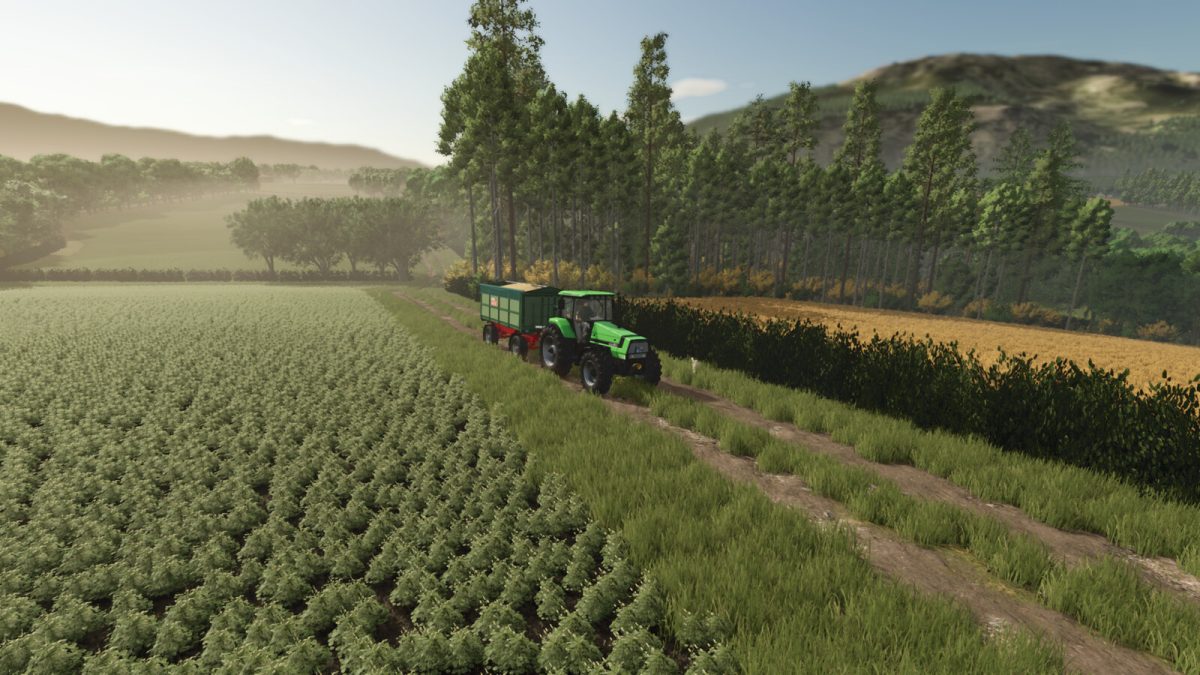
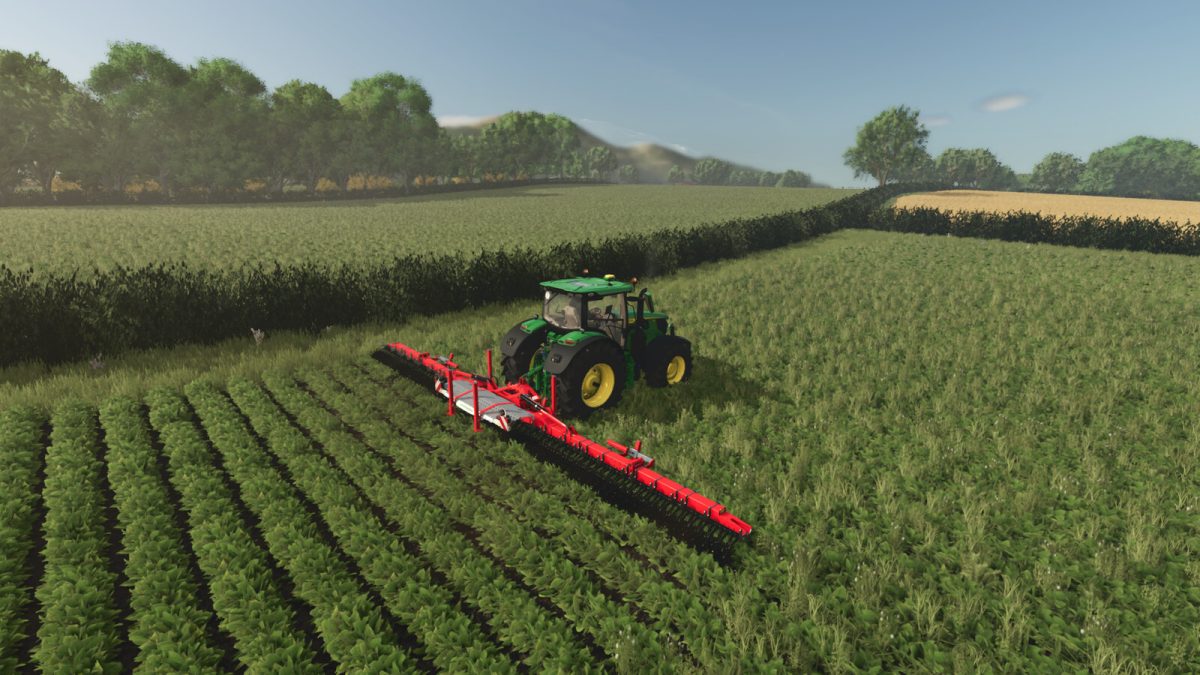
– Cutable hedges to expand your land or connect fields
– Barbed wired fencing can be removed by cutting the posts
– Most production chains from the base game are spread across the map
– 7 farms, 6 farms have livestock and the seventh is an arable farm
– Fully customisable farms in a modular setup, gives you the opportunity to expand your farm when you are ready to work with these animals (note that you need to buy the pasture for each barn before the triggers appear)
– 25 collectables are scattered around the map, collectables are a little more profitable
– There are some large forest areas on the map as well as some much smaller plots
– Free water can be found at the lake in the south of the map
– All products can be sold at multiple outlets
– When buying factories you also gain the land they are on
– Customisable animal pens added with functioning gates
– Many sheds added
– all base game textures added
– Some new fill types added as well as some products modified to work with these new products
– All new products added can be purchased or sold at the warehouse
– All modified productions are available for you to place if you wish
– AI splines can be found on the map to make it easier for hired helpers to move around
Version 1.1:
* Fixed missing collisions on a few iteams at the super market
* Fixed manure loading trigger on manure clamp
* Adjusted ground triggers for BGA so tipping from trailers works
* Adjusted Dairy tip trigger for tipper trailer
* Water at the pond updated (had a graphical glitch when you interacted with the water)
* Adjusted all capacities at production points to work better in multiplayer
Credits:
CavalierRoy, Monkey_Show


