

Matte Vehicles v1.2


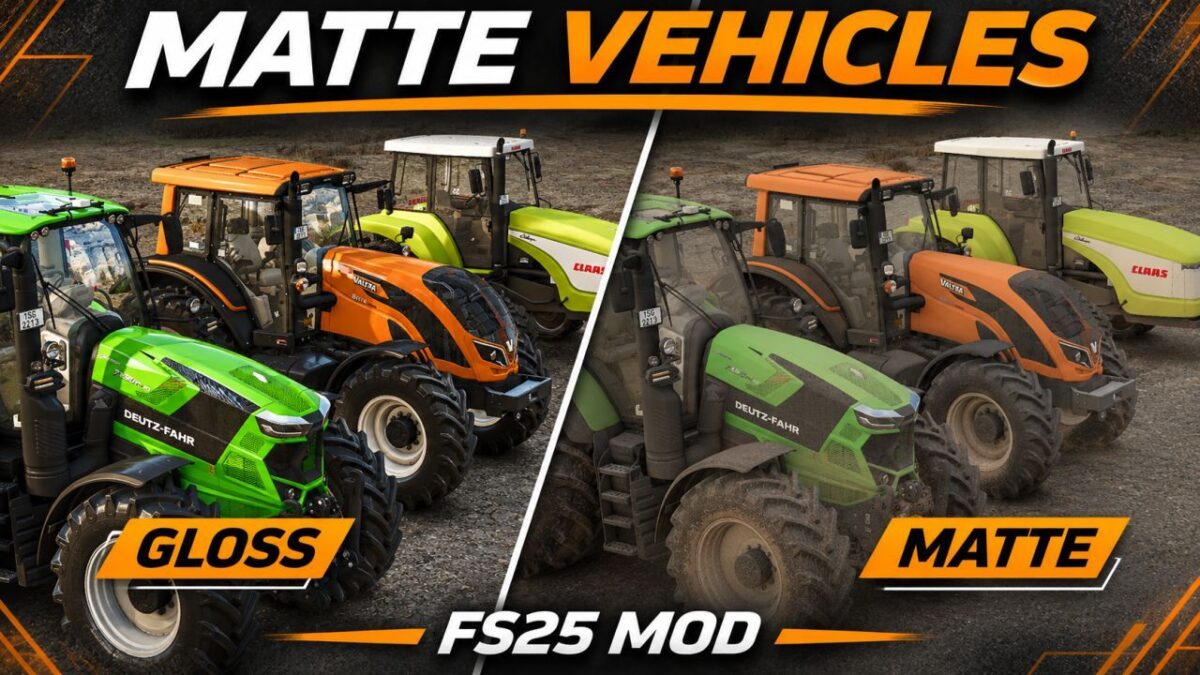
Matte Vehicles – say goodbye to the plastic shine!
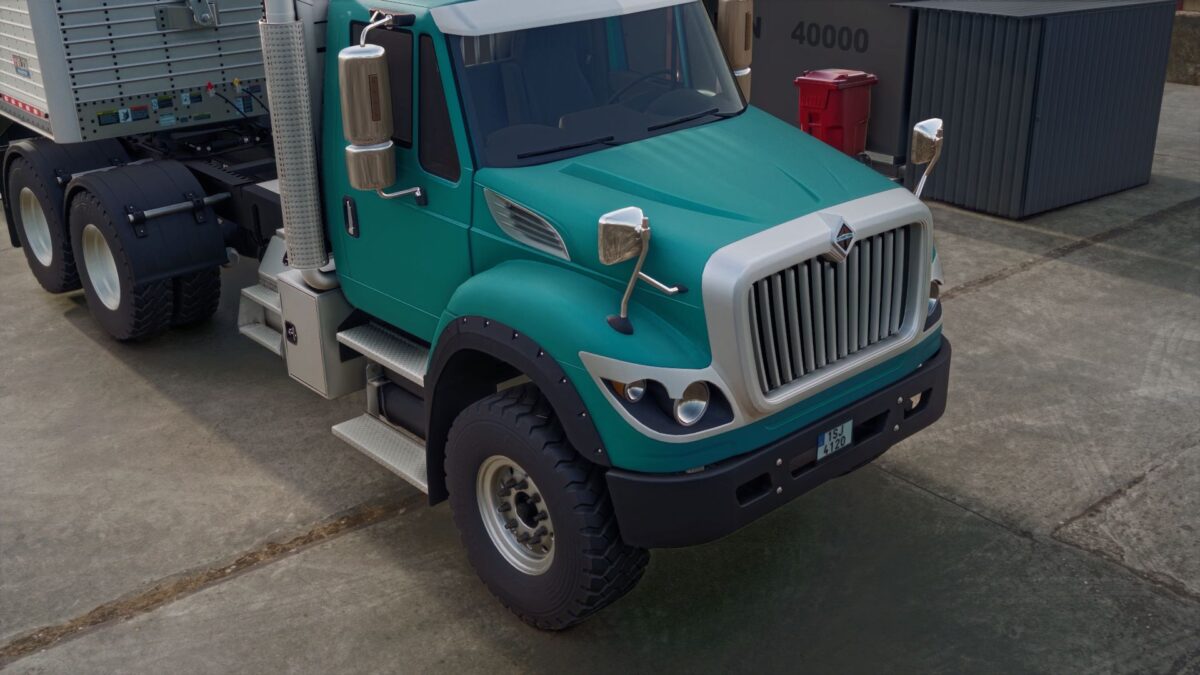
Tired of vehicles that look like brand-new toys? Matte Vehicles turns the paint of every machine matte: no gloss, no clear coat, just a realistic, worn-in farm look.
Features
Works on all vehicles and implements, including other mods
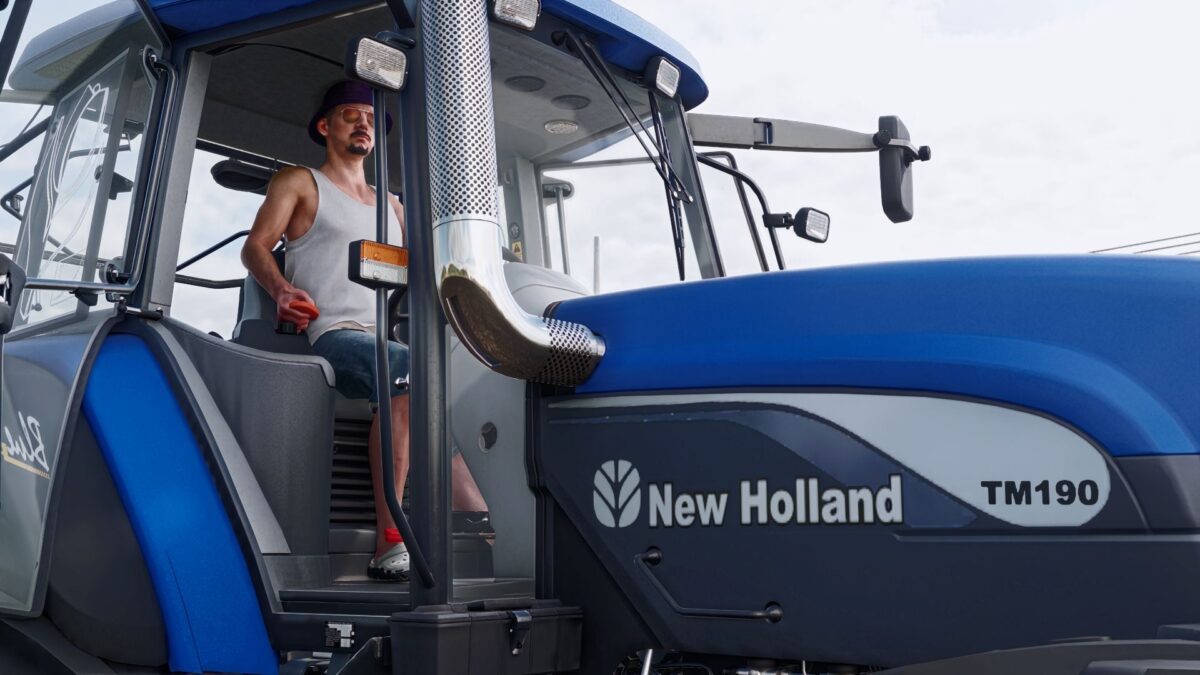
Glass, lights, mirrors and chrome stay reflective
Runs at runtime only, no game files are changed
Multiplayer supported
Adjustable matte level in the script (SMOOTHNESS_FACTOR, 1.0 = original, 0.0 = fully matte)
Install: put the zip in your mods folder. Do not unzip it.
V1.2.0.0
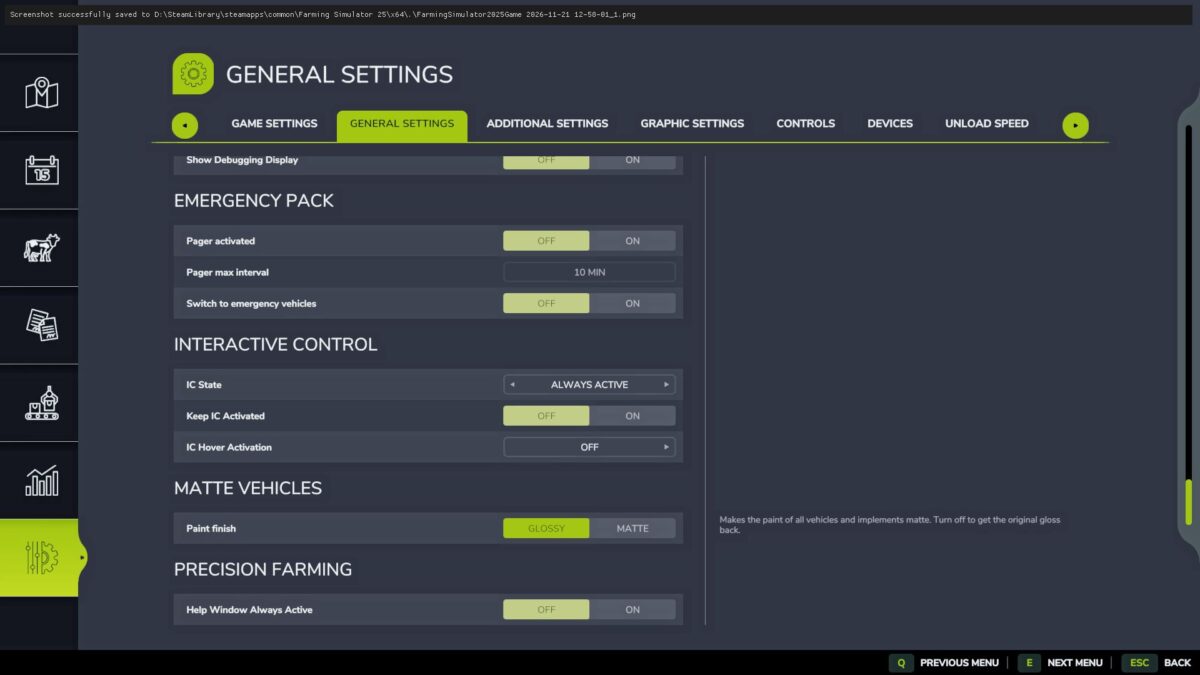
New option: Chrome parts (Settings > General > MATTE VEHICLES)
MATTE also makes chrome parts and mirror housings matte
Glass, lights and displays always stay untouched
The choice is saved between sessions and applies instantly to all vehicles
Credits:
OGFSMODDING


