

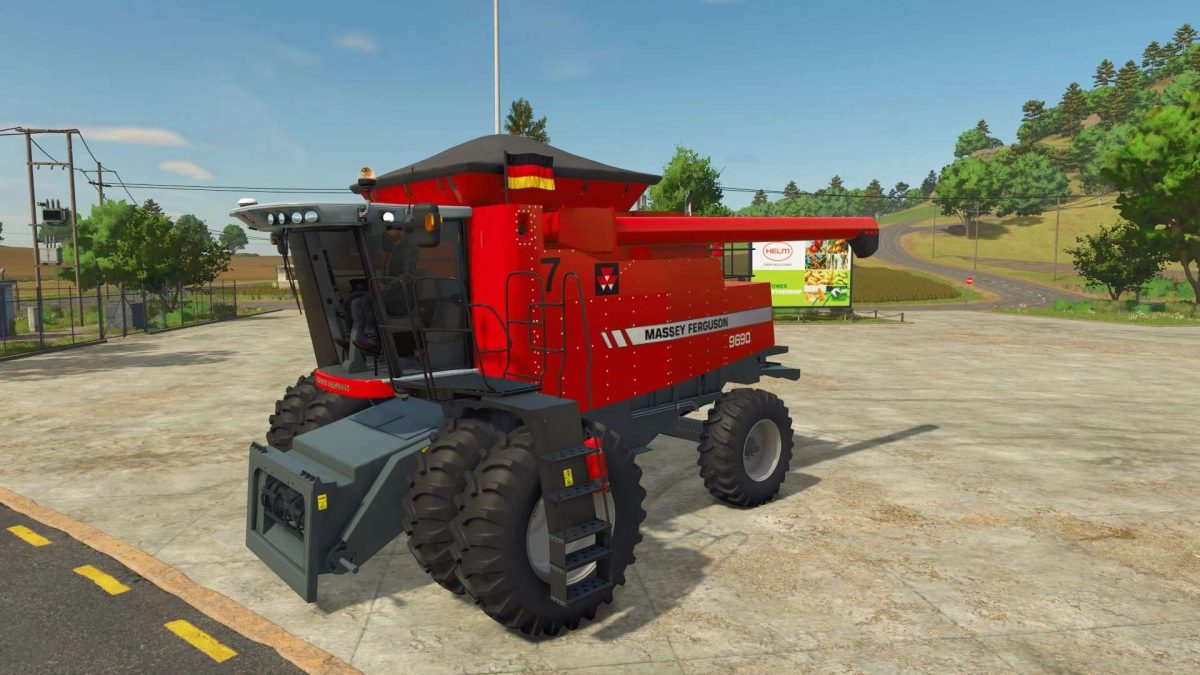
Massey Ferguson ATR Series v 2.2.1.1


The Massey Ferguson 9790/9690; agricultural machinery with a tradition of innovation, reliability, and performance.
Combines designed to meet the demands of agribusiness. Recognized for its robustness and easy maintenance, Massey Ferguson combines affordable technology with efficiency in the field, helping farmers maximize productivity. Its solutions are ideal for small, medium, and large properties, providing versatility and excellent cost-effectiveness.
Massey Ferguson ATR. Series 9690/9790
– Animations.
– Optional windows.
– Optional engine 325Hp to 380Hp.
– Optional tires MICHELIN; MITAS; PIRELLI, and TRELLEBORG.
– Various tire options.
– Numal tires, rice paddy tires, dryland tires, dual tires.
– Crawlers.
– Sounds in animations.
– Functional FS25 tires.
– Functional GPS AI.
Version 2.2.1.1:
* Added Real GPS
* Added lights to the internal dashboards
Credits:
TUF Gaming


