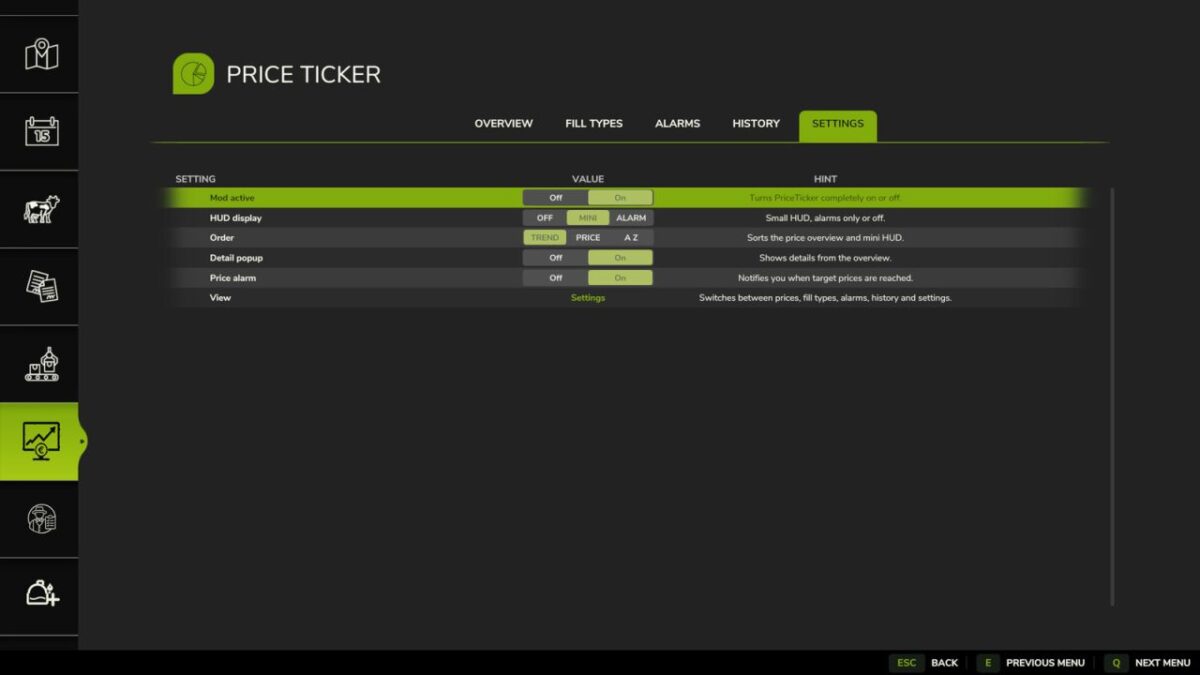
Market Price Helper v 1.0.0.1


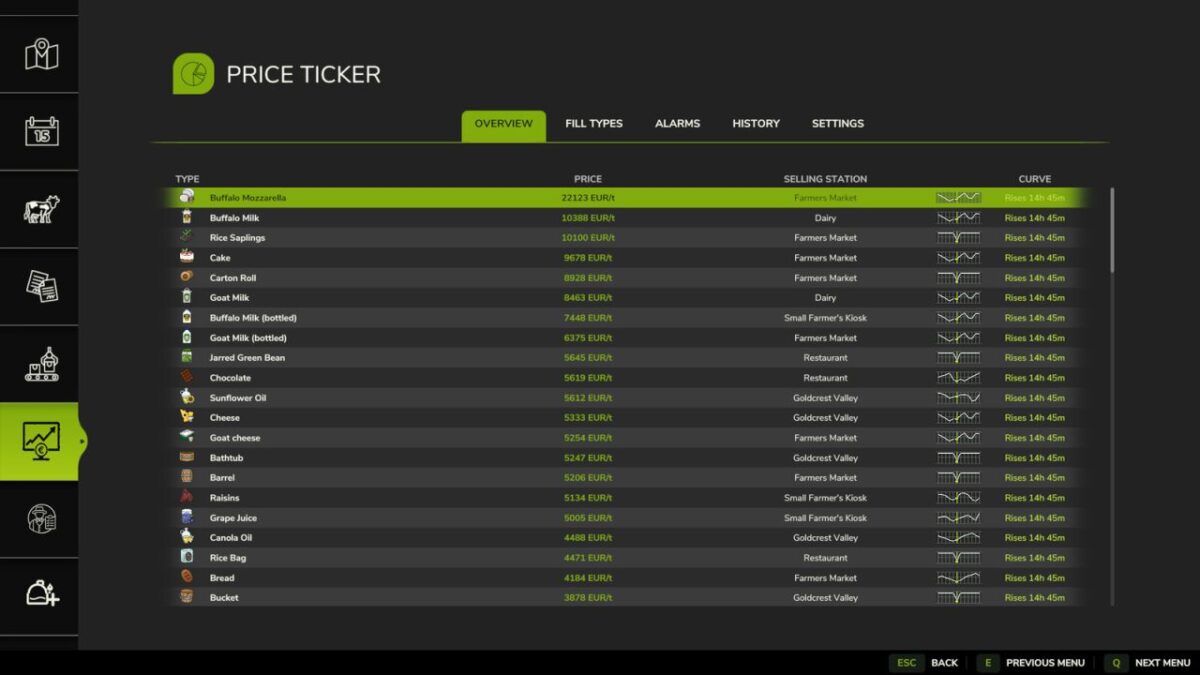
PriceTicker is a market price assistant for Farming Simulator 25. It evaluates current market opportunities, your own stock and possible revenue in one FS25 style ESC menu and a discreet in game HUD.
Functions:
– Price quality, sell now recommendation, expected seasonal maximum and possible gain from waiting
– Own stock from farm storages, productions, husbandries and supported object storages; vehicles and pallets are optional
– Current revenue, potential maximum revenue and separate summaries for the best opportunity and highest absolute price
– Full selling station comparison with price difference, distance, estimated route costs and optional map marker
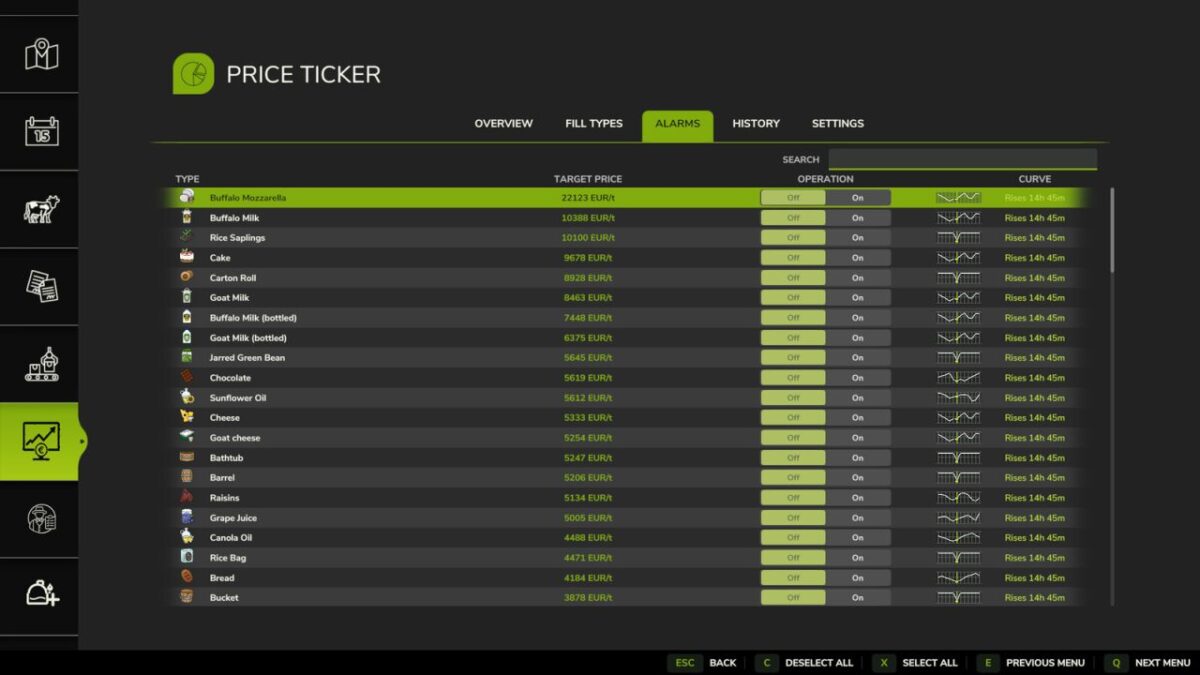
– Percentage alarms at 80%, 85%, 90%, 95% or 100% and new annual high alarms
– Once only or repeating alarms with configurable reminder intervals and optional stock requirement
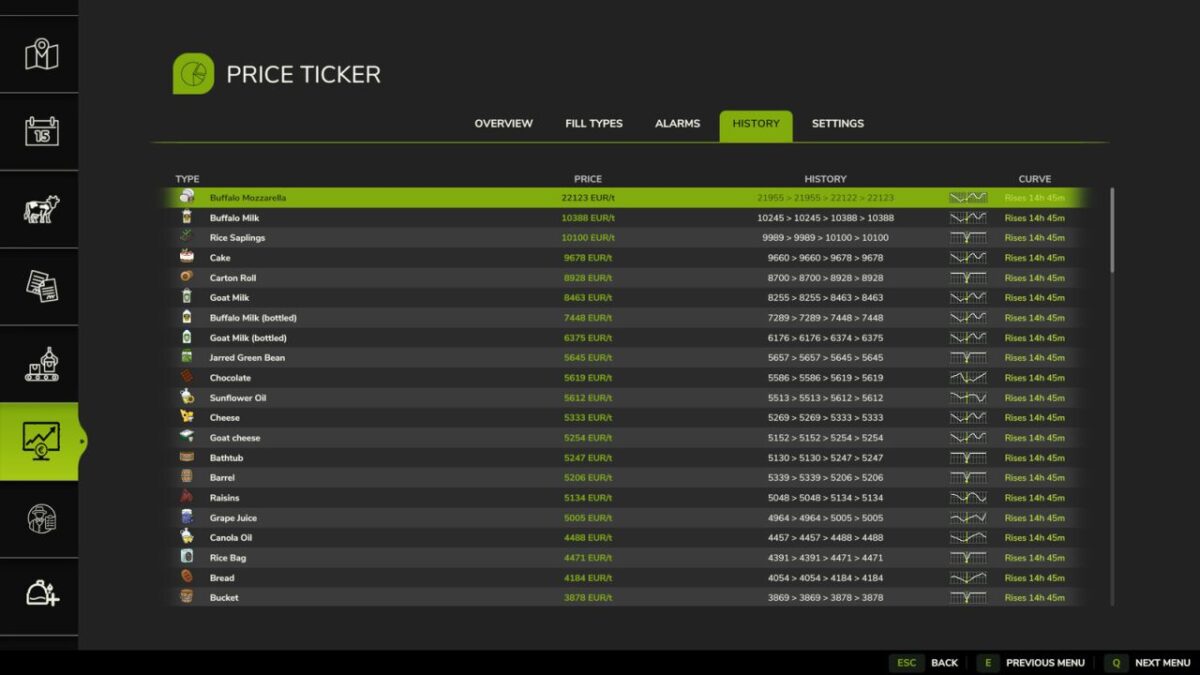
– Hourly savegame history with views for 24 hours, 7 days and 12 months, including chart, minimum, average, maximum and changes since yesterday and last month
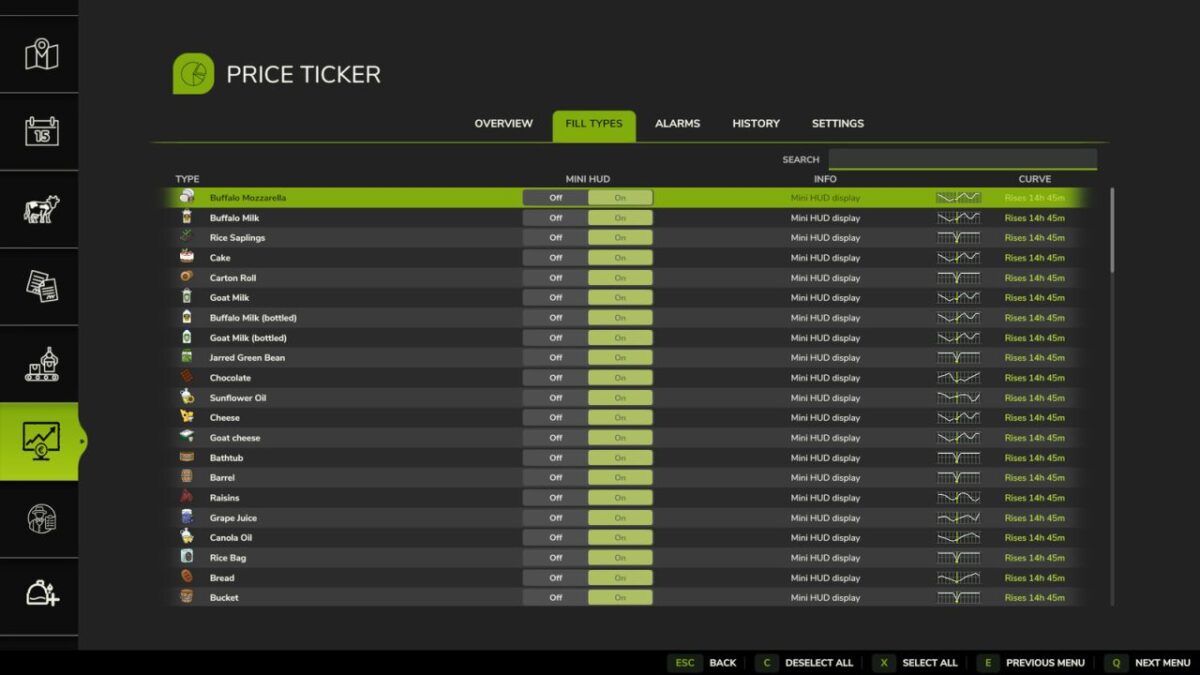
– Favorites plus filters for stock, good prices, crops, animal products, production goods, liquids and mod products
– Configurable multi row HUD with position, size, opacity, rotation speed and manual previous/next controls
– Automatic support for compatible mod fill types, localized currency and prices per 1,000 liters
PriceTicker does not change market prices. It helps you understand them and decide whether selling now or waiting is more worthwhile.
Version 1.0.0.1:
– Price quality, sell now recommendation, expected seasonal maximum and possible gain from waiting
– Own stock from farm storages, productions, husbandries and supported object storages; vehicles and pallets are optional
– Current revenue, potential maximum revenue and separate summaries for the best opportunity and highest absolute price
– Full selling station comparison with price difference, distance, estimated route costs and optional map marker
– Percentage alarms at 80%, 85%, 90%, 95% or 100% and new annual high alarms
– Once only or repeating alarms with configurable reminder intervals and optional stock requirement
– Hourly savegame history with views for 24 hours, 7 days and 12 months, including chart, minimum, average, maximum and changes since yesterday and last month
– Favorites plus filters for stock, good prices, crops, animal products, production goods, liquids and mod products
– Configurable multi row HUD with position, size, opacity, rotation speed and manual previous/next controls
– Automatic support for compatible mod fill types, localized currency and prices per 1,000 liters
– Added a dedicated Stock page and expanded search across Overview, Stock, Fill Types, Alarms and History.
– Added FS25 style arrow selectors plus left/right value controls for mouse, keyboard and gamepad.
– Added an in game HUD position mode with remappable control, locked camera, drag and drop placement and saved exact position.
– Final repairs: improved selected row readability, synchronized MINI HUD selection, consistent stock rounding, restored the complete value change footer, added a non empty HUD placement preview and strengthened the camera lock.
– Added working detail windows in Overview and Stock with prices, stock sources, revenue and selling station information.
– Fixed period switching and chart display in History for 24 hours, 7 days and 12 months.
– Corrected the mini HUD comparisons: 24 hour and monthly values are only shown when matching history exists; otherwise a dash is displayed.
Credits:
Pat95