

Market Dynamics v 1.3


FS25 Market Dynamics – Dynamic Crop Pricing
Real-world inspired crop pricing for Farming Simulator 25. Prices rise and fall daily and intraday on world events, supply, and demand, so no two playthroughs feel the same. Lock in futures contracts, ride out market shocks, and watch it all on a live market screen. Markets stay volatile but never absurd, clamped between 50% and 200% of base.
Features
Dynamic Pricing Engine
Ten World Events
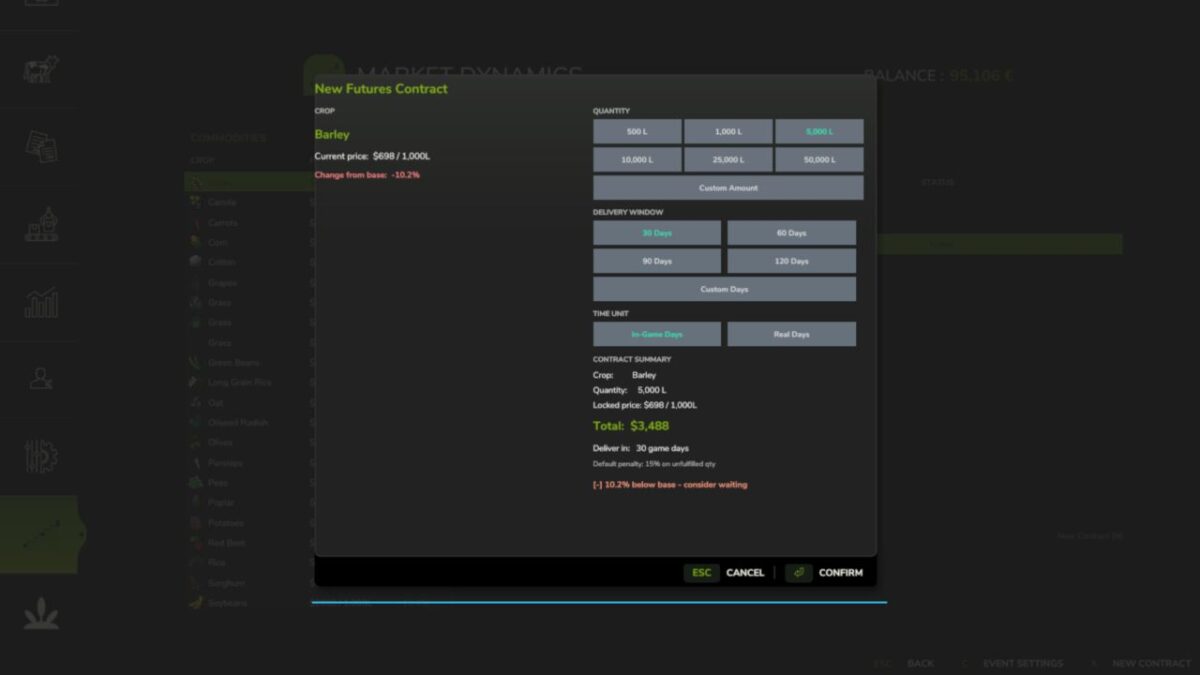
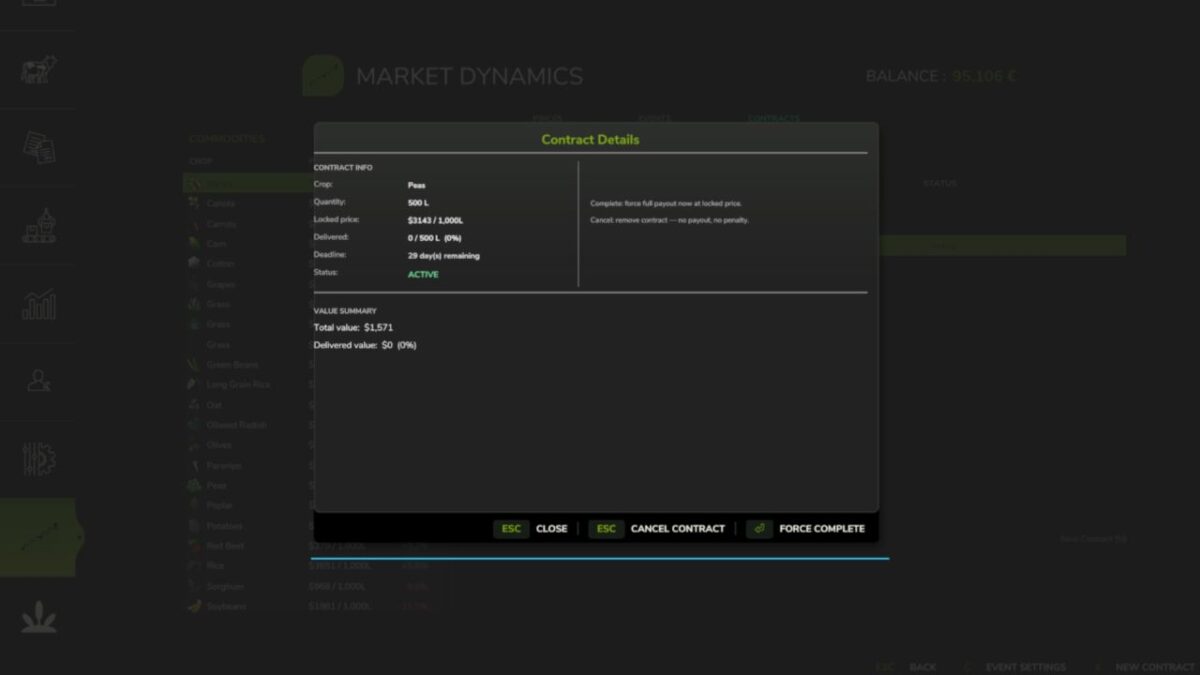
Futures Contracts
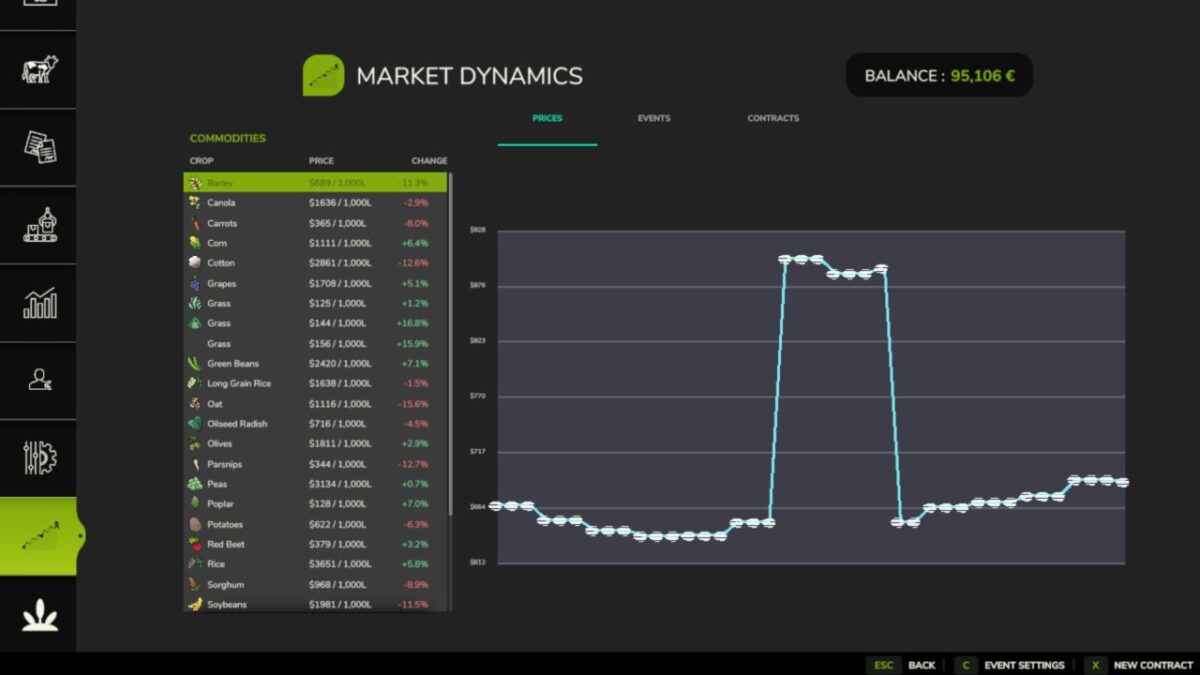
Live Market Screen
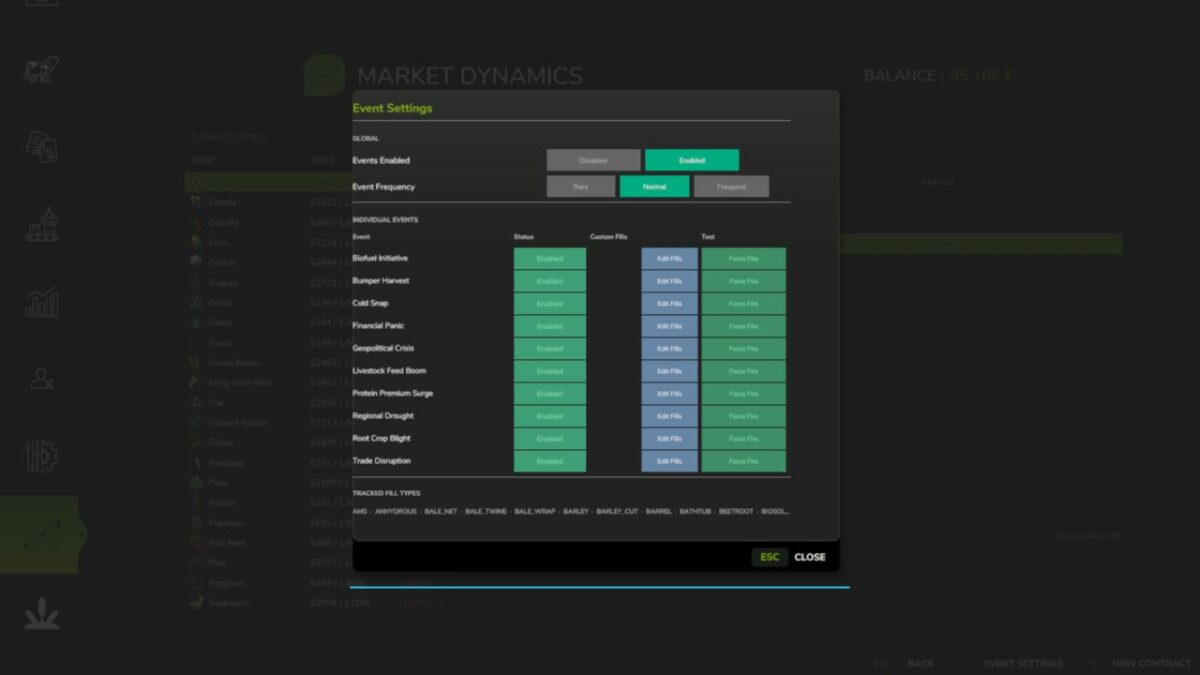
Configurable Events
Multiplayer Sync
Mod Integrations
26 Languages
Controls
Open New Contract dialog: N (or click “New Contract” on the Market screen)
Note that everything is server-authoritative in multiplayer, and you can safely remove the mod mid-save, it simply ignores its data on next load!
Works great with: FS25_FuturesMission and FS25_UsedPlus (integrations activate automatically when detected).
Version 1.3:
* This release adds the release gate: the mechanism that lets new systems ship locked until deliberately released
* Release gate. Market Dynamics now carries a lock registry that keeps experimental systems off until they are deliberately released, as an explicit opt in that is independent of the difficulty setting
* New setting: Experimental Systems. Under the mod’s settings, default off (stable only). Turn it on to use experimental systems at your own risk
* Nothing gated yet. This release wires the mechanism in so future experimental systems can ship locked. Today there are no locked systems, so the mod behaves exactly as it did in v1.2.0.9
* Everything else works exactly as before. Prices, world events, contracts, and the settings panel are untouched
Credits:
tisonK, LeGrizzly


