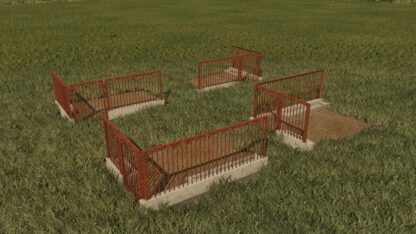
Manure Pit v 1.0


The Manure Pit v 1.0 is a placeable mod designed for Farming Simulator 22, providing players with an effective solution for storing manure. This mod allows for the easy management of manure in your farming operations, helping to keep your fields organized and reducing the risk of spills or contamination.
Featuring a realistic design, the manure pit can be seamlessly integrated into your farm layout. Players can place the pit in strategic locations for efficient use, ensuring that it serves as a practical storage option for both large and small farming setups. The mod aims to enhance the overall gameplay experience by introducing a functional and handy storage option for manure, allowing players to focus on other aspects of their farm.
The installation process is straightforward, enabling users to place the manure pit in their desired location within the game environment. Once placed, farmers can easily store and retrieve manure as needed, supporting tasks such as fertilizing their fields and managing livestock waste effectively.
Credits:
BSL modding