
FS25 Misc

Manual Paint – Per Material Vehicle Colours v 1.0

Manual Paint – Per Material Vehicle Colours v 1.0

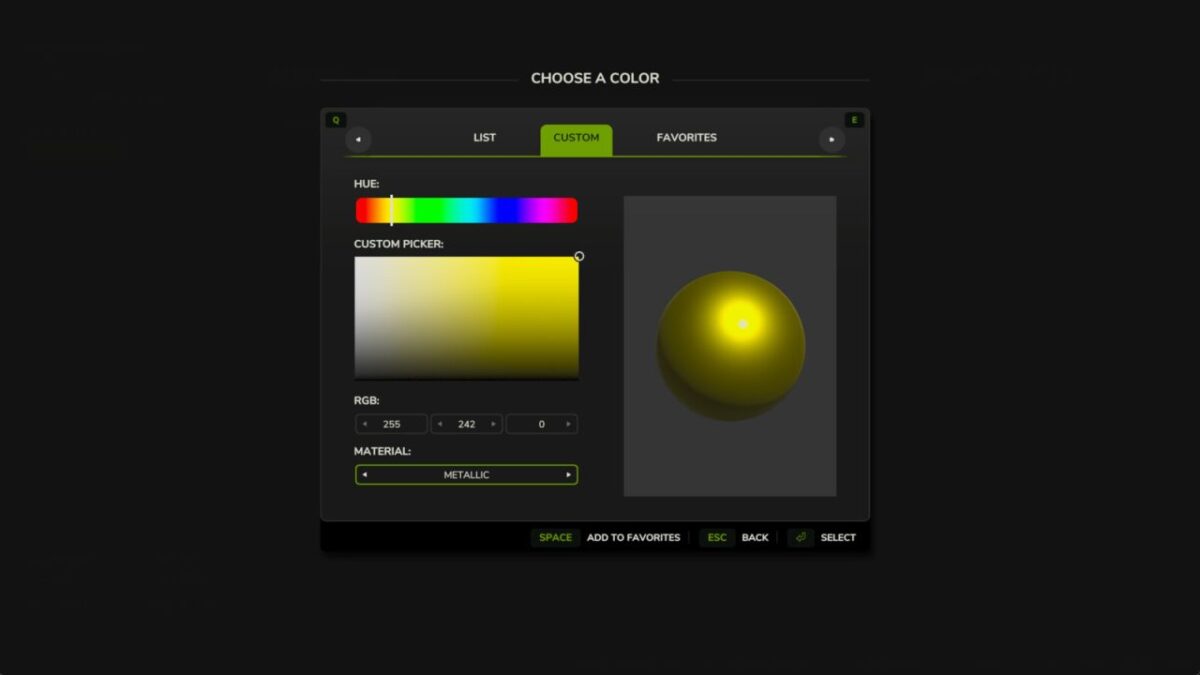
Paint EVERY paintable material on a vehicle – not just the handful of colour slots the vehicle maker exposed.
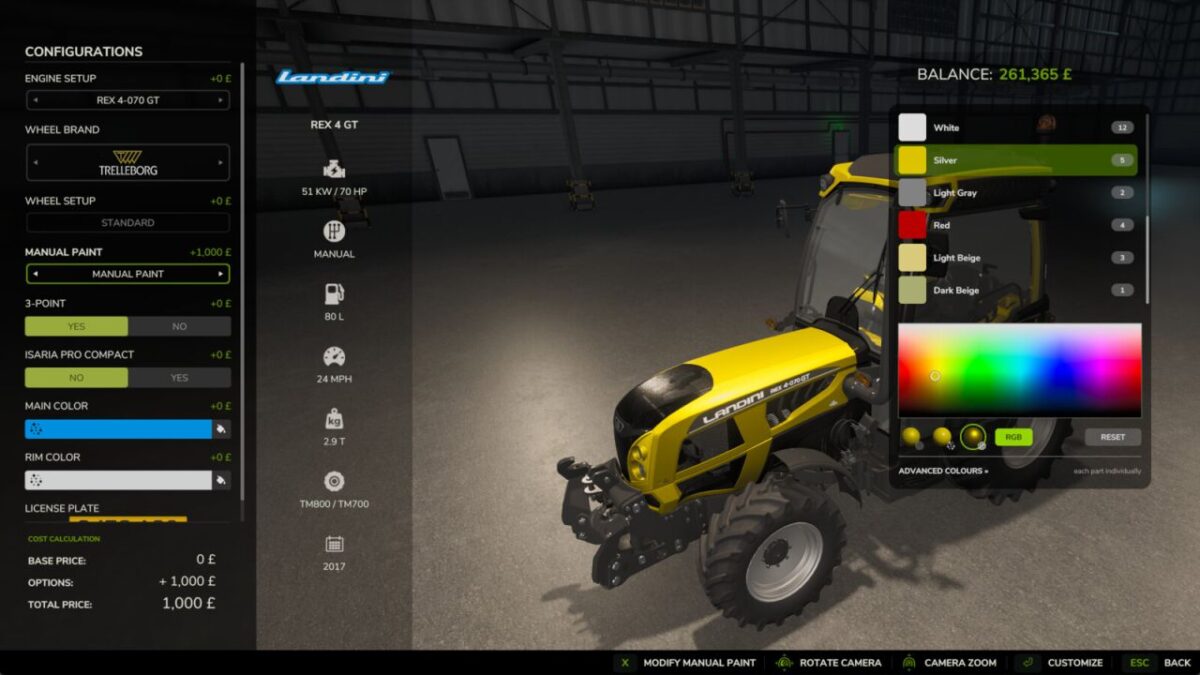
Enable the “Manual Paint” option on the shop configuration screen (when buying or leasing) or in the workshop (for owned vehicles) to open the paint picker.
Recolour a whole “colour in use” across every part that shares it in one click, or switch to the per part view for full control.
Choose any colour plus a glossy, metallic or matte finish.
Materials that can’t sensibly be painted (glass, rubber, lights, chrome) are detected and hidden automatically.
Applying paint costs a flat, adjustable fee – or turn charging off in the settings for free repaints.
Your paintwork survives buying, saving, workshop changes and multiplayer.

Credits:

Robin (diod.es)

How to install FS25 Misc?
Firstly find a mod which you like and want to download. Then download a mod to your PC. Mods are usually in .zip format file. But sometimes it can be in .rar. If a mod file is a .zip format no needed additional actions. If a file is in .rar, then you must unarchive mod with software like WinRar or Zip7. Windows 10 users no need to use software for archives, Win10 itself has a feature to unarchive files.
The next step is to find mods folder in your PC. Usually, it is in Documents/My Games/Farming Simulator 25/2025. Open the "mods" folder and put downloaded .zip archive or unarchived .rar file to this folder.
Last step. Enjoy of FS25 mods!

Leave a Reply

Your email address will not be published. Required fields are marked *