

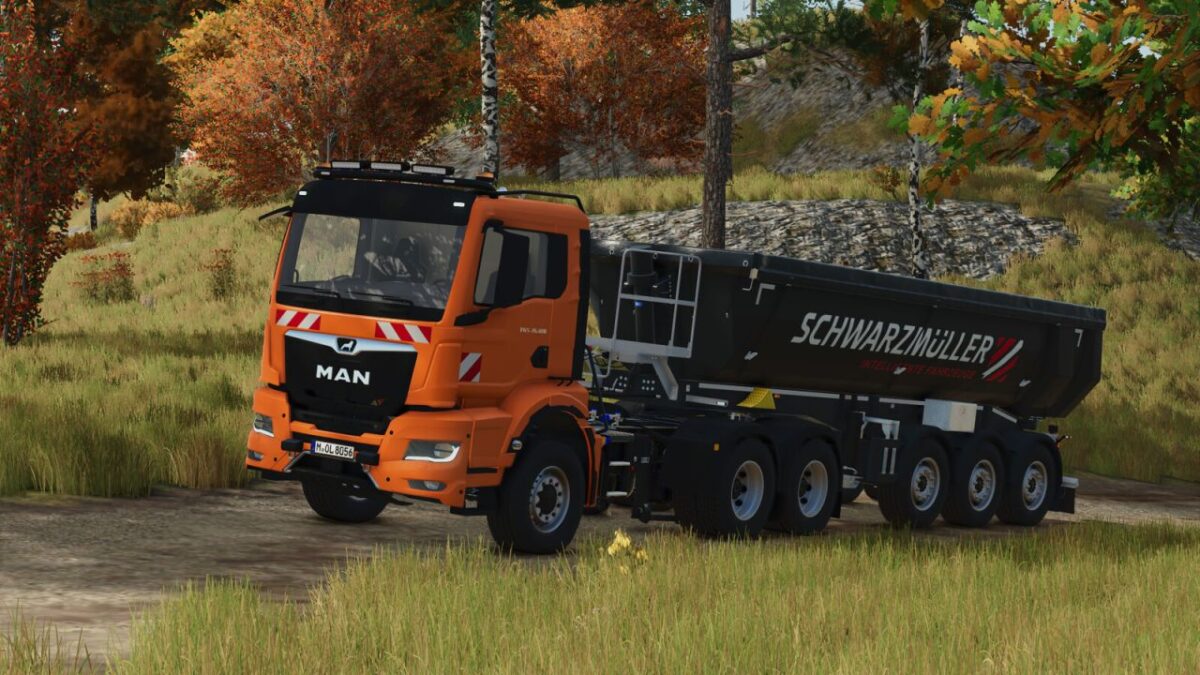
MAN TGS TG3 Semi Trucks v 1.0.0.1


Configurations:
– Chassis configuration
– Tire variant
– Decals
– Reflector color
– Special signal color
– Roof attachment
– Front attachment
– Front flashers
– Door extension
– Stone guard
– Illuminated MAN logo
– Trailer hitch
– Siren
Color Choices:
– Main color
– Bumper color
– Mirror cap color
– Rim color
Functions:
– Doors can be opened via Interactive Control or Mouse Control
– Semi-trailers can be attached like any conventional trailer
Technical Specs:
Max Speed: 90 kph
Price: 98,600$
Power: 240 kW (321 hp)
Category: Trucks
Version 1.0.0.1:
* Fixed minor mesh errors
* Added chrome trim configuration
* Added door collision
* Added daytime running light color configuration
* Adjusted suspension
* Fixed professional fire department decals (Berufsfeuerwehr)
* Added engine configuration
* Vehicle can now be lowered via Mouse Control
* Added radiator grille color configuration
Credits:
T3mok Modding, Sebastian3dx


