

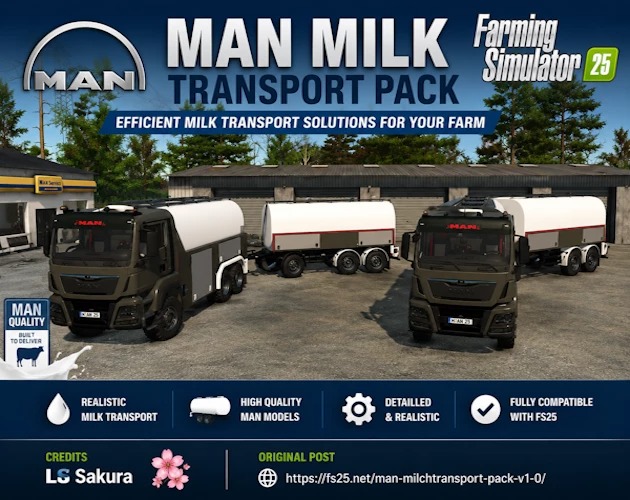
MAN Milk Transport Pack v 1.0.0.1


Bring realistic milk transportation to your farm with the MAN Milk Transport Pack for Farming Simulator 25.
This pack includes a detailed MAN milk truck along with the MT2 and MT3 tanker trailers.
It is suitable for transporting milk and water while adding a realistic commercial dairy transport setup to your farm.
Included
MAN milk transport truck
MT2 milk tanker trailer
MT3 milk tanker trailer
Functional fill and discharge systems
Detailed exterior and interior models
Farming Simulator 25 compatibility fixes
Version 1.0.0.1:
* Updated the mod to FS25 ModDesc version 111
* Corrected the main shop icon path.
* Corrected 29 material template icon references to use dummy.dds.
* Added the required dummy.dds file to the mod’s root folder
* Corrected six truck texture references from missing .png files to the included .dds files
* Added missing Light Control parameters to dashboard and light materials
* Restored material ID 121, resolving the missing material warning
* Corrected material ID 221 without overwriting other materials
* Fixed duplicate steering wheel I3D mapping names
* Corrected the front right strobe light mapping names
Verified all 672 truck I3D mappings have unique IDs.
Checked the MT2 and MT3 trailer XML and I3D files for missing nodes, materials, and duplicate mappings.
Included
MAN milk transport truck
MT2 milk tanker trailer
MT3 milk tanker trailer
Functional fill and discharge systems
Detailed exterior and interior models
Farming Simulator 25 compatibility fixes
Credits:
LS Sakura


