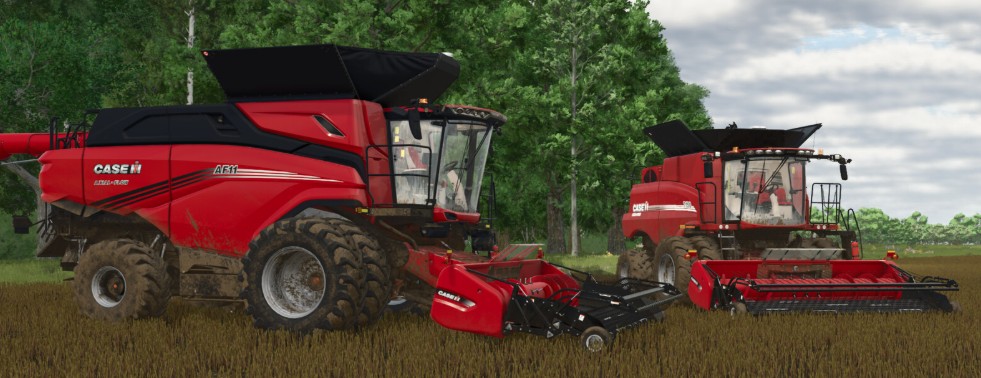
MacDon Pickup Headers Pack v 1.0


MacDon Pickup Header Pack with lots of brand options to match most ingame combines and the most popular mod combines. A pickup header is used to pickup swaths/windrows of crop as a method of harvesting grains such as Canola, Barley, Oats, Wheat. It’s primarily done for a few reasons such as quicker drying of green plant material and reduced losses due to shattering. With recent advancements in crop genetics the practice of swathing is becoming less common but it still done in different parts of the world.
Pickup Header:
– Crop Catcher option to color match frame or black
Presets for most popular combines
– Case IH – All newer Case IH combines
– New Holland – All newer New Holland combines
– John Deere S-Series – S7 combines
– John Deere T-Series – T560
– John Deere X9 – X9
– Claas – Green newer Claas combines
– EED Claas – EED123 Claas combines
– EED Claas Yellow – EED123 Yellow Claas combines
– Ideal – AGCO Ideal
– Massey Ferguson – MF 8570
3 options that can be fully customized with different attachers, decals, and colors for different parts
– CNH Shield
– MacDon Shield
– Metal Shield
Price: $32,500
Working width: 4.7 M
Working speed: 12 kph
Credits:
Bcbuhler