Lusitano Map v 1.0


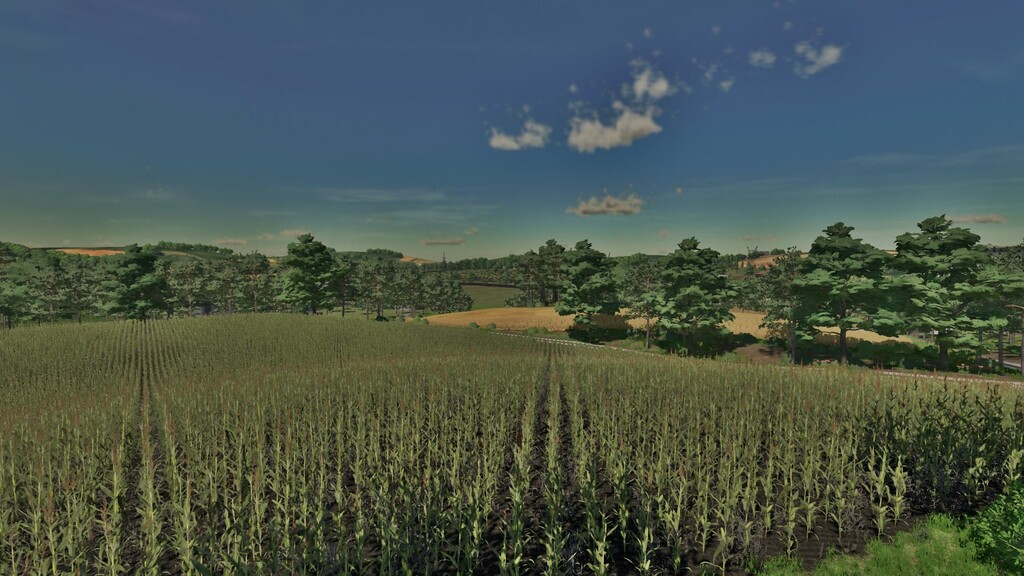
– 44 Agricultural Fields: Explore and cultivate a variety of crops in 44 fields, ranging from small to medium sized, designed to offer a rewarding challenge for farmers of all levels
– 13 Factories: Expand your farming operations with 13 different factories, allowing you to transform your harvests into valuable products
– 9 Selling Points: Sell your products at 9 strategically located selling points, ensuring you always have a market for your produce
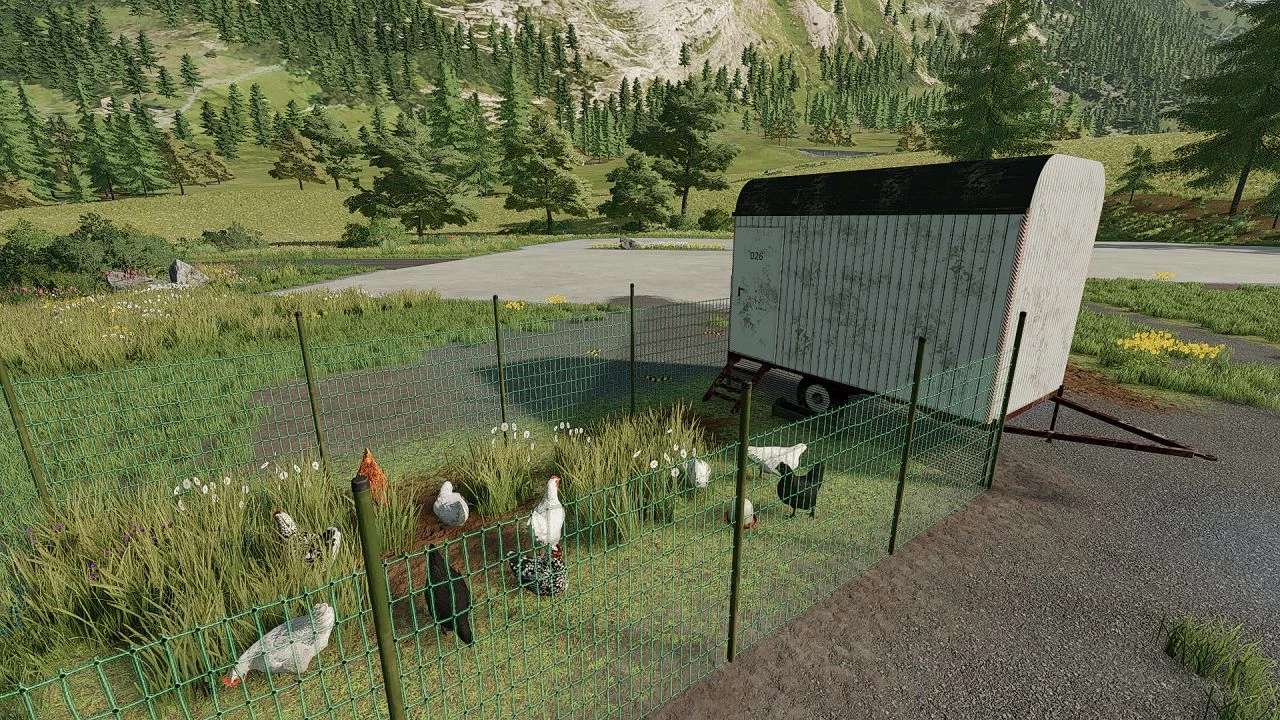
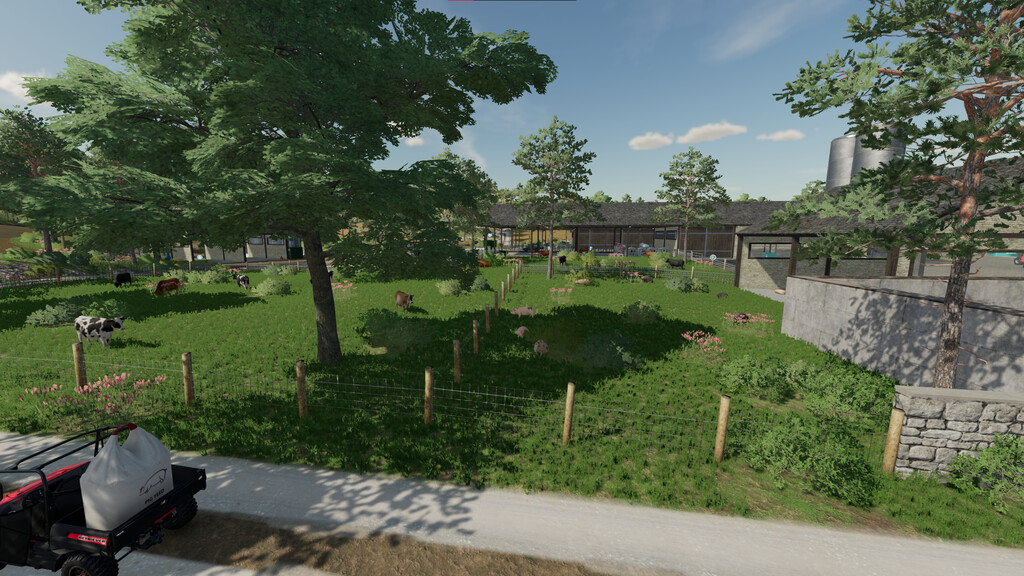
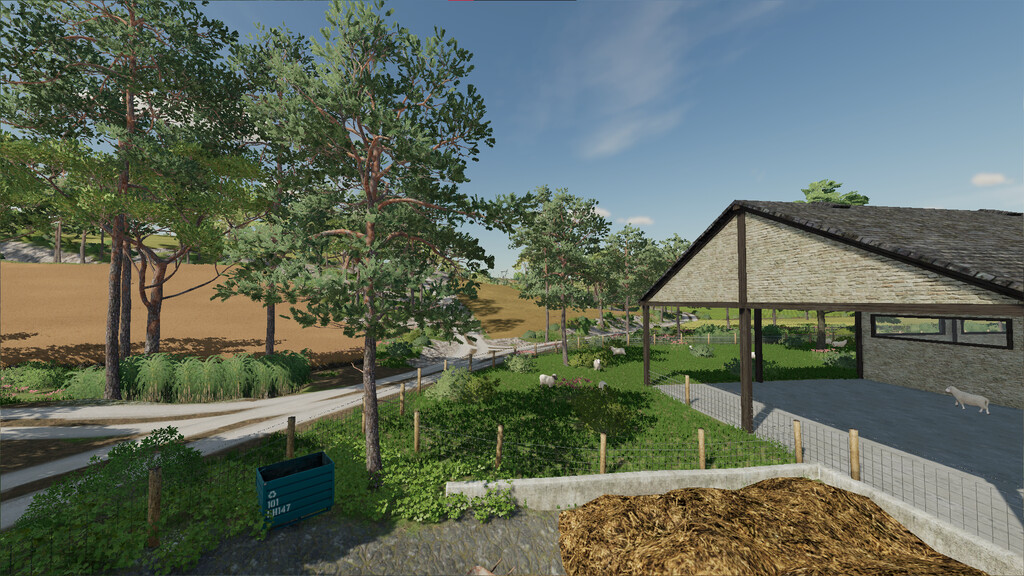
– Complete Farm: Enjoy a fully equipped farm with various productions, including livestock, poultry, and more
– BGA (Biogas): Utilize agricultural waste to produce biogas, a renewable energy source, and generate additional profits
– Stone Sales: Take advantage of the option to sell stones collected from the fields, adding an extra source of income
– Bulk Purchase of Supplies: Buy lime, seeds, and fertilizer in bulk, simplifying the process of managing agricultural inputs
– Three Families: Interact and trade with three local families, creating a thriving agricultural community
– Olive Production: Grow and process olives, adding a Mediterranean touch to your agricultural portfolio
– Portuguese Style: The map reflects Portuguese architecture and style, offering an immersive and culturally rich experience
– Diverse Terrain: The fields feature undulating and challenging terrain, ideal for the use of small and medium-sized agricultural implements
– New Products: Expand your production with the introduction of coffee cultivation, bringing new challenges and opportunities
Credits:
FSPT