

LumberJack v 1.0.0.2


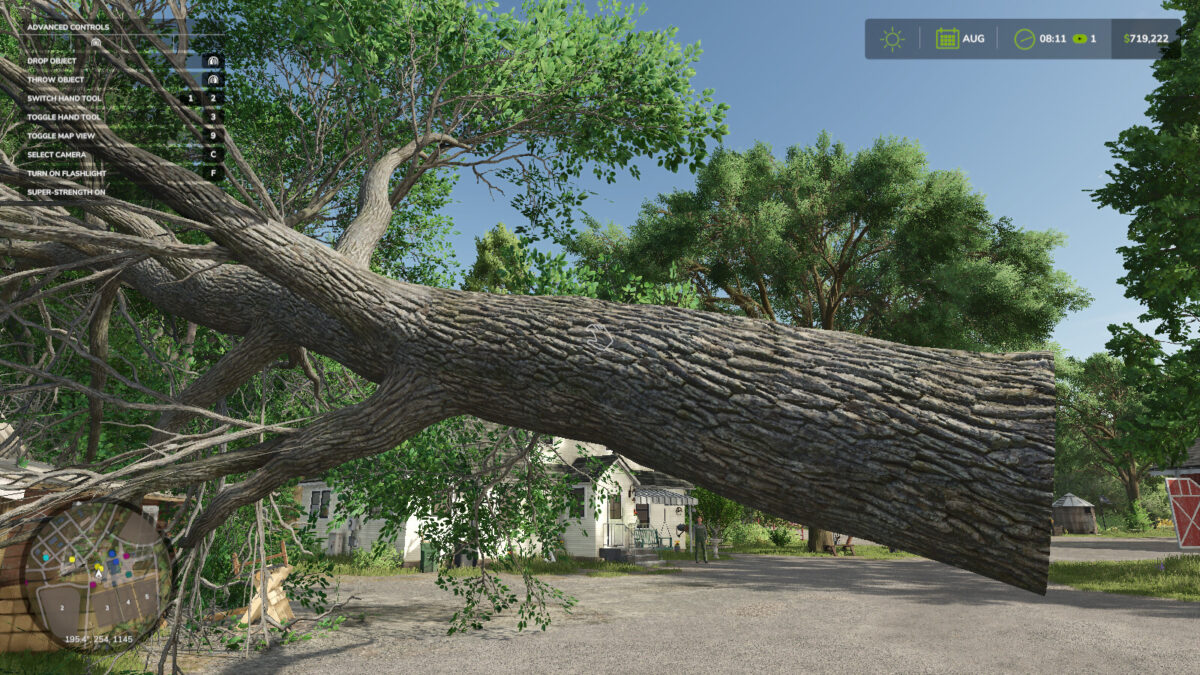
This mod adds some quality of life improvements to make felling trees with the chainsaw a little easier, but still retains enough realism to allow payment for selling the wood. The chainsaw can now shred tree stumps, and the “super strength” mode also offers the ability to completely remove trees.
Keyboard shortcuts:
– Hold ALT for temporary strength
– Double tap ALT to toggle super strength on/off
Features:
– Easily remove smaller pieces of wood, similar to removing thin branches
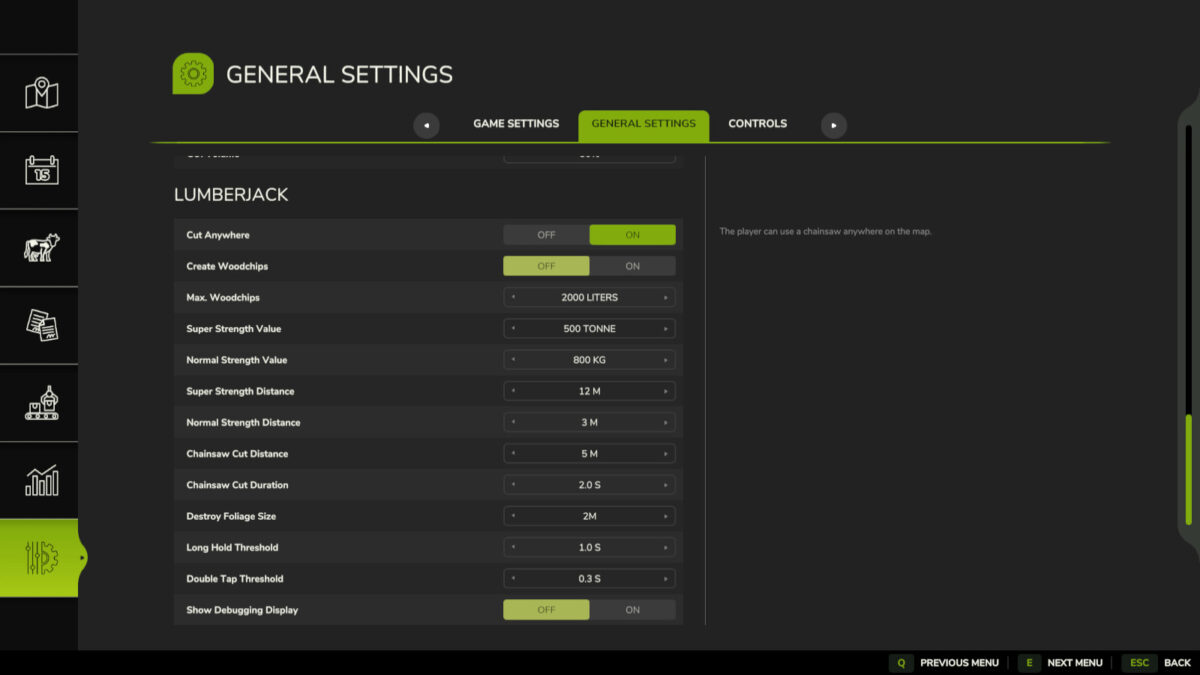
– Cutting speed and range of the chainsaw adjustable
– Adjustable object weight and shooting range (only when super power is active)
– Cutting trees anywhere on the map, even on areas that cannot be purchased (e.g. from the dealer)
– Display the weight of the viewed objects in the F1 menu
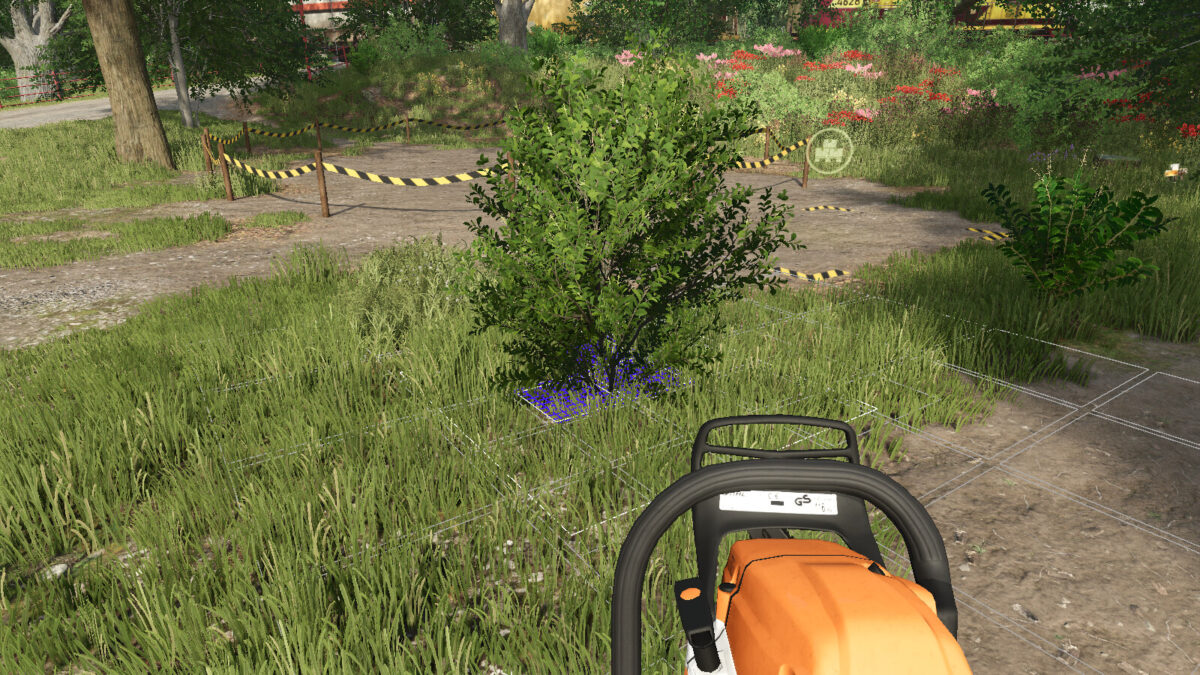
– Chainsaw can remove stumps (grind for 3 seconds)
Note:
– Super strength is currently disabled in multiplayer
Version 1.0.0.2:
* Added missing chainsaw cutting speed to the settings
Credits:
loki_79


