Longer Lasting Mud v 1.0


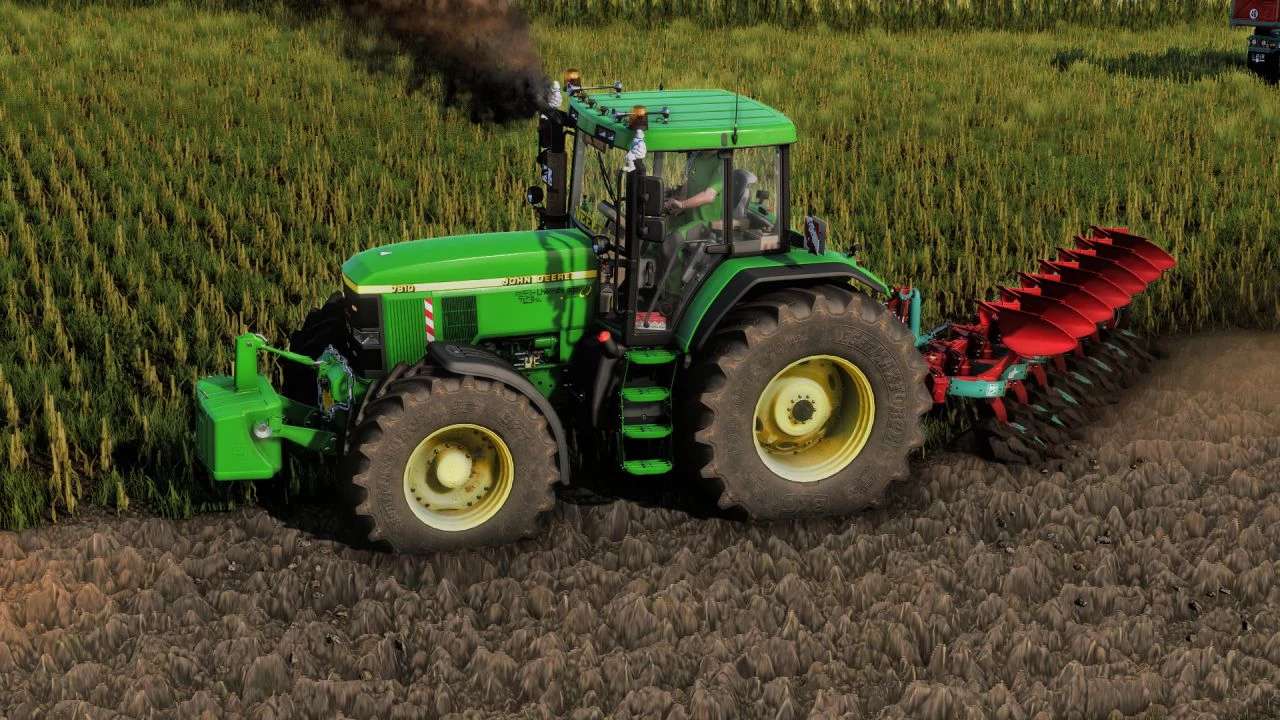
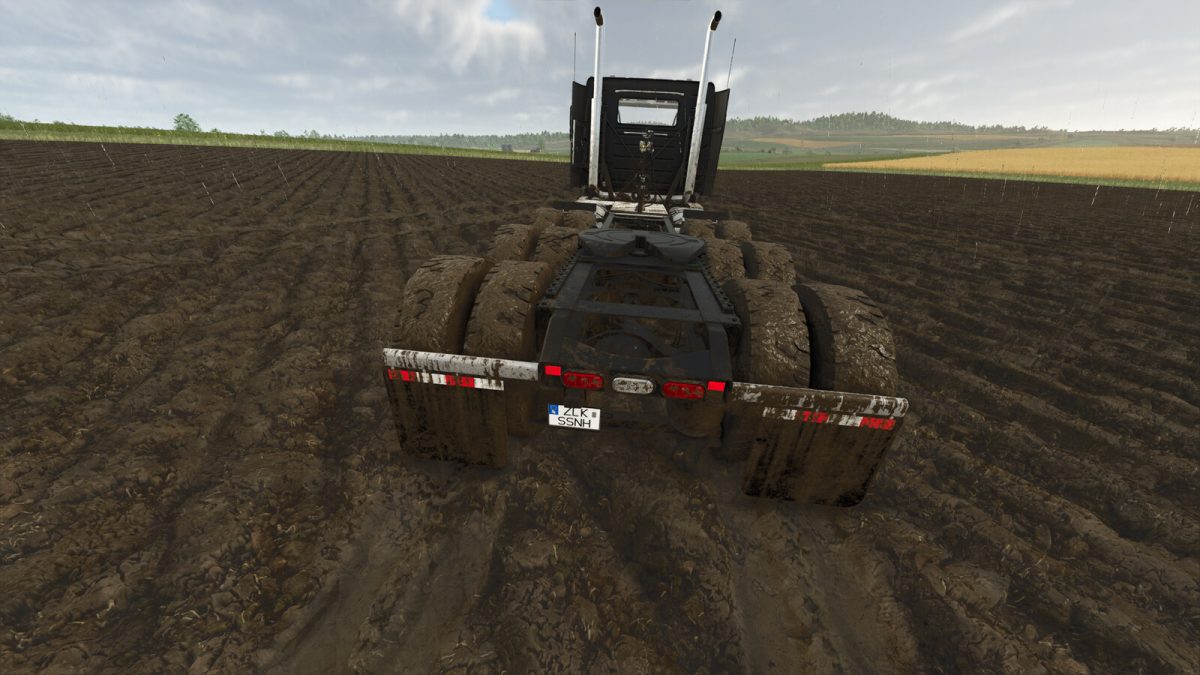
This mod adds a game option which allows you to control how long mud should remain visible on wheels, using a linear multiplier.
I’ve always loved the look of muddy tires, and felt the game cleaned them up too quickly when driving off the field. This mod
keeps the tires muddy for more time (or less, depending on your configuration).
In the ‘General Settings’ tab you will find the ‘Mud length multiplier’ setting. This option sets the multiplier for how long mud
should remain on the wheels after driving off a field. Larger numbers make the mud last longer. The mod’s value default is 5.0. The
game’s default value is 1.0.
Under-the-hood, this mod divides the off-field multiple for cleaning wheels (a negative value) by the multiple provided in the settings.
Credits:
RichOPick