

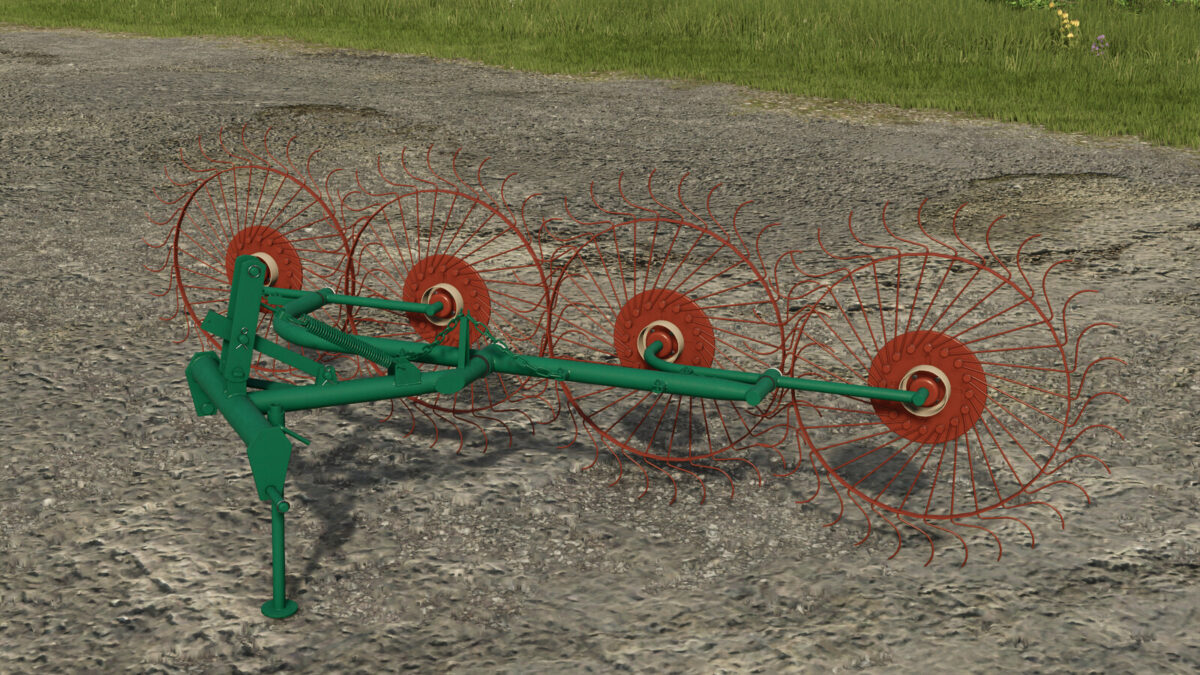
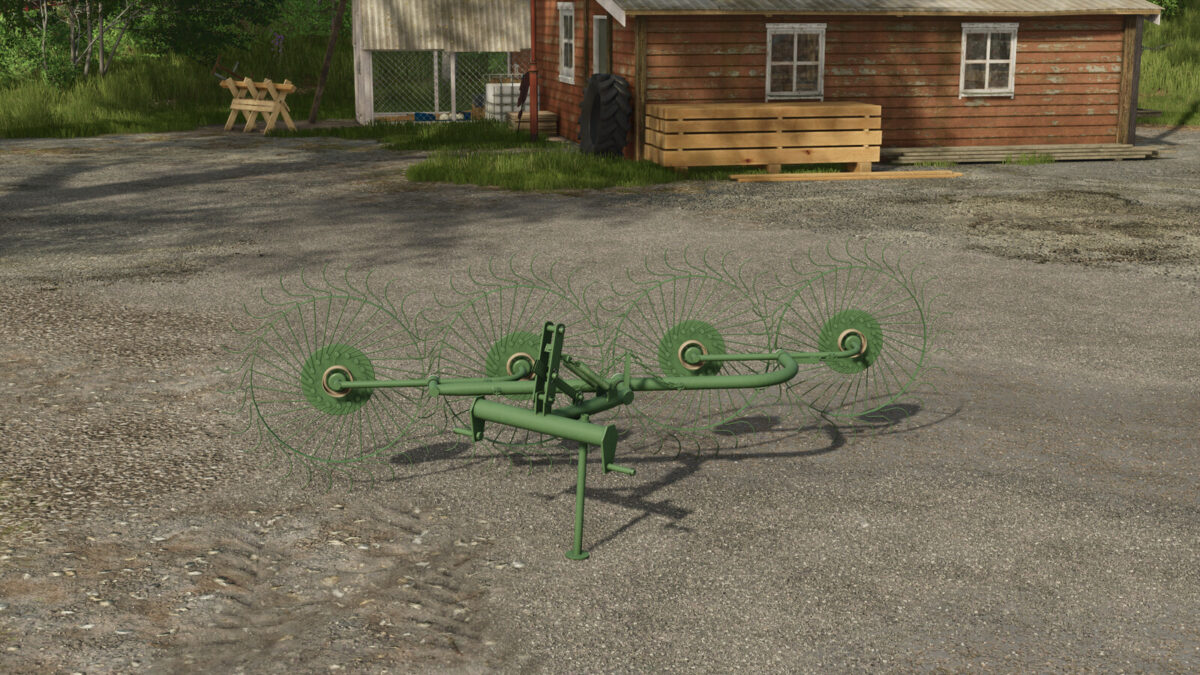
Lizard Z-240 v 1.0


The Lizard Z-240 is a versatile agricultural implement designed for use in Farming Simulator 25. With a compact design, this tool is suitable for both windrowing and tedding operations, making it an excellent addition to your farming setup. The implement is priced at $800, making it accessible for farmers at various levels.
The Lizard Z-240 features a maximum working speed of 15 kph, allowing for efficient field operations. It requires 28 horsepower to function properly, making it compatible with a range of smaller tractors. Its working width of 3.0 meters facilitates efficient processing of hay and grass, optimizing your harvest.
The mod also includes customizable configurations, allowing you to switch between windrower and tedder modes to meet your specific farming needs. Additionally, users can choose from various color options for personalization.
– Price: 800$
– Max. working speed: 15 kph
– Required power: 28 hp
– Working width: 3.0m
– Configurations: Windrower / Tedder
– Color customization options
Credits:
Puszkap


