

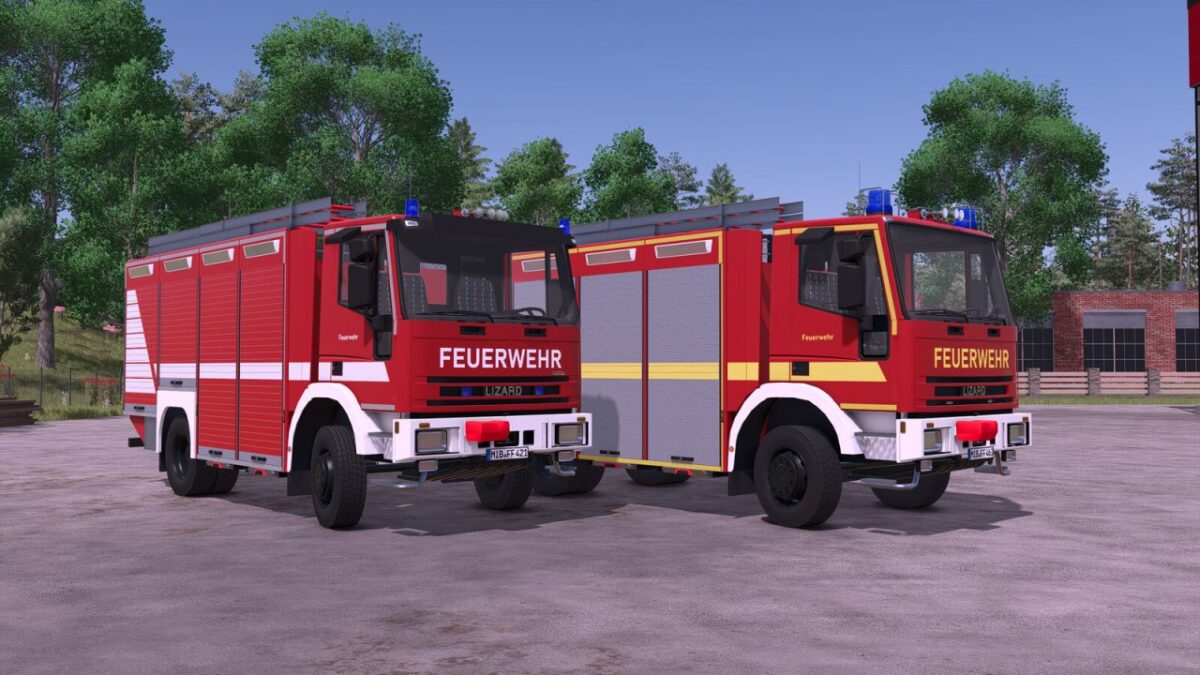
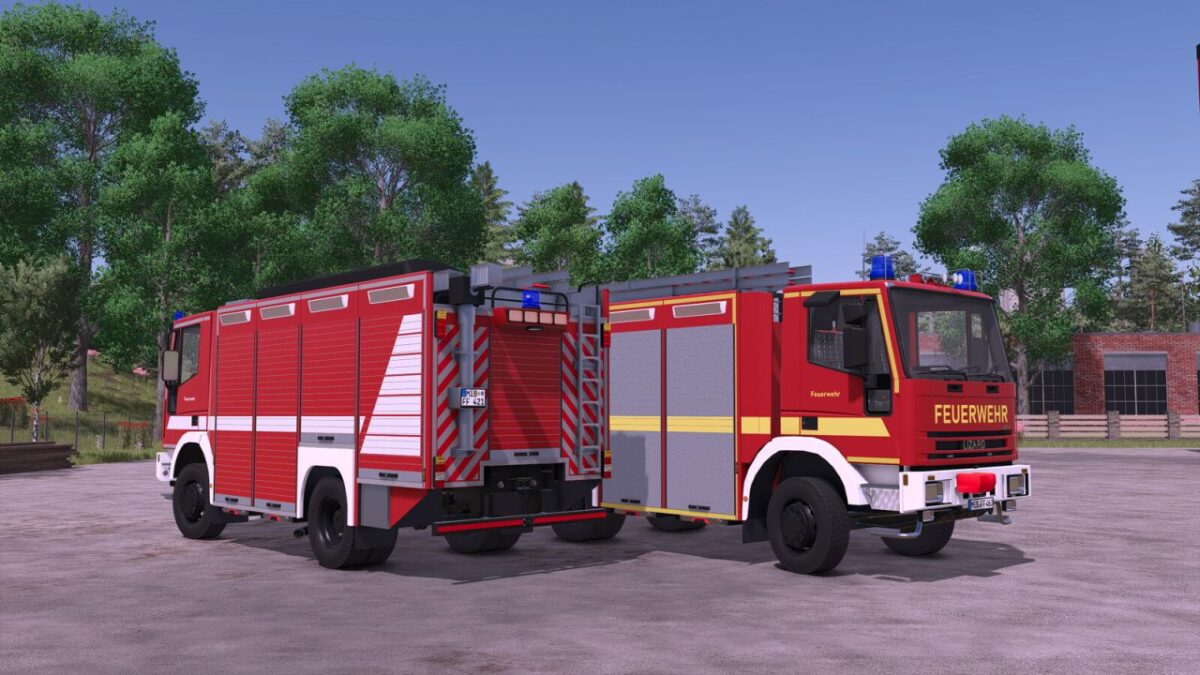
Lizard Unifire RW 2 v 1.0


The Lizard Unifire RW 2 is a rescue vehicle for technical assistance operations in the game.
It is based on the proven Unifire chassis and features a body with spacious equipment compartments for rescue and safety gear, as well as an extendable light mast.
With its powerful engine and a top speed of around 85 kph, the RW 2 reaches the scene quickly and reliably.
The Unifire RW 2 is intended for players who want to realistically expand their fire department in the game.
Shop category: Misc
Price: $75,900
Power: 280 hp
Top speed: 85 kph
Features:
– Animated speedometer
– Trailer hitch
– Blue lights
– Light mast via button “X”
– Emergency siren via button “Open cover” or via VehicleAssistanceSystem (PC-only mod)
– Rear warning system via button “B” or via VehicleAssistanceSystem (PC-only mod)
– If the EmergencyPack becomes available again, these functions will be added in the future.
Configurations:
– Reflector color (gold/silver)
– Main color (red tone)
– Rim color
– Roller shutter color
– Design selection
Credits:
SoSi-Modding


