

Lizard Solar Farms v 1.0


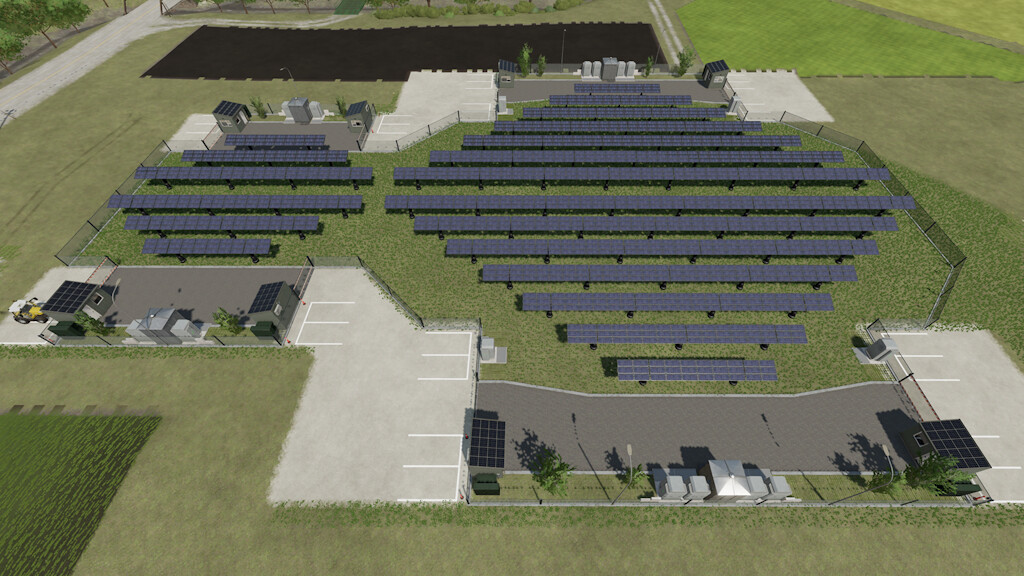
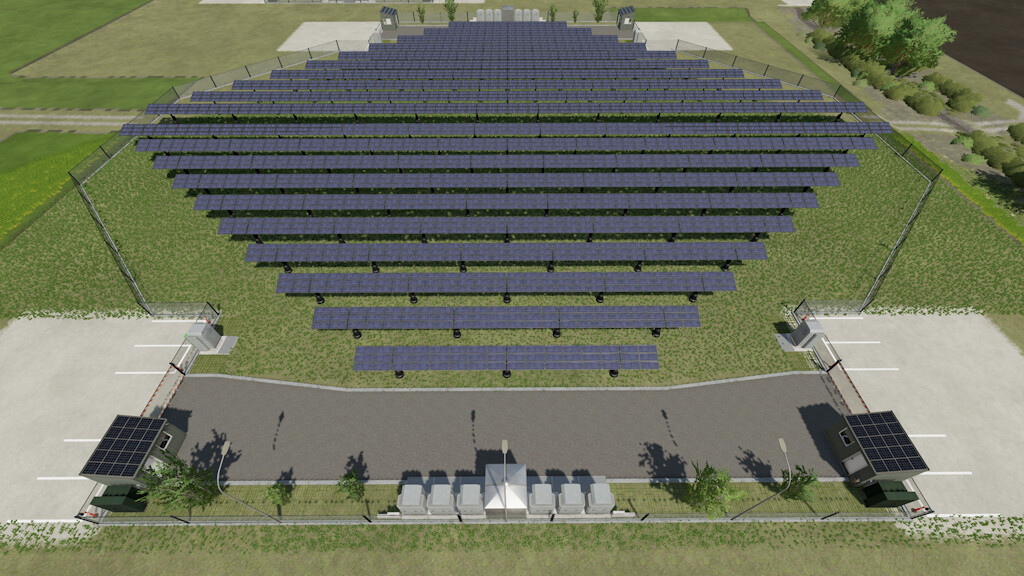
Solar Farms produce electricity, which is automatically sold and brings you hourly income, taking into account daylight and season.
The mechanism of automatic adjustment of the angle of solar panels improves their efficiency.
Each Solar Farm is equipped with a Charging Station for free charging of your electric vehicles.
The charging speed at the Charging Station depends on the power of the Solar Farm.
Solar Farms (visually) can be combined into modules; for this they are linked to a coordinate grid (0.5m) and rotation angle (15°).
Solar Farms have a design:
– The fence (with an “X” marker near the panels) is divided into blocks and can be selectively dismantled/mounted.
– The Charging Station can be moved in a mirror manner relative to the Solar Farm.
– Security houses can be dismantled/mounted.
– Solar panels, if necessary, can be forcibly raised or lower (change the angle of inclination).
Solar Farm Small:
Power: 18 kW
Price: 95 250 $
Income per hour: 630 $
Maintenance: 50 $/day
Solar Farm Medium:
Power: 70 kW
Price: 205 150 $
Income per hour: 2450 $
Maintenance: 75 $/day
Solar Farm Big:
Power: 150 kW
Price: 355 050 $
Income per hour: 5250 $
Maintenance: 95 $/day
Credits:
MechMods


