

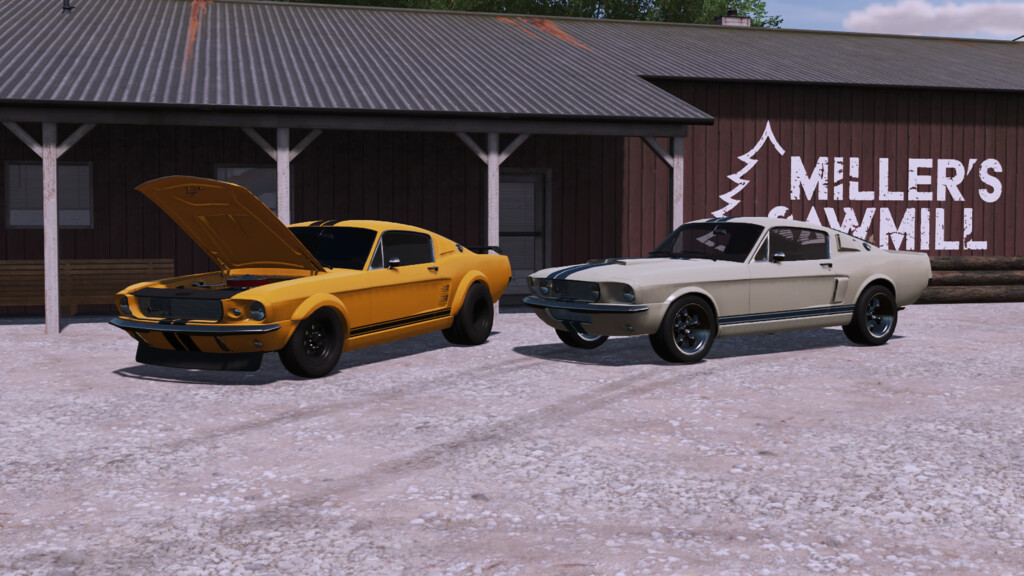
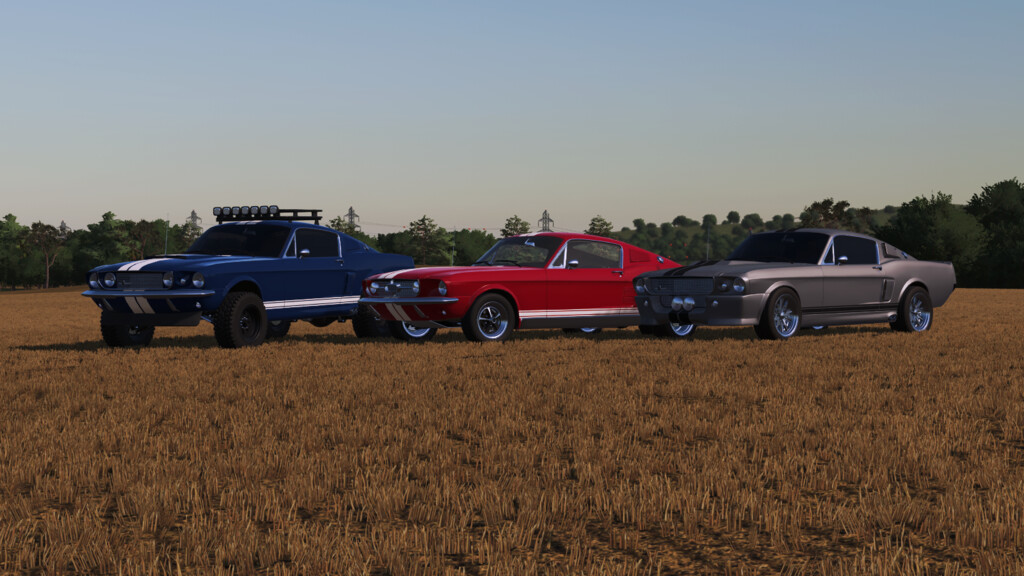
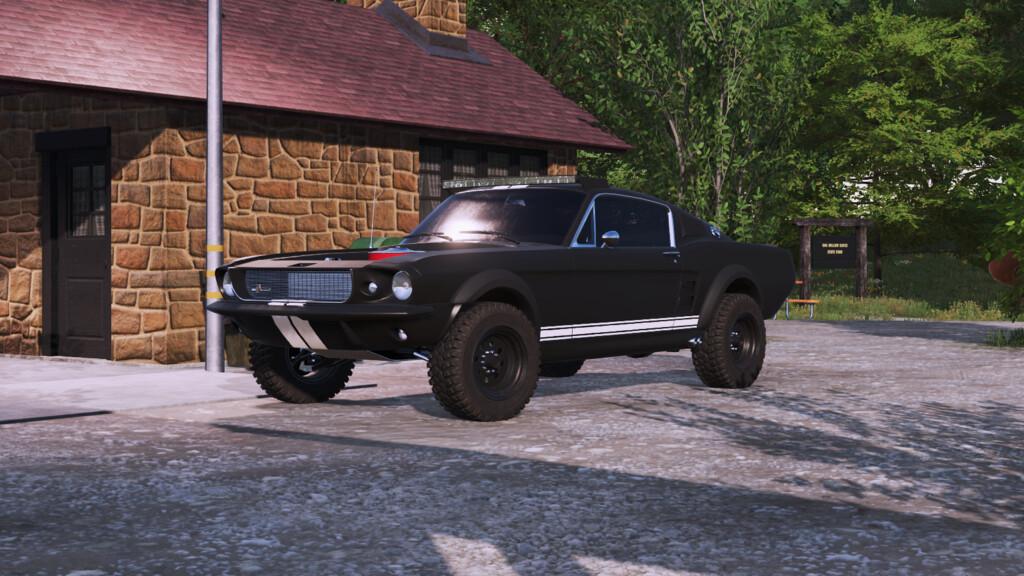
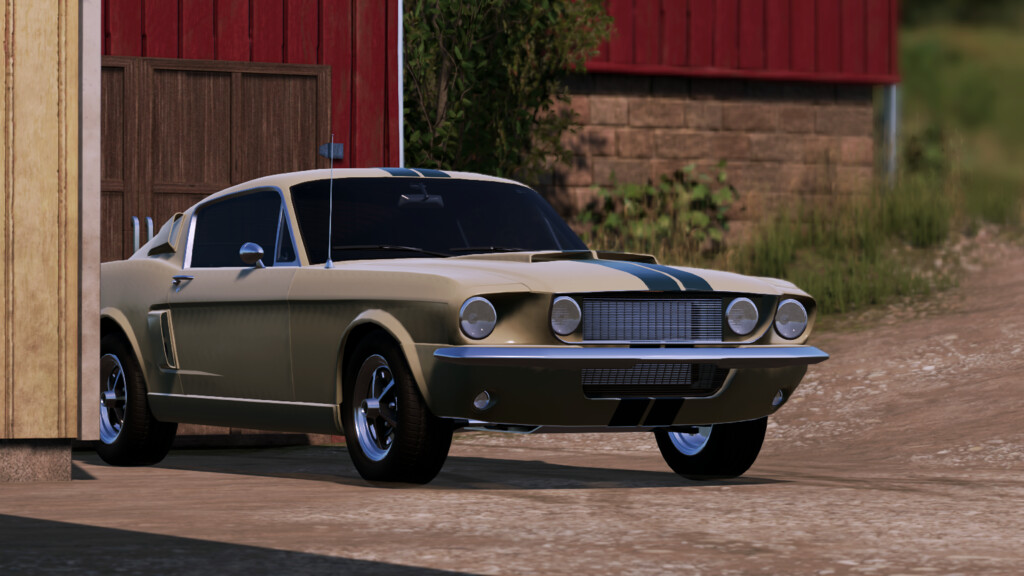
Lizard Mustang v 1.0


The Lizard Mustang is an automotive legend, combining iconic design with a V8 engine. Perfect for a farm adventure, it evokes the freedom of the open road and the charm of yesteryear. Combine the various optional extras to give it the style you like best
Specifications:
– Price: $28,000
– Power: 320 hp
– Top speed: 129.8 mph with a note that the dashboard shows the speed in mph
– 5 Continental tire variations with different sizes, whitewall and larger rear tire, also has an optional Michelin tire for an off-road style
– 6 different rim options
– 3 different bumper models with variations between the optional extras
– Front end variations with optional headlights and logo support
– 6 rear bumper options
– Trailer coupling option
– Rear and side exhaust option also changing the side of the bodywork
– Plastic or colored fender options
– Plastic or chrome stripes and front grille options
– 3 different hood models with the possibility of using it without the hood
– Side air intake options
– Cabin headlight option LED or grille with headlight
– Optional colored or carbon fiber spoiler along with optional rear window blind
– Optional steering wheel with fabric or wood finish along with optional center console
– 4 optional dashboard materials
– 4 window tints
– Optional axle width adjustment
– Compatible with Kubota DLC ride-sharing system, requires DLC for functionality
– Compatible with Volvo DLC hook system, requires DLC for functionality
– Manual adjustment of overall suspension height and individual rear suspension height
– Adjustment of steering column and internal camera
– Includes hood opening animation
Credits:
Agro Tonho


