
FS25 Logging Implements

Lizard LogFlex Series v 1.0.6.0

Lizard LogFlex Series v 1.0.6.0

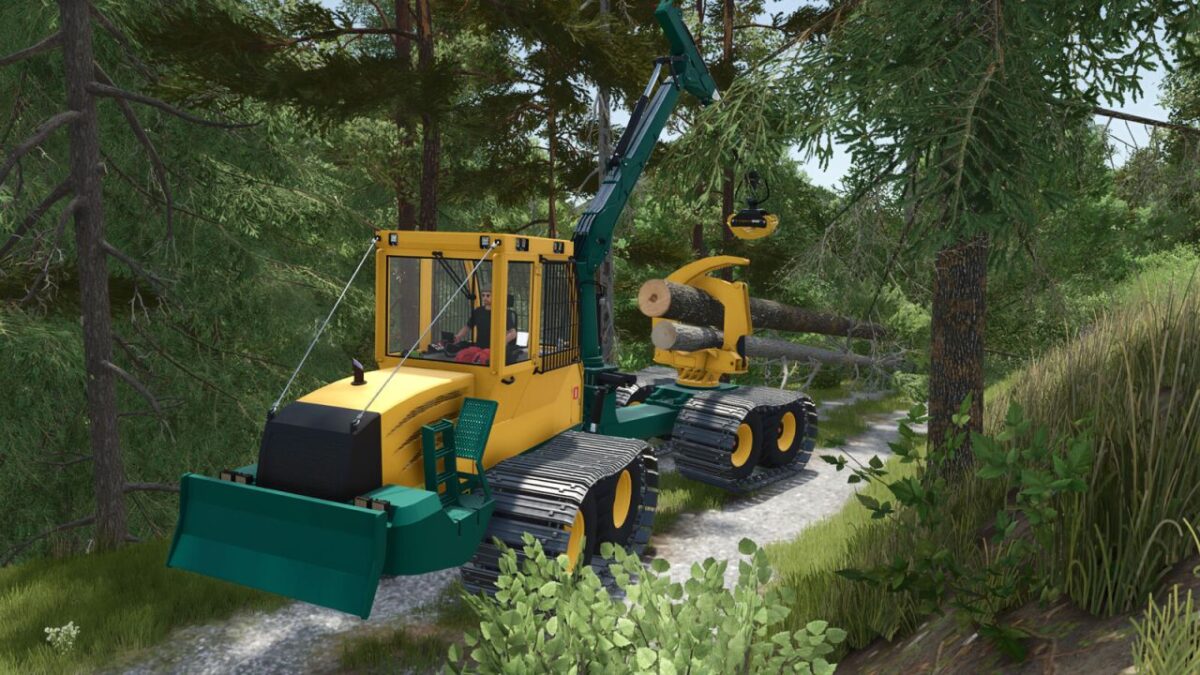
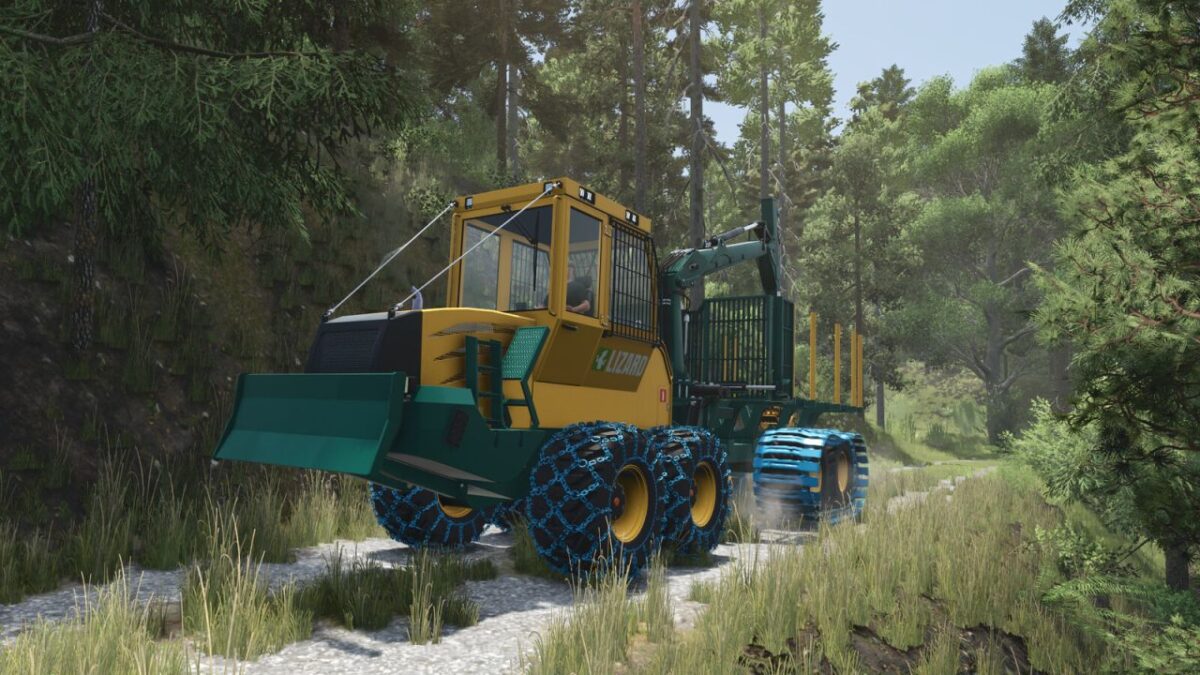
The Lizard LogFlex Forwarder is a versatile forestry machine built for efficient log handling and transport and designed with both productivity and flexibility in mind, it’s ready to take on a wide range of forestry tasks.
With its robust frame and powerful crane, the LogFlex forwarder performs reliably in different environments, from dense forests to public works operations.
It’s a simple, dependable machine built to get the job done.

Version 1.0.6.0:
* Added new swamp crawler tracks to all forwarders
* Adjusted visuals of the Gripen 040HD grapple
* Removed the tree-saw forwarder and replaced it with a tree felling head forwarder (Felling head model created by Nordjaja)
* Added a custom control binding for the felling head tilt to prevent conflicts with Wood Harvester Controls.

Credits:

Carl-TG

How to install FS25 Logging Implements?
Firstly find a mod which you like and want to download. Then download a mod to your PC. Mods are usually in .zip format file. But sometimes it can be in .rar. If a mod file is a .zip format no needed additional actions. If a file is in .rar, then you must unarchive mod with software like WinRar or Zip7. Windows 10 users no need to use software for archives, Win10 itself has a feature to unarchive files.
The next step is to find mods folder in your PC. Usually, it is in Documents/My Games/Farming Simulator 25/2025. Open the "mods" folder and put downloaded .zip archive or unarchived .rar file to this folder.
Last step. Enjoy of FS25 mods!

Leave a Reply

Your email address will not be published. Required fields are marked *