

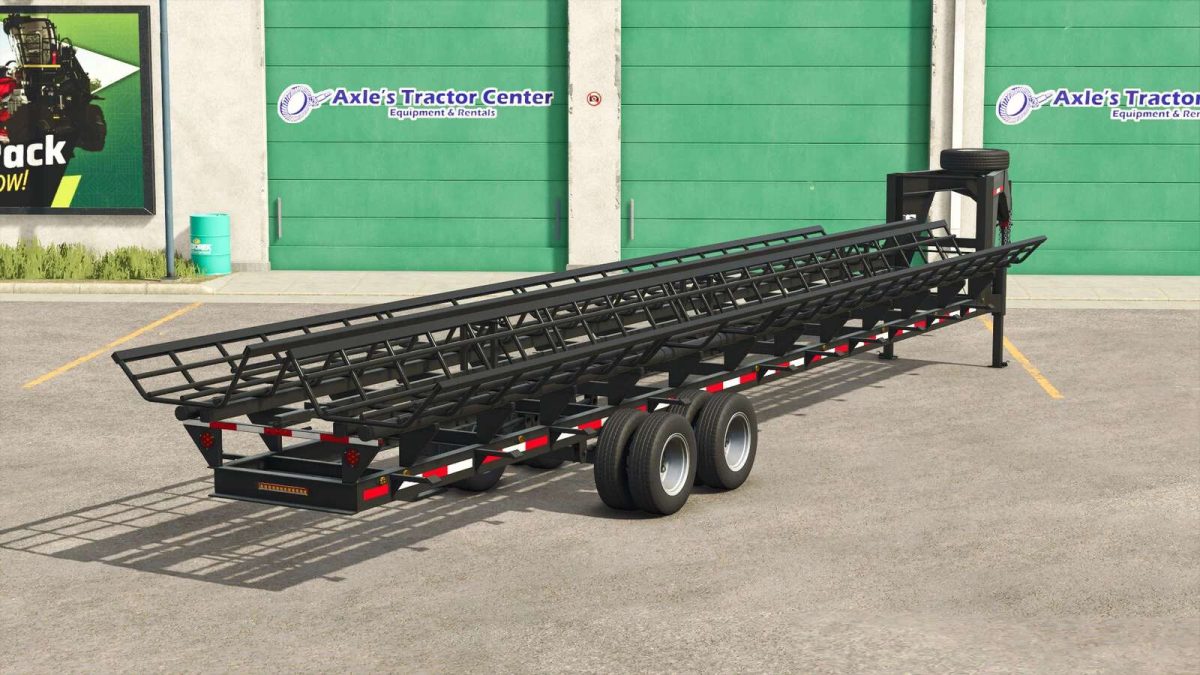
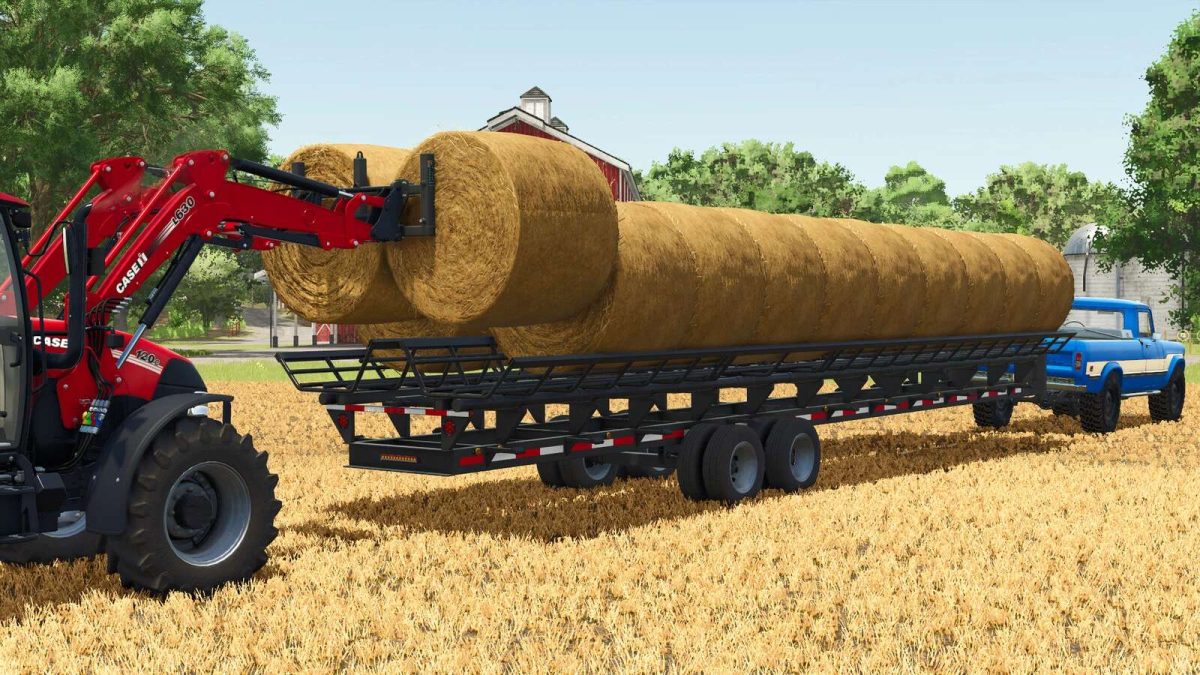
Lizard Gooseneck Haymaster Bale Trailer v 1.0


The Lizard Gooseneck Haymaster is a bale trailer suitable for pickups. It is compatible with the Lizard pickups from the base game.
LIZARD Gooseneck Haymaster:
– Category: TRANSPORT
– Price: 20,800 $
– Weight: 1,500 kg
– Transport width: 2.8 m
– Maximum transport speed: 80 km/h
– Working width: 2.8-8 m
– Working speed: 0-15 km/h
You can transport up to:
– 20 round bales with a diameter of 125 cm
– 20 round bales with a diameter of 150 cm
Other options:
– Choice of colors: Frame; Wheel rims.
– Adjustable hitch height via mouse movement.
– Autoload configuration: without Autoload; with Autoload.
Autoload control:
– Change of EASY/PRO working mode: CTRL+Z key.
– Operating/transport position: B key.
– EASY/PRO unloading assistant, must be set before filling: O key.
– Unload packages:
– EASY mode: 2x Z key, then move the mouse to where we want to unload the packages, then Z key.
– PRO mode: 2x Z key, then CTRL+I key.
Credits:
AgroSketch


