

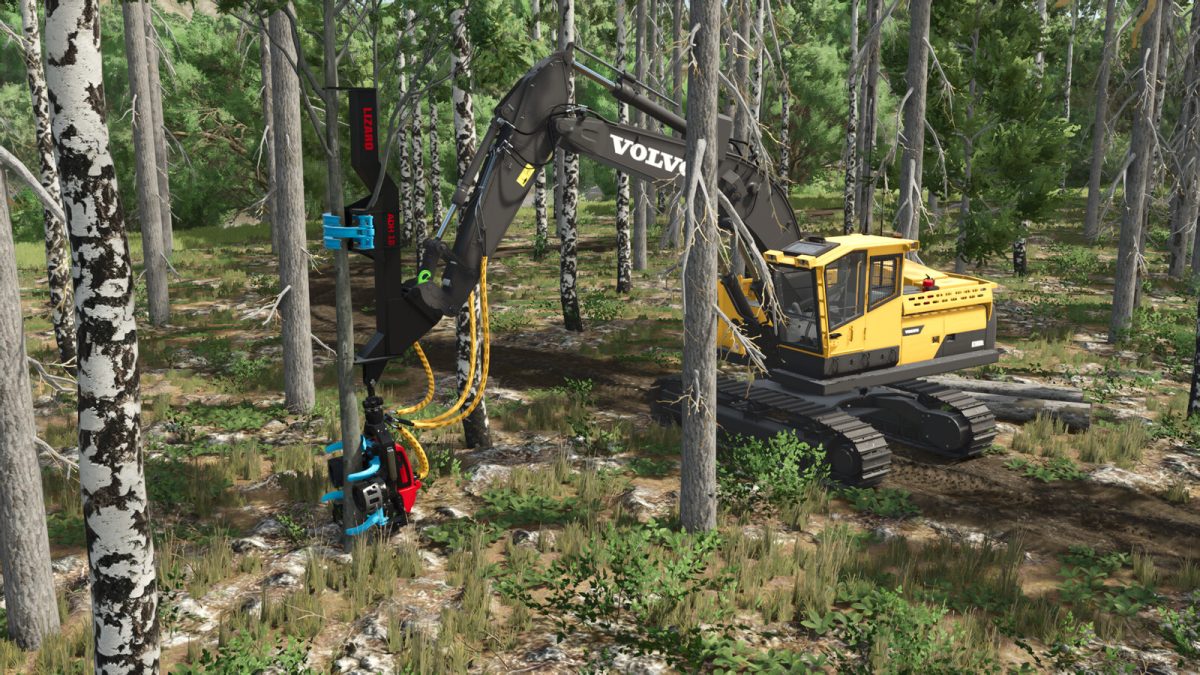
Lizard Forestry ADH 18 Pack v 1.0.1.0


The Thinning Harvester 18(Ausdünn-Harvester 18) has a high-performance unit from Ponsse.
In contrast to conventional harvesters, the tree does not fall into the forest during felling,
but is lifted out of the stand during harvesting and delimbed and cut to length in the logging lane.
Once the tree is finished, the processor automatically returns to its Base position.
Included are:
ADH 18 – Manual Upper Claws
The upper Claw is controlled by pickup raising/lowering.
ADH 18 – Automatische Upper Claws
The upper Claw is controlled in the same way as the Impex Hannibal. It closes automatically when you grab the tree.
Price: 28,500 $
Weight: 1.8t
Category: Excavator Tools
Version 1.0.1.0:
* Delimbing sound added
* 2nd version added where the upper claw is controlled like the Impex Hannibal
Credits:
HR Forst und Fahrzeugbau


