Lizard Covered Multi Bunkersilos v1.1.0.0


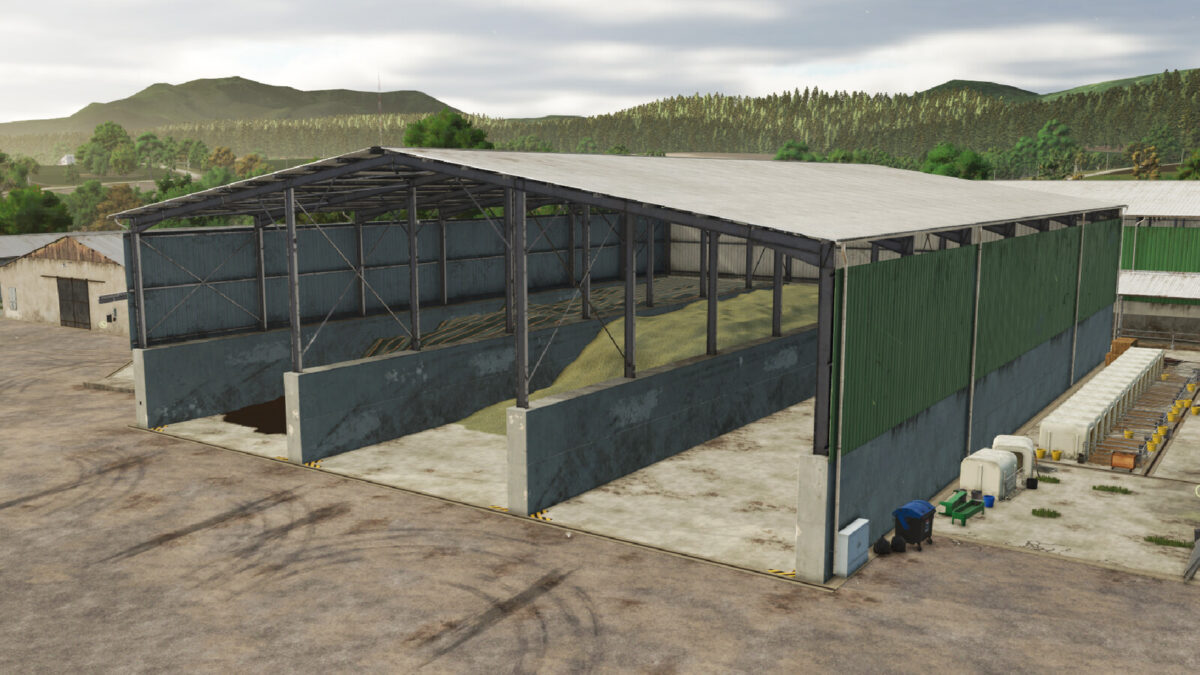
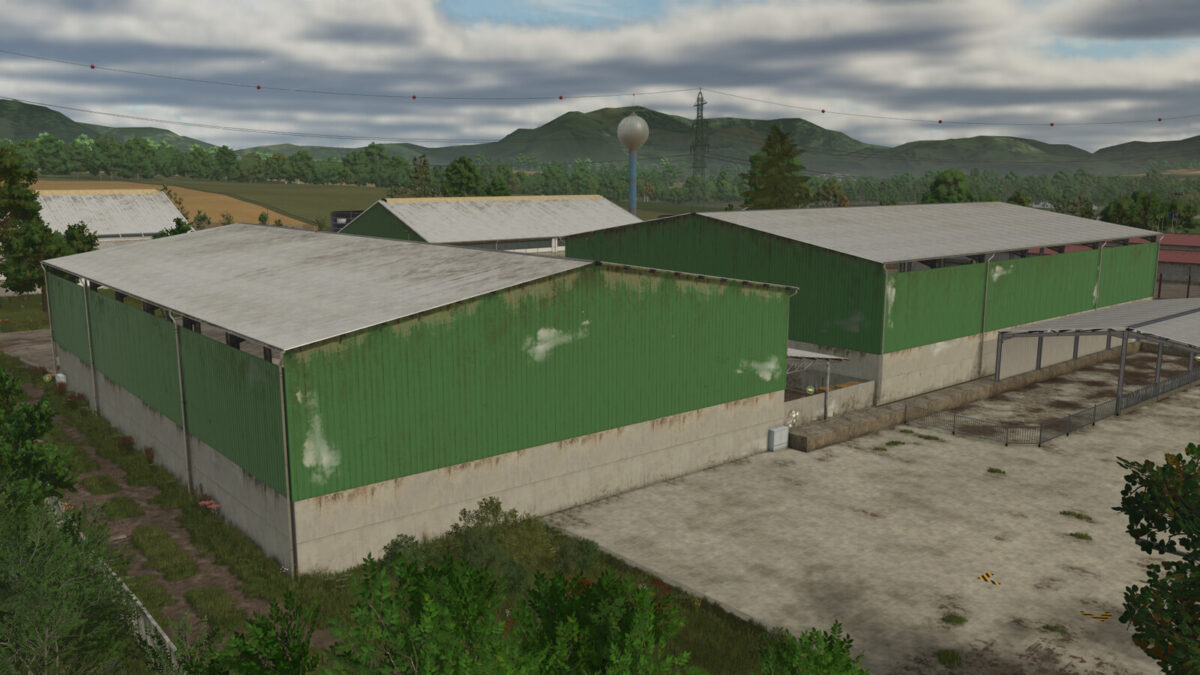
Covered multi bunkersilos in 2 variants.
Lights inside of the sheds are controlled manually. Look for light switch in front of the building, on the wall.
Outside roof side panels are color selectable. You can mix your own color or choose from pre-set game default colors or extra 25 Lizard special pre-set colors (+1 building specific default color).
An option to add solar panels on roof with various configuration options. Price per panel: 265 $. Income per panel, per month: 21,6 $ (with adequate weather conditions).
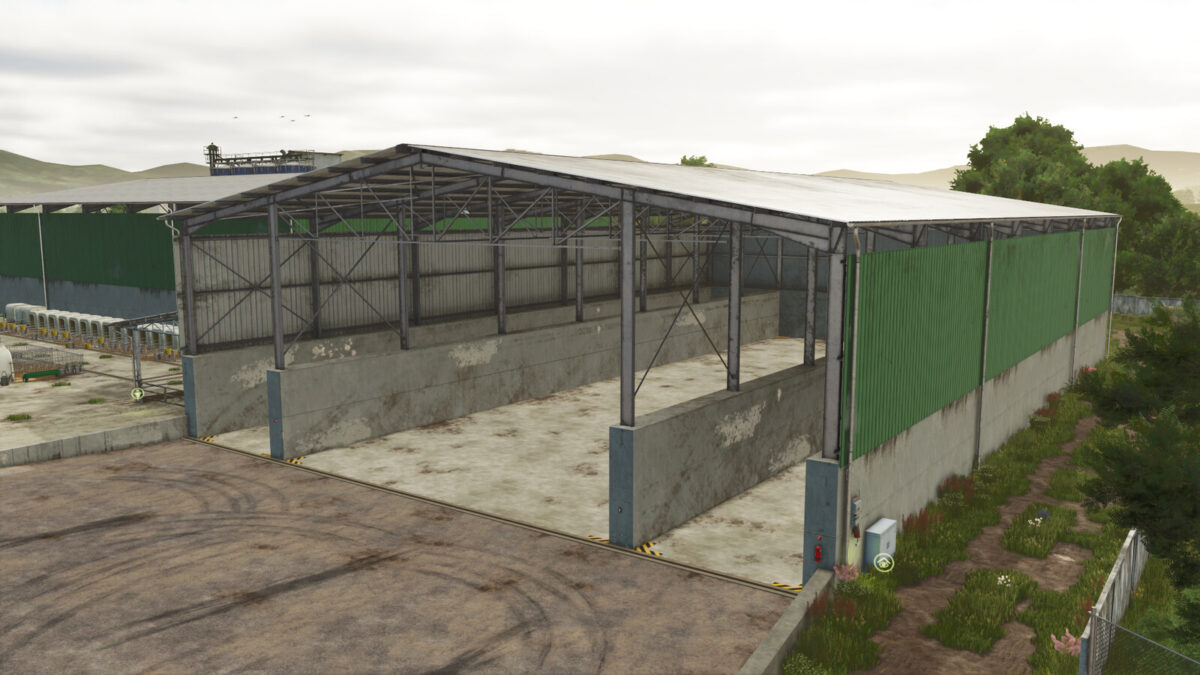
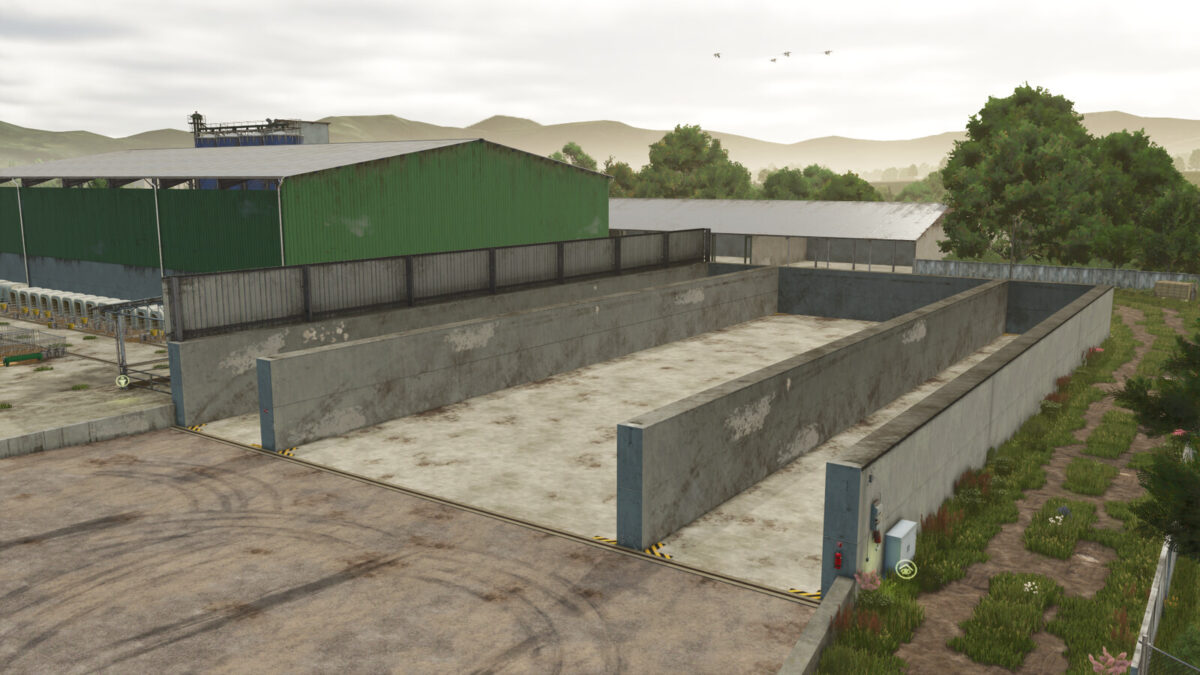
Roof on both variants can be hidden for easier navigation and manipulation with vehicles inside. (Roof and eye icon on side of the building.)
Both building available also as standard bulk material storage – (without the bunker silo functionality).
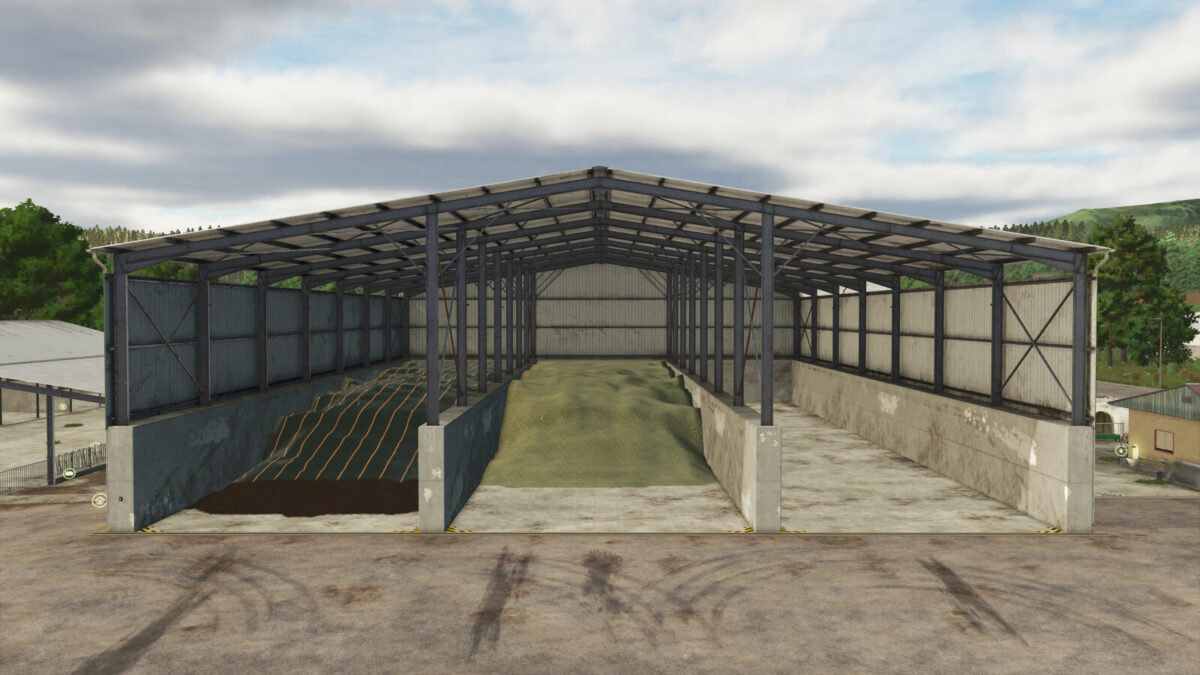
Covered Multi Bunkersilo 1:
Has one large silo in the middle and 2 smaller ones on sides.
Price: 254,000 $
Daily upkeep: 100 $
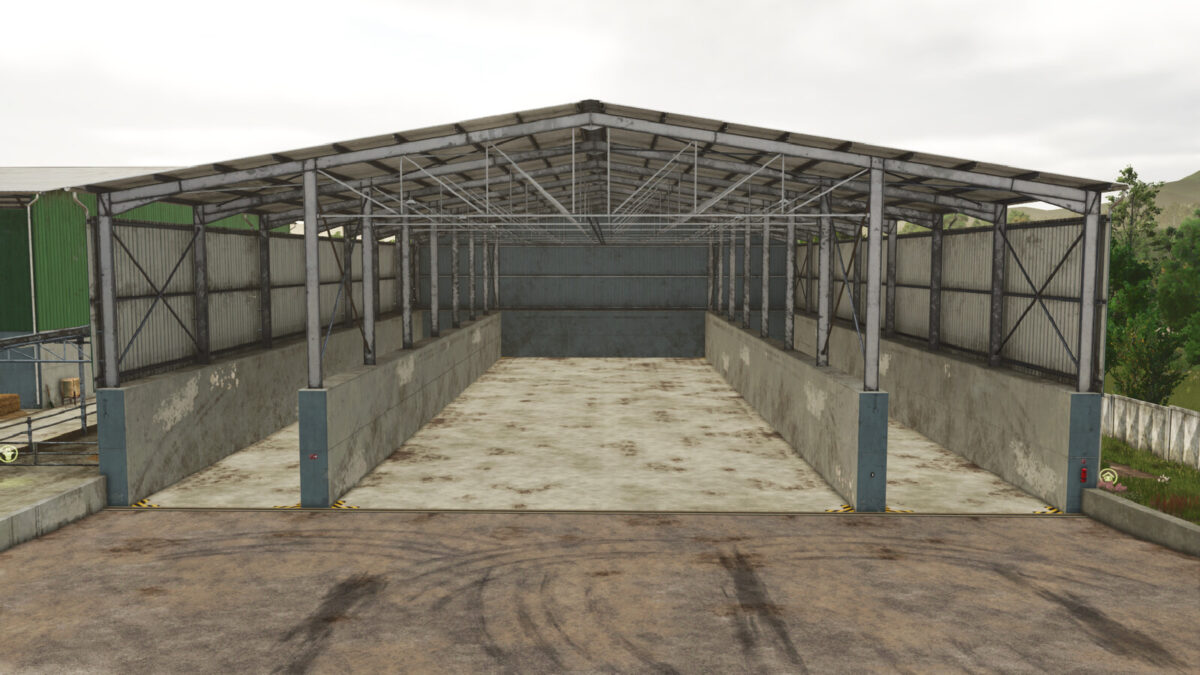
Covered Multi Bunkersilo 2:
All 3 silos are roughly the same size.
Price: 268,000 $
Daily upkeep: 100 $
Changelog 1.1.0.0:
– Added bulk material storage varains for both halls, for any general purposes.
Credits:
MrHector