
FS25 Trucks

Lizard C 7500 v 1.0
Lizard C 7500 v 1.0
Lizard C 7500 v 1.0
Lizard C 7500 v 1.0
Lizard C 7500 v 1.0

Lizard C 7500 v 1.0

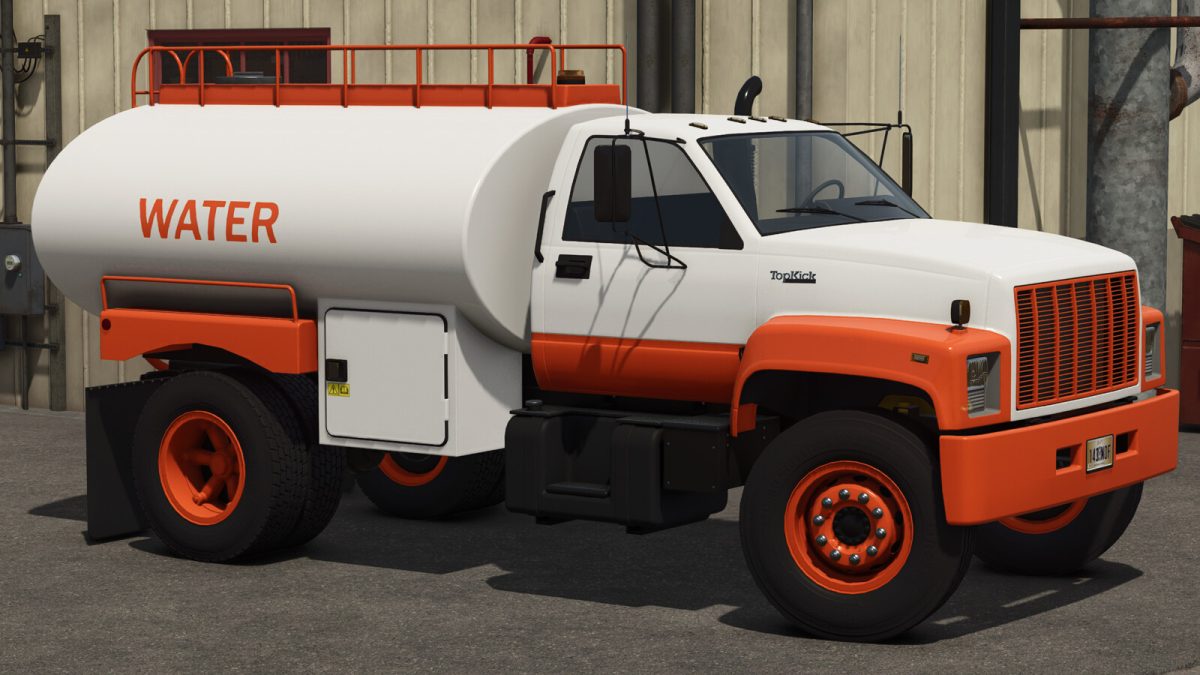
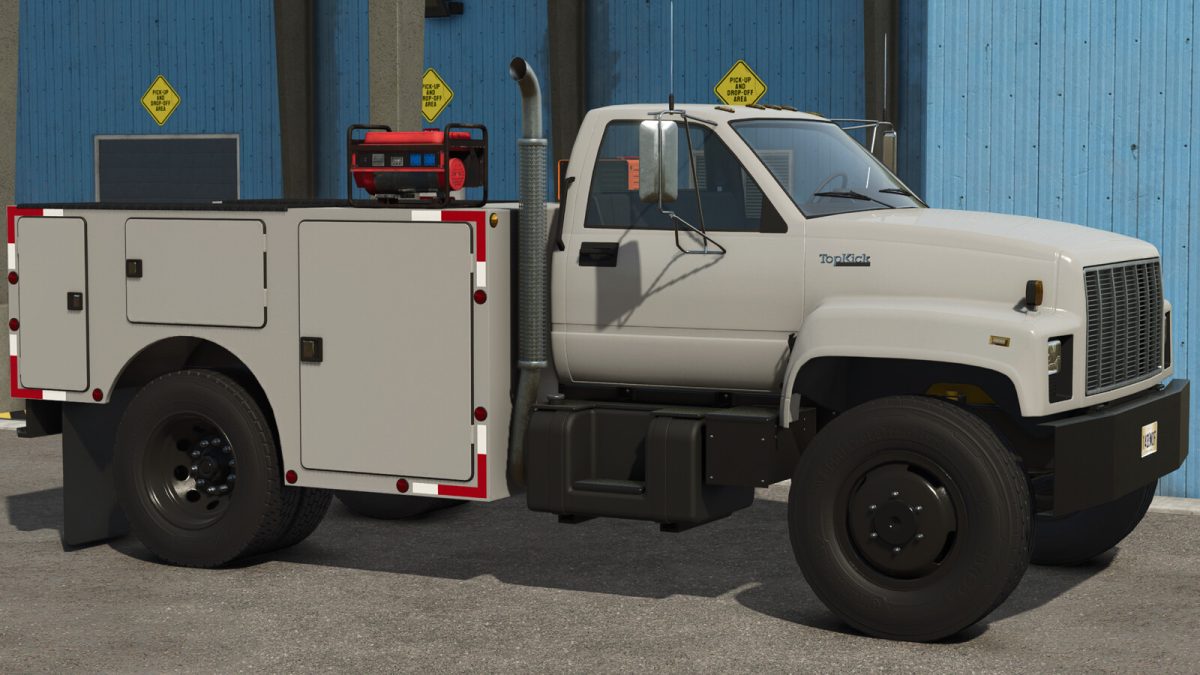
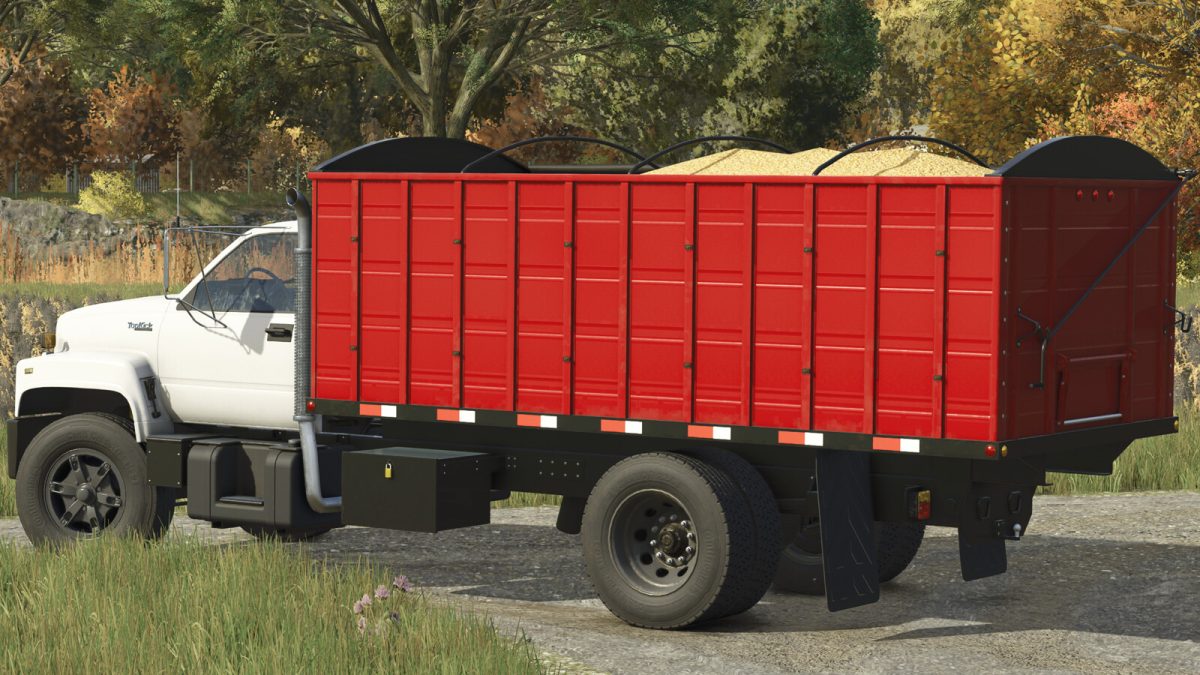
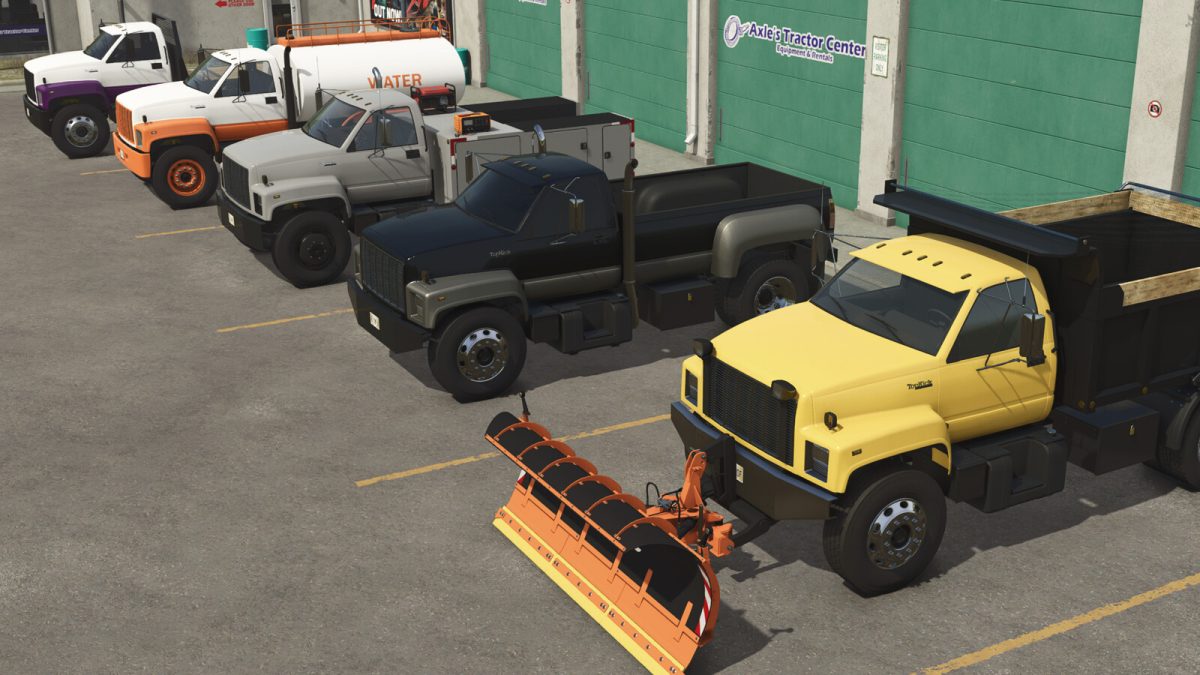
An iconic truck known worldwide today present in the best simulator. With its design, robustness and versatility, the C7500 truck is here to add a lot to your farm!

The model has several options such as:
– Long and short chassis
– Various wheels
– Low rear hitch
– Semi-trailer hitch
– Mudguards
– Exhausts
– Antennas
– Glass
– Custom interior
– Front hitch
– Display

It also has several couplings such as:
– Tin body (Turns the truck into a pickup truck)
– Long and short model platform
– Service trailer
– Tank for transporting liquids.
– Short bucket
– Long bulk carrier

The trailers that come with the C7500 have different options and designs. Perfect to leave them to your liking.

Price: 15000 $
Maximum speed: 120 km/h
Power: 300 hp

Credits:

SleutjesModding

How to install FS25 Trucks?
Firstly find a mod which you like and want to download. Then download a mod to your PC. Mods are usually in .zip format file. But sometimes it can be in .rar. If a mod file is a .zip format no needed additional actions. If a file is in .rar, then you must unarchive mod with software like WinRar or Zip7. Windows 10 users no need to use software for archives, Win10 itself has a feature to unarchive files.
The next step is to find mods folder in your PC. Usually, it is in Documents/My Games/Farming Simulator 25/2025. Open the "mods" folder and put downloaded .zip archive or unarchived .rar file to this folder.
Last step. Enjoy of FS25 mods!

Leave a Reply

Your email address will not be published. Required fields are marked *