
FS25 Misc

Livestock Yield Boost v 1.0

Livestock Yield Boost v 1.0

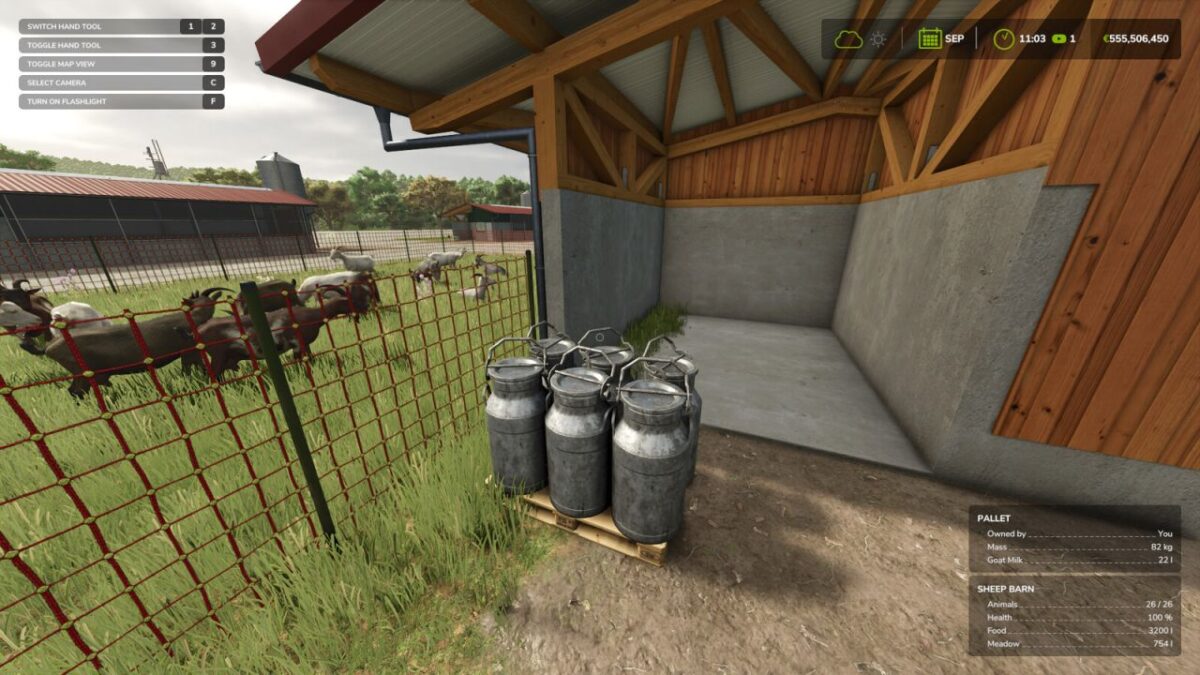
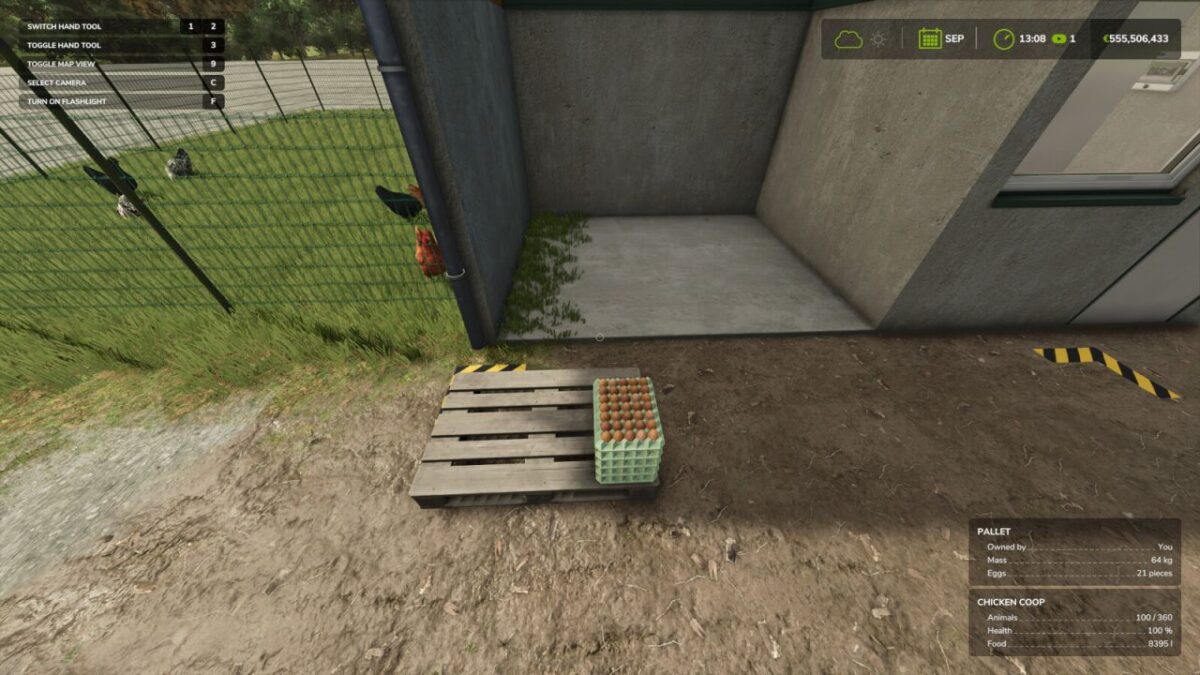
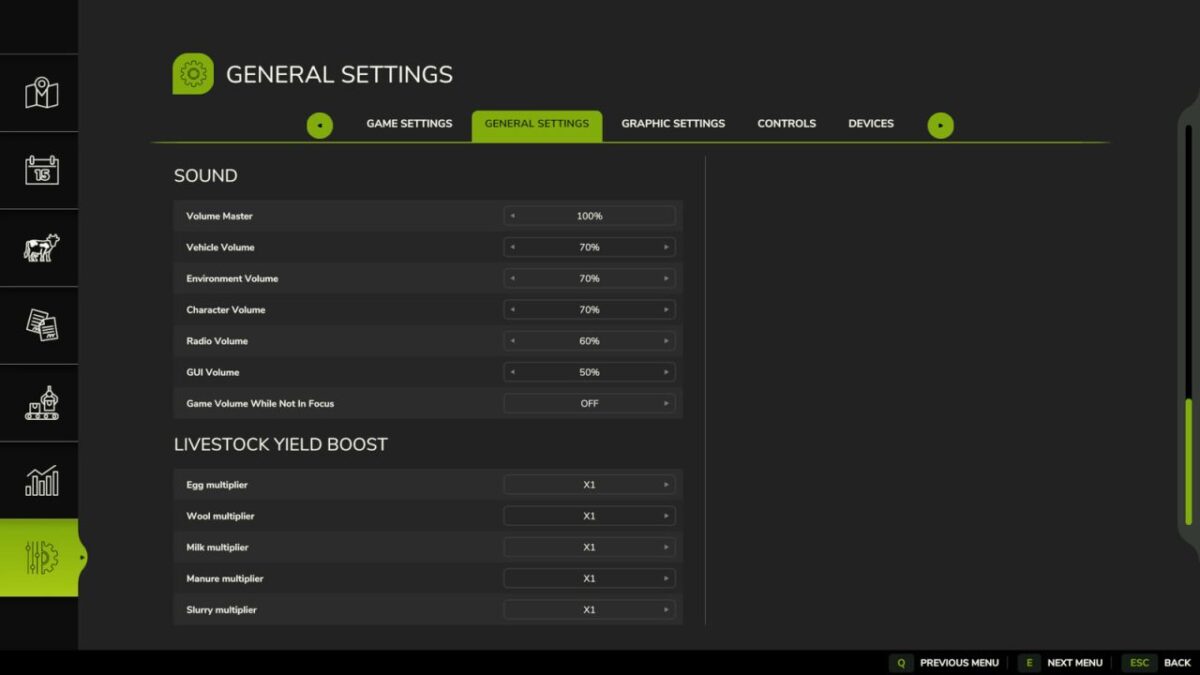
Livestock Yield Boost lets you multiply how much your animals produce every game hour: eggs, wool, milk, manure and slurry each have their own independent multiplier, from x1 to x100.
Adjust the multipliers from the general settings menu.
Works in singleplayer and, if you are hosting the game, in multiplayer too: connected players don’t need to do anything, the boosted production is calculated by the host and applies to everyone.

Credits:

t3rrox96

How to install FS25 Misc?
Firstly find a mod which you like and want to download. Then download a mod to your PC. Mods are usually in .zip format file. But sometimes it can be in .rar. If a mod file is a .zip format no needed additional actions. If a file is in .rar, then you must unarchive mod with software like WinRar or Zip7. Windows 10 users no need to use software for archives, Win10 itself has a feature to unarchive files.
The next step is to find mods folder in your PC. Usually, it is in Documents/My Games/Farming Simulator 25/2025. Open the "mods" folder and put downloaded .zip archive or unarchived .rar file to this folder.
Last step. Enjoy of FS25 mods!

Leave a Reply

Your email address will not be published. Required fields are marked *