
FS25 Misc

Livestock Monitor v 1.0

Livestock Monitor v 1.0

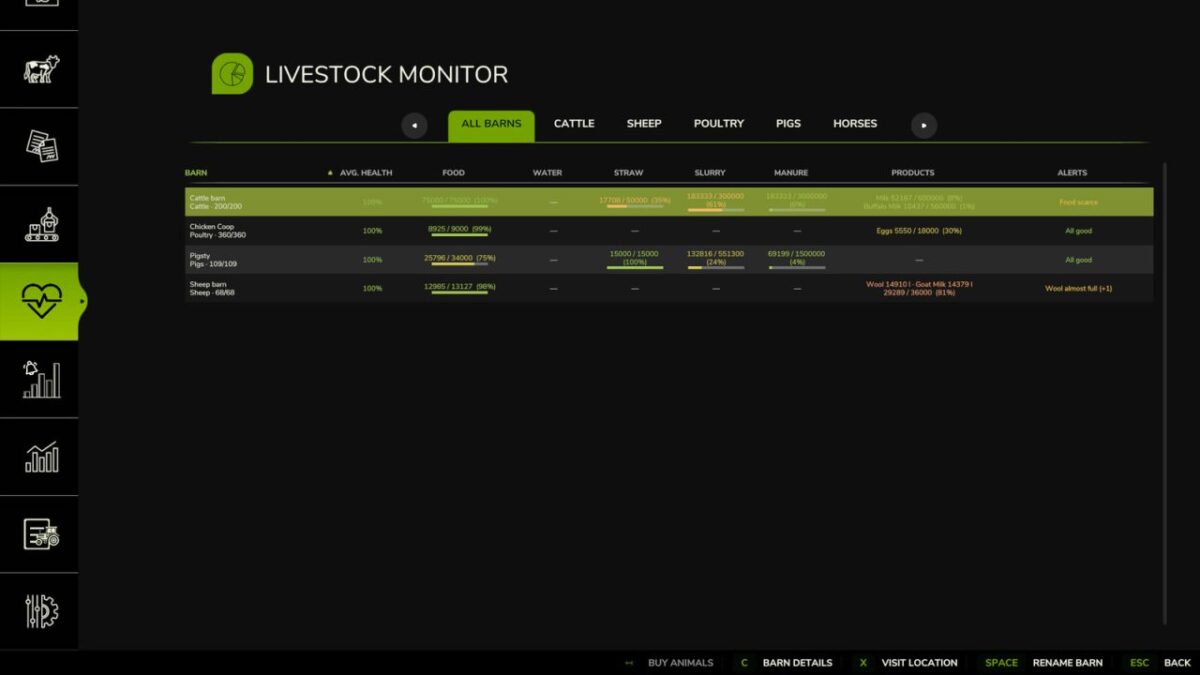
Monitor all your animal husbandry from a single integrated panel in the game menu.
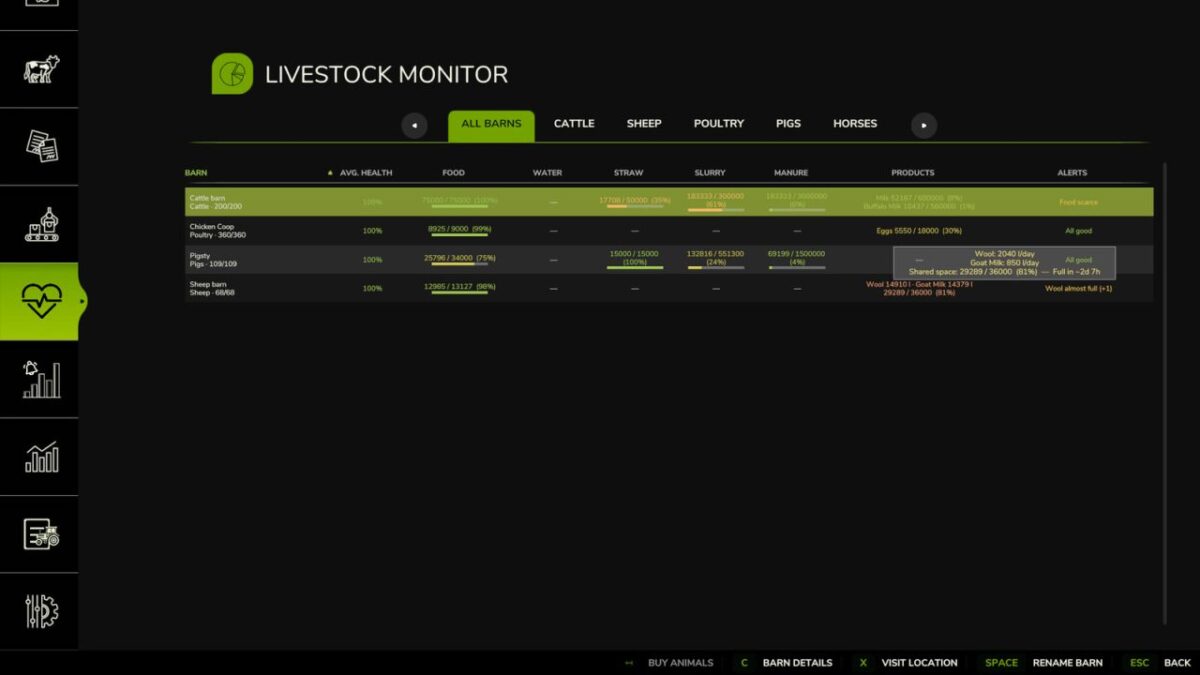
The overview tab shows at a glance health, food, water, straw, slurry and production levels for every barn.
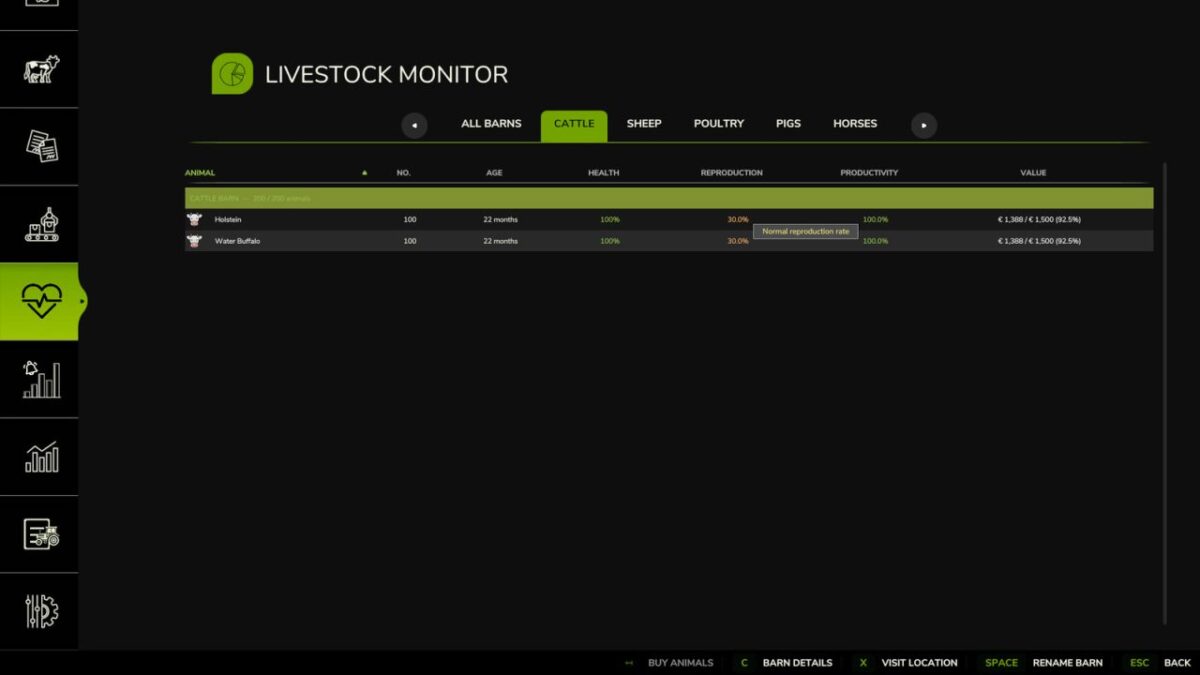
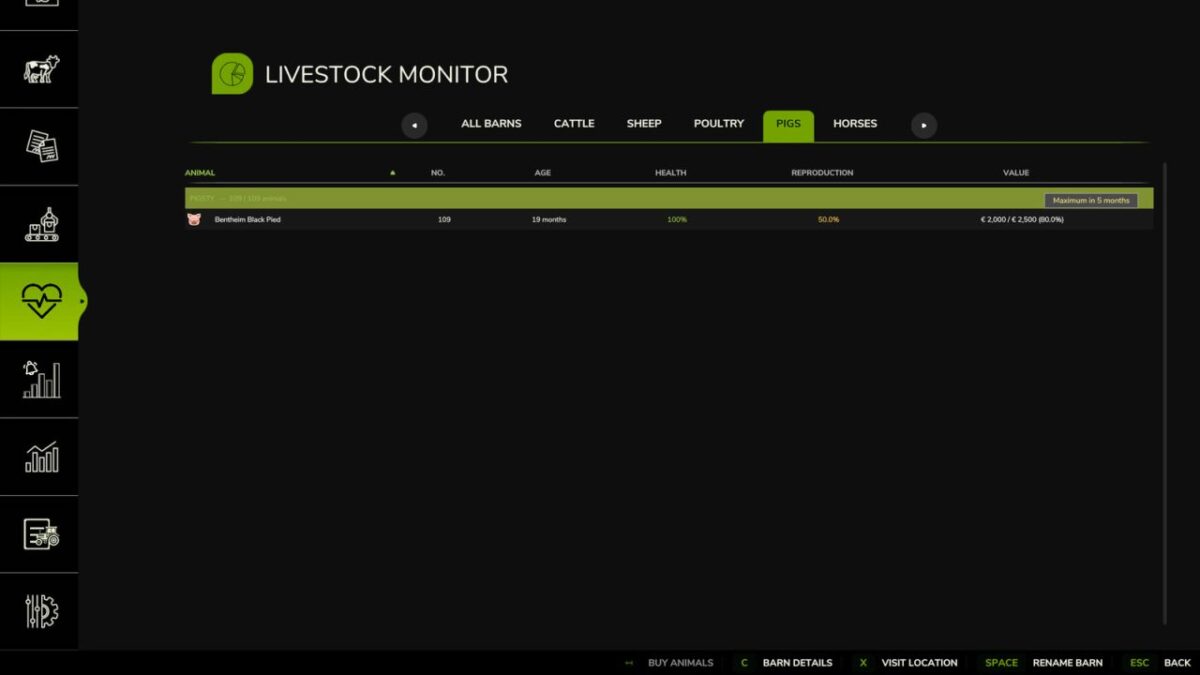
Dedicated tabs give a detailed view of every animal cluster by species — cattle, pigs, sheep, goats, horses and chickens with individual health, age, reproduction and value data. Rename barns, buy and sell animals, and inspect full barn details without ever leaving the menu.
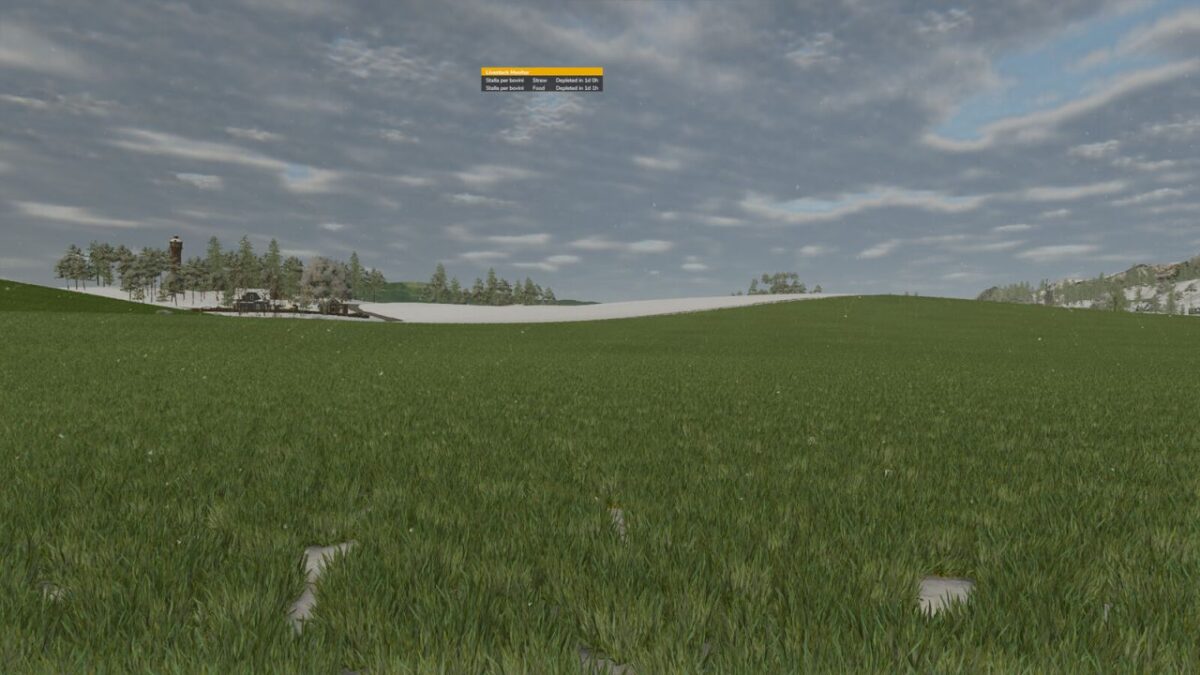
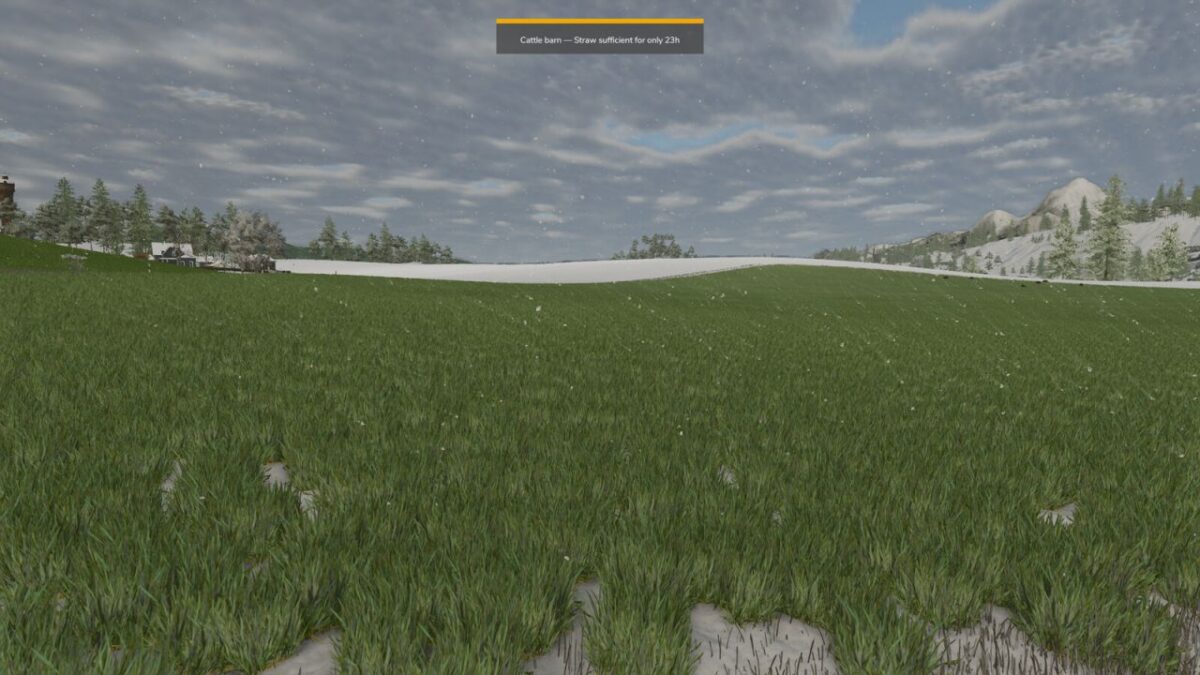
Choose how to receive alerts: hourly notifications when food, water or straw are running low or product storage is nearly full, or an always visible HUD panel during gameplay showing critical barn status in real time, draggable wherever you prefer.
Before going to sleep, you always receive a summary of active issues, regardless of the chosen mode.

Credits:

Redentore

How to install FS25 Misc?
Firstly find a mod which you like and want to download. Then download a mod to your PC. Mods are usually in .zip format file. But sometimes it can be in .rar. If a mod file is a .zip format no needed additional actions. If a file is in .rar, then you must unarchive mod with software like WinRar or Zip7. Windows 10 users no need to use software for archives, Win10 itself has a feature to unarchive files.
The next step is to find mods folder in your PC. Usually, it is in Documents/My Games/Farming Simulator 25/2025. Open the "mods" folder and put downloaded .zip archive or unarchived .rar file to this folder.
Last step. Enjoy of FS25 mods!

Leave a Reply

Your email address will not be published. Required fields are marked *