

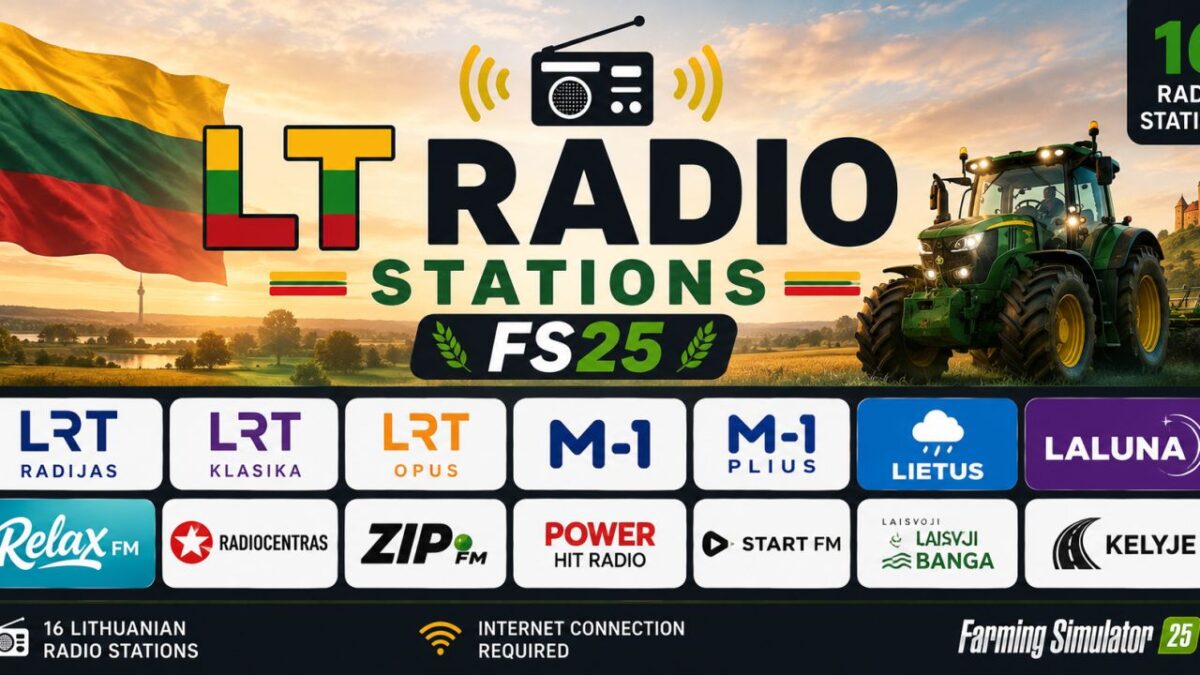
Lithuanian Radio Stations v 1.1


Bring the best Lithuanian radio stations to Farming Simulator 25
This package adds Lithuanian internet radio stations so you can enjoy music, news and entertainment while working on your farm.
Included radio stations
Relax FM
Radiocentras
M-1
M-1 Plius
ZIP FM
Lietus
Laluna
Gold FM
Žinių Radijas
Rock FM
European Hit Radio
Installation
1. Download the package.
2. Copy streamingInternetRadios.xml to:
`Documents/My Games/FarmingSimulator2025/music`
3. Replace the existing file if prompted.
4. Launch Farming Simulator 25.
5. Enjoy Lithuanian radio while farming!
If any radio station stops working in the future, it is usually because the broadcaster has changed its streaming URL. Updates will be released when necessary.
Version 1.1:
* Added 5 more radio stations
Credits:
Tim Tim


