Liquid Lime v1.3.0.1


Liquid Lime
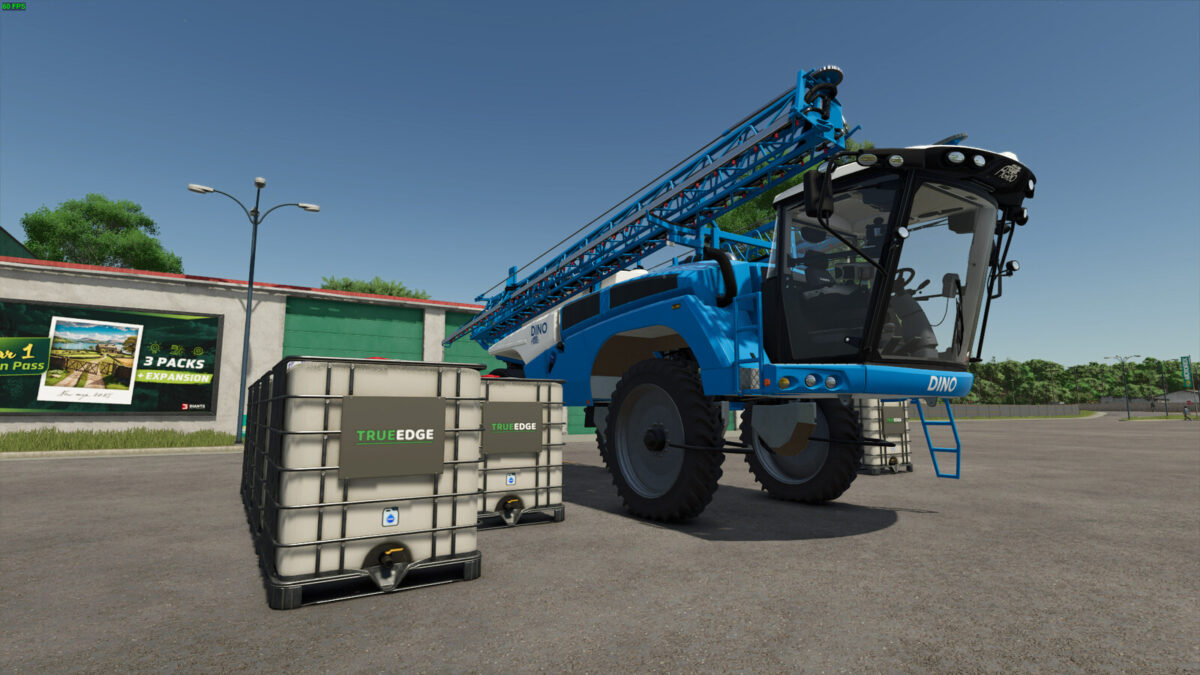
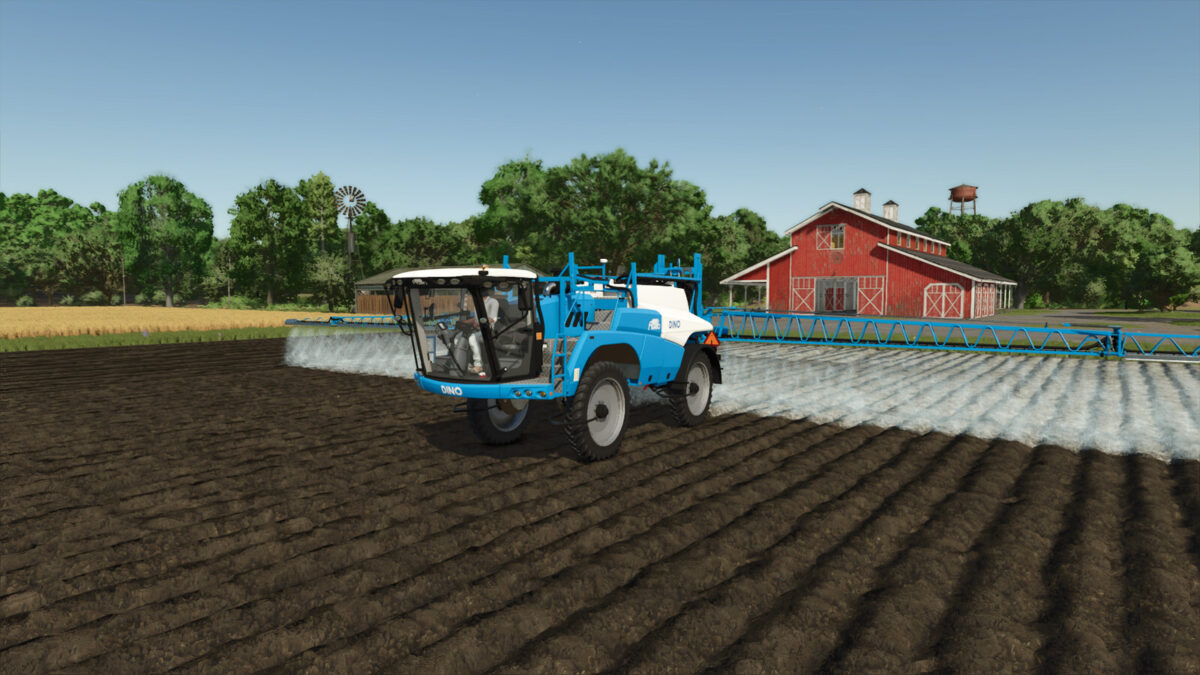
Revolutionize your farming experience with Liquid Lime, specially formulated for use with sprayers.
Helper auto-buy works when Liquid Lime is the selected or last used fill type. If an empty multi-product sprayer defaults to fertilizer, load Liquid Lime once before starting the helper.
Key Features:
– Liquid Lime Fill Type:
– Adds Liquid Lime to the game as a new material compatible with sprayers.
Items:
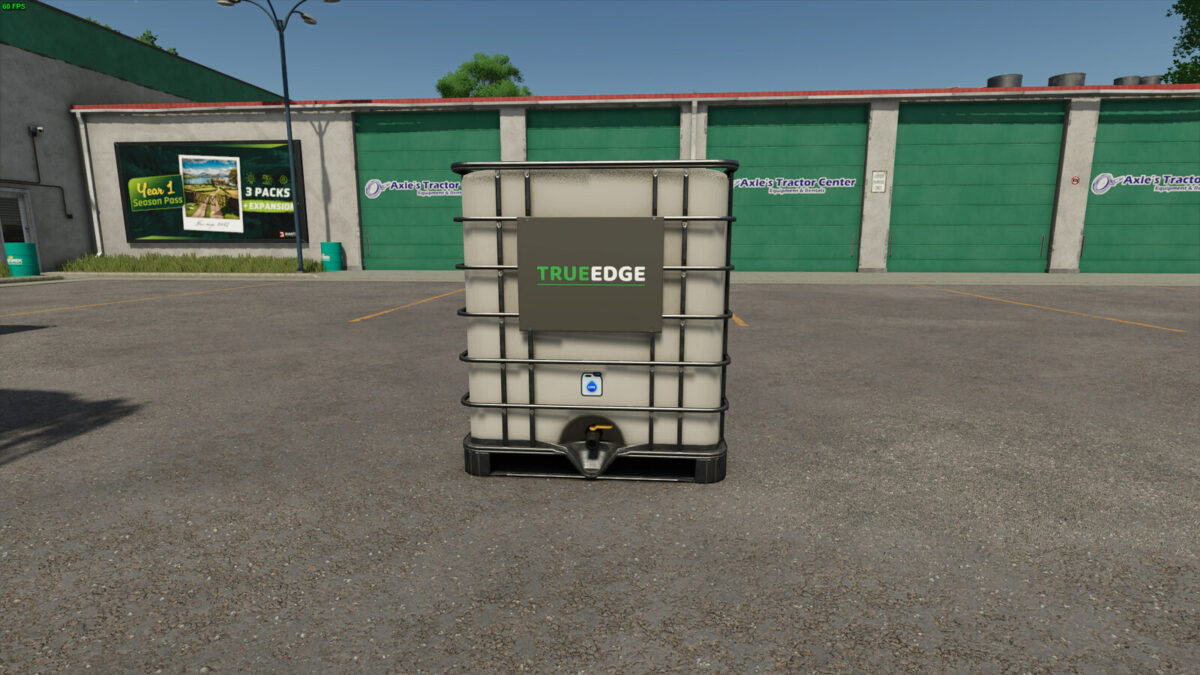
– TrueEdge Liquid Lime Tank:
– Capacity: 2000 liters
– Price: $1,100
– Meridian Liquid Lime Silo:
– Capacity: 155,000 liters
– Price: $46,500
– Daily upkeep: $100
– TrueEdge Liquid Lime Production:
– Price: $42,500
– Daily upkeep: $100
– Liquid Lime recipe: LIME and WATER
– Liquid Lime Sell Point:
– Sell loose Liquid Lime from production output and filled Liquid Lime tanks
– Price: $10,000
Liquid Lime provides a practical and efficient solution for soil treatment, aiming to replicate the characteristics of real liquid lime as closely as possible.
Please report any issues you may have here: https://github.com/FearlessNite345/FS25_Liquid_Lime/issues
Changelog v1.3.0.1:
– Fixed temporary Precision Farming fill-type overrides remaining after switching materials or unloading.
– Fixed empty tanks being treated as if they still contained Liquid Lime, affecting refill detection.
– Increased the Liquid Lime Sell Point multiplier from 0.23 to 0.50. Buying prices are unchanged.
Changelog v1.3.0.0:
– Added the Liquid Lime Sell Point for selling loose Liquid Lime from trailers, production output, and filled Liquid Lime IBC tanks.
– Updated the Liquid Lime tank visuals by replacing the old floating decal mesh with texture-based Liquid Lime icon artwork on the tank.
– Fixed the Liquid Lime sprayer material holder export so it no longer logs missing GS_ATTR_COLOR0 vertex attribute errors.
– Fixed the Liquid Lime spray material registration so spray effects appear on compatible sprayers.
– Rebalanced shop tank prices, production operating costs, and the Liquid Lime Sell Point payout to keep production profitable while preventing shop resale exploits.
– Added seasonal Liquid Lime prices with stronger spring and autumn demand.
– Fixed Liquid Lime Precision Farming detection so loaded herbicide, liquid fertilizer, and other spray types no longer behave as Liquid Lime because of stale PF state.
– Improved the Precision Farming application label and low-volume debug logging.
Changelog v1.2.0.0:
– Added built-in Precision Farming support for Liquid Lime.
– Added Precision Farming pH usage-rate scaling so Liquid Lime respects its configured spray rate.
– Added runtime Precision Farming lime mapping so Liquid Lime is treated as lime only while PF code is processing it.
– Added Precision Farming sprayer flag handling, cleaner pH HUD labeling, usage statistics, and improved spray effect handling for Liquid Lime.
– Added helper/AI worker auto-buy support for Liquid Lime when Liquid Lime is the active or last used fill type.
– Added Lua-based Liquid Lime fill type support for ABI 550, ABI 1600, Lizard MKS 8, and Lizard MKS 32 without shipping edited vehicle XMLs.
– Added direct Liquid Lime IBC unloading into the Liquid Lime Silo.
– Added trailer loading for Liquid Lime stored in the Liquid Lime Production.
– Rebalanced the Liquid Lime Production recipe and operating cost for the new usage rate.
– Improved dedicated server compatibility by skipping client-only material loading.
– Fixed duplicate spray type registration when another mod registers Liquid Lime first.
– Updated the Liquid Lime material holder setup to reduce graphics pipeline errors.
– Reduced Liquid Lime usage rate for better sprayer balance while keeping the same price.
– Removed the old PF Configurator-specific modDesc config because Precision Farming support is now built in.
– Removed broad slurry tank category support so slurry-only equipment does not unintentionally accept Liquid Lime.
– Split the Lua code into smaller runtime, vehicle, Precision Farming, helper auto-buy, and registration modules.
– Added a Czech mod description.
Credits:
FearlessStudios